


Printing and paper

Keith has removed all Google ads. Too many deceptive and irritating adverts.
Any ad links left are non tracking, to companies we know, trust and we've worked with for years [Park Cameras]
Ads helped pay for site running costs, so if you found something useful, please
...Make small KoFi donation?
...Subscribe to Keith's YouTube Channel
...Get Keith's book about how to use tilt/shift lenses
Our site contains affiliate links - these help support the site. See our Advertising policies for more
Looking for Keith Cooper’s ICC Printer profiles?
The papers tested are listed in the printer reviews. Profiles available on request
Keith just asks for a Kofi donation for them
Making better prints
Suggest a product review or article? See our Review guidelines for more details.
New to printing? Where to start?
- Better photography by printing your photos
- Choosing the right paper types
- My prints are too dark – or just look wrong
- Keith’s YouTube channel
- Index for all of Keith’s 900+ videos
Reference pages and test images
- Printer Test Images
- B&W printer test image
- Printer cleaning
- Paper reviews
- Keith Cooper printer profiles
- Printer info/news/speculation Canon | Epson
Current printer reviews
- Dye based: [cartridge] XP15000 | PRO-200
- Dye based [ink tank] ET-2850 | G550 | ET-18100
- Pigment ink: PRO-300 | P700 | WF8690
- Hybrid ink set [ink tank]t: ET-8550 | ET-8500
- 17″ width: P900 | P5000 | PRO-1000 | P5300[5370]
- 24″+ PRO-2000[2100] | P7000 | P7500 | P20000 | TC-20M
Older printer reviews

More specialist index pages
- Keith’s photo blog
- Articles and Reviews
- B&W printing & photography
- Colour Management
- Keith’s photography book reviews
- All about using tilt and shift
- Camera and printer rumours
- The business side of photography
- Tutorial, hacks and ‘How to’ articles
- Gallery of some of Keith’s prints
- Some of Keith’s travel blogs
For even more detail, check the category listings and search box at the right of the page.
Keith Cooper’s printer and paper articles and reviews
Printer and paper reviews, along with articles about making better prints.
Never miss new articles/reviews – sign up for our Newsletter (2-4 max. per month)
Categorised Index for all of Keith’s 900+ videos
Videos – print related
These are videos embedded in articles/reviews.
For a full index of all videos on YouTube, there is a categorised index page here:
- Video: Printing strong colours
 Video: printing strong colours - The screen versus the print. How the best looking image on the screen may not be the one to make the best looking print. Soft proofing, colour and printer/paper choices (~24mins)
 - Video: Epson V850 scanner
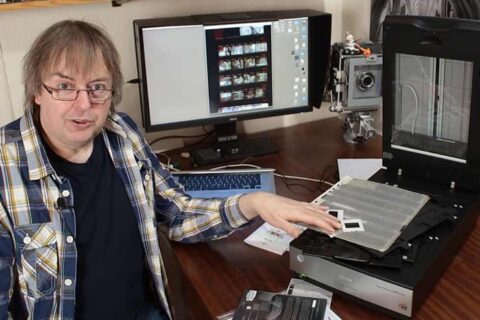 Videos: Epson V850 scanner - review updates for the film and photo scanner. Expanding on Keith's detailed written review of the Epson V850 reflective/transparency scanner - multiple videos
 - Video: Which sharpening software to choose
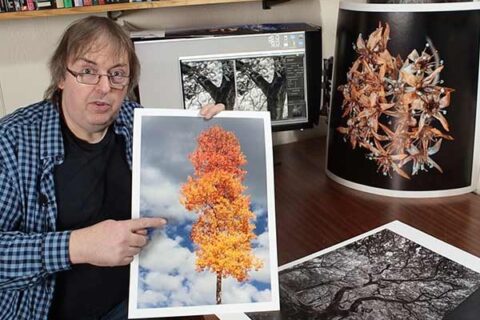 Video: Which sharpening software to use for different images. Keith looks a three different applications he uses and why different types of sharpening work for different images and end uses
 - Video: The print quality triangle
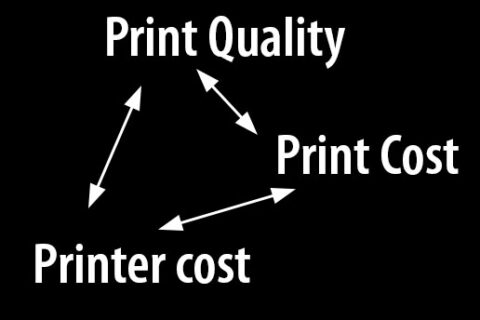 Video: The print quality triangle - Are you looking for a cheaper high quality printer for photos/art? What factors limit your choice and how do you decide what matters
 - Video: Print sharpening choices
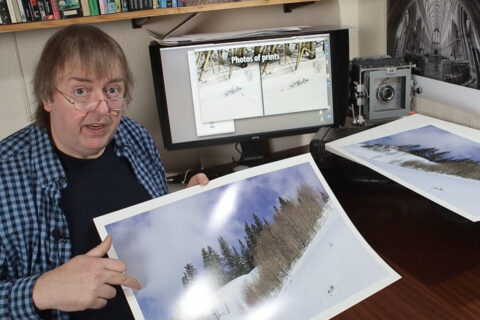 Video: Print sharpening choices and decisions in your workflow when making an A2 landscape print. Includes image re-sizing and noise reduction options for best print quality
Articles/reviews
- Epson Stylus Photo R2880 review
 Review of the Epson Stylus Pro R2880 printer. Desktop printer is 13 inch print width and takes A3+ sheets and roll, photo and fine art papers for colour and monochrome printing.
 - Spyder3Print SR (SpyderPrint) review
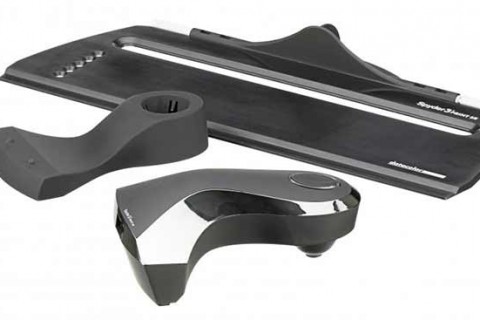 Review of the Datacolor Spyder3Print printer profiling package. Looks at the latest spectrocolorimeter for strip reading patches and creating icc profiles
 - Canon iPF6100 review
 Full review of the Canon imagePROGRAF iPF6100 24 inch large format printer. Colour management and profiling for all printing on different media types. Colour and black and white printing.
 - New Canon stuff day…
 Keith's new TS-E24 f3.5L 24mm tilt shift lens and a Canon iPF6100 printer turns up for review. First looks at some new equipment.
 - PDV-3e desktop viewing stand review
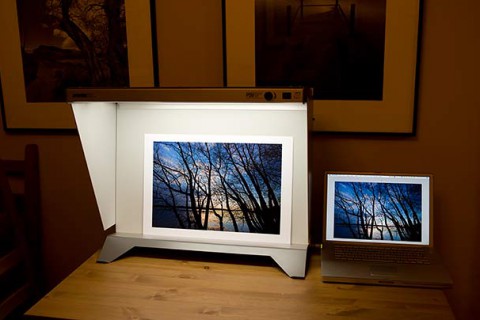 Review of the GTI PDV 3E print viewing stand. Desktop model with adjustable light intensity. Why a viewing stand helps with soft proofing and print quality
 - Jane Fonda and Me…
 Jane Fonda and me... digitally printing 35mm photos taken on the set of Barbarella. Turning a scanned negative into a 42" print of Jane Fonda in Barbarella
 - Photography Tutorial – Making a black and white landscape print
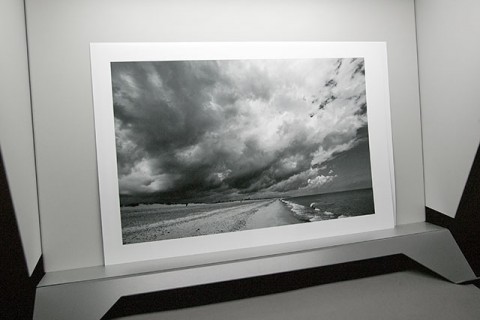 Making a black and white landscape print. A photography tutorial covering the steps needed to produce a black and white print from a colour image.
 - Black ink swap on the Epson 7880 and 9880
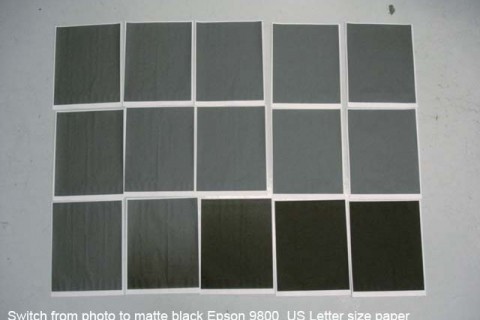 An unofficial method for swapping photo black and matte black inks on the Epson SP7880 and SP9880 printers, reducing ink waste. Use with care
 - Black ink swap on the Epson 7800 and 9800An unofficial method for swapping photo black and matte black inks on the Epson 7800/9800 printers, reducing ink waste.
- HP DesignJet Z3200 review
 Detailed review of the HP DesignJet Z3200. Testing the Z3200ps 24 inch large format printer with fine art and photo media, including profiling and colour management, for colour and black and white printing.
 - Review i1iSis optical brightener compensation
 Review of i1iSis optical brightener compensation for creating ICC printer profiles for paper with optical brightening agents (OBAs) that allow for the brightener.
 - Why are my prints too dark?
 Why are my prints too dark? Why monitor brightness matters when it comes to printing your photos. Some of the common problems and their solutions
 - What working space to use – colour management choices
 What working space to use? Looking at some of the advantages and issues when choosing a working colour space.
Which colour management choices matter?
What working space to use? Looking at some of the advantages and issues when choosing a working colour space.
Which colour management choices matter? - GrafiLite – print viewing lighting review
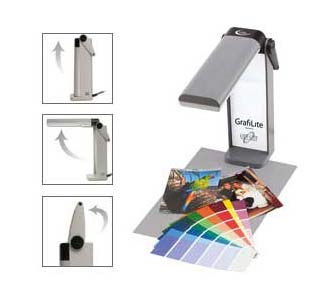 Review of using a Grafilite (Ottlite) lamp for evaluating print quality and consistency. the 13W TruColor lamp is the equivalent of a 60W tungsten lamp
 - Fixes and tips for the Epson 4800 large format printers
 Collected information, fixes and tips for the Epson Stylus Pro 4800 large format printers, including MNT REQ 0088 and service manual information
 - Deactivate the ink level counter on the Epson 4000
 Ensuring that ink cartridges always read as full on the Epson Stylus Pro 4000 17" printer. Turning off the ink counter is an alternative to using a chip reset device.
Never miss a new article or review - Sign up for our occasional (ad-free) Newsletter
and please do subscribe to Keith's YouTube Channel

Other areas of our site that may be of interest...
All the latest articles/reviews and photo news items appear on Keith's Photo blog

Keith explains tilt and shift lenses
Keith has written a book that looks at the many ways that tilt/shift lenses can benefit your photography from a technical and creative point of view. If not in the UK check for import issues and maybe try an on-line bookshop. Keith has no connection with sales of the book.
ISBN 9781785007712
There is also a specific index page on the site with links to all Keith's articles, reviews and videos about using tilt and shift.
We've a whole section of the site devoted to Digital Black and White photography and printing. It covers all of Keith's specialist articles and reviews. Other sections include Colour management and Keith's camera hacks - there are over 1200 articles/reviews here...
We're an Amazon.com affiliate, so receive payment if you buy via Amazon US