


No more Google ads. Too many deceptive and irritating adverts.
Any ad links left are non tracking, to companies we know, trust and we've worked with for years [Park Cameras]
Ads helped pay for site running costs, so if you found something useful, please
...Make small KoFi donation?
...Subscribe to Keith's YouTube Channel
...Get Keith's book about how to use tilt/shift lenses
Our site contains affiliate links - these help support the site. See our Advertising policies for more
We’ve lots of articles on this site covering digital black and white photography and other monochrome issues.
If you are just starting out with digital black and white, then this particular article may be of interest. It’s a 2020 version of the original I wrote in 2004.
This page is the reference point for all our digital black and white photography related articles and reviews.
It covers all aspects from taking photos for black and white use, processing and editing them (converting colour to b&w) and producing black and white prints.
Articles listed here are those with significant sections dealing with aspects of black and white photography. There are also some of my older Black and White Photos in the Gallery
Reference pages and test images
- Printer Test Images
- B&W printer test image
- Printer cleaning
- Paper reviews
- Black & White from colour – 20+ conversion techniques
Videos
- Keith’s YouTube channel has a specific digital black and white playlist.
Current printer reviews (include B&W sections)
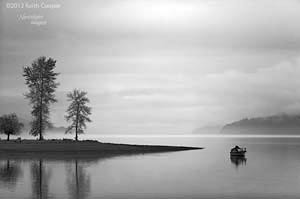
Why Black and White
Black and white photography still inspires me.
I’m reminded of this quote from someone who’s original work, and ability to explore new techniques I admire:
“I eagerly await new concepts and processes. I believe that the electronic image will be the next major advance. Such systems will have their own inherent and inescapable structural characteristics, and the artist and functional practitioner will again strive to comprehend and control them.”
– Ansel Adams
forward to his book “the Negative”, published January, 1980
Digital Black and White Photography

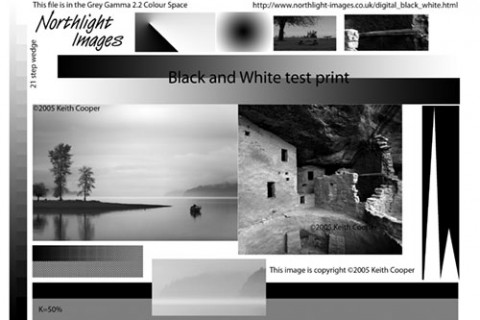
The image to the right is a special black and white printer test image.
Keith Cooper has created it to test the quality of black and white printing.
This is the current version of our standard black and white printer test image, first published in 2005.
The test image incorporates a number of features designed to make it useful in testing and then improving monochrome print output.
Many features are also directly copied from the old version so as to maintain compatibility with existing test prints.
It’s quite a harsh test, but covers most areas where printers have difficulties, such as shadow detail, colour casts, and linearity.
All the various parts are explained and an A4 300ppi sized version is freely available for download. There are versions with a 51 and 21 step greyscale ramp available for creating QTR ‘correction’ profiles. There are also numerous articles that include its use.
Black and White photography articles on this site
The articles and reviews are grouped into different categories. You can look through all the articles via the categories selection at there right, or use the search box.
Videos
These are videos embedded in articles/reviews.
For a full index of all videos on YouTube, there is a categorised index page here:
- Video: Black and White workflow for prints
 Video: Keith Cooper's black and white workflow for prints - From camera to print and how some processes have changed over 20 years, whilst others are just the same (30mins)
 - Videos: Key print quality choices
 Videos: What are the key print quality choices? Three videos look at what print quality means, how it goes beyond printer choice, and ways of looking at your prints
 - Video: Back to film for your photography
 Video: Thinking of using film in your photography? Why 'back to film' needs some reasons and serious thinking about what it is you want (19m 05s)
 - Video: Epson ET-8550 vs P700
 Video: Keith looks at which Epson 13" A3+ photo printer is best for your needs. The ET-8550 vs P700 features, benefits and differences (22m 40s)
 - Video: How good a printer do you need
 Video: Keith looks at how good a printer you need for printing your photos. What features and specifications matter when looking at printers (11m 50s)
—-
Articles
- Printer Test Images
 Collection of printer test images - colour and monochrome (black and white). Test photos for printer and monitor checking.
 - Dye inks or pigment inks for photo printing
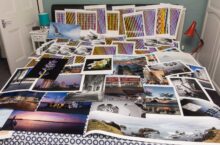 Would a dye based ink printer or one using pigment inks be better for your photo printing. What prints look best on what printer ink type?
 - PRO-200 Black and white printing
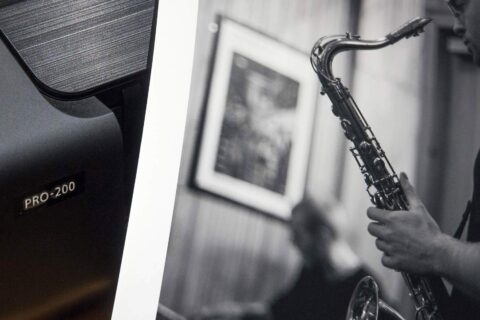 Printing black and white on the Canon PRO-200 A3+ dye based ink printer. Addressing the problem of colour tints under different lighting. Different types of paper and optimising the reproduction of your photos.
 - Black and White printing with the P700/P900
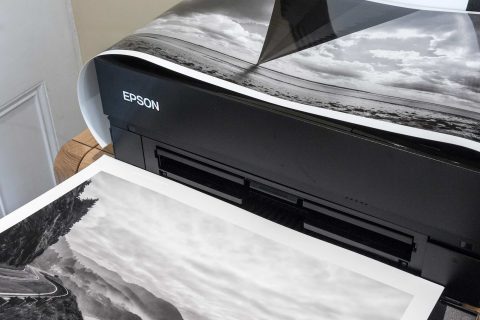 Black and white printing on the Epson SC-P700 A3+ pigment ink printer. Different types of paper and optimising the reproduction of your monochrome photos. Also covers P900 and P5300/5370
 - Custom media for the PRO-300
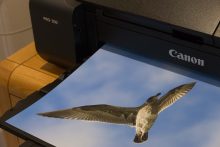 Creating custom media settings for the Canon PRO-300 printer with the MCT software. Using the free Media Configuration Tool software for the PRO300 A3+ (13")printer
 - Black and white printing with the PRO-300 [and 310]
![Black and white printing with the PRO-300 [and 310]](https://www.northlight-images.co.uk/wp-content/uploads/2020/07/black-and-white-print-480x320.jpg) Printing black and white on the Canon PRO-300 and PRO-310 A3+ pigment ink printesr. Different types of paper and optimising the reproduction of your photos.
Printing black and white on the Canon PRO-300 and PRO-310 A3+ pigment ink printesr. Different types of paper and optimising the reproduction of your photos. - Keith Cooper’s paper reviews
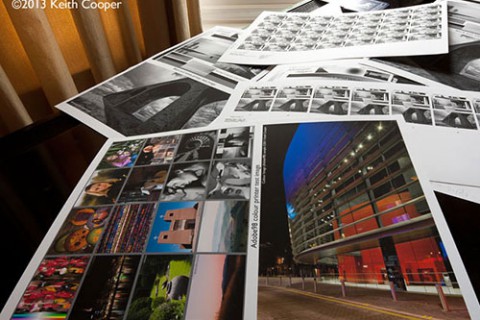 Keith's photo paper reviews - collected data from all the papers for printing photos that we've tested over the years. Helpful if you can't get them where you live. Matt, satin, lustre and glossy.
Regularly updated for new papers tested
Keith's photo paper reviews - collected data from all the papers for printing photos that we've tested over the years. Helpful if you can't get them where you live. Matt, satin, lustre and glossy.
Regularly updated for new papers tested - Digital black and white photography
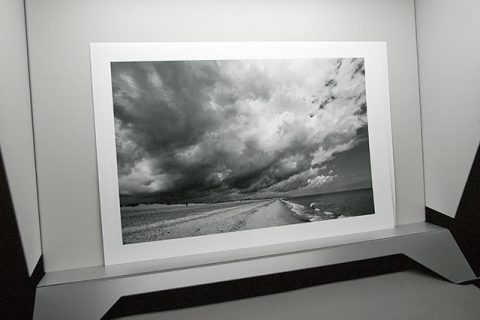 Exploring black and white photography and image editing. Methods of converting colour to B&W. How to get the monochrome image you want from a colour photo.
—
There are over 1300 free articles, videos and reviews on the site - thanks to everyone who helps support it. We appreciate any purchases you make through our partners such as B&H which help us sustain the site.
Reviews
- Museo Silver Rag review
 Looking at Museo Silver Rag 300gsm semi-gloss cotton rag paper, tested on a Canon iPF8300. Paper supplied under the Canon Oce brand.
 - Museo Max 250 cotton rag paper
 Testing Museo Max 250, a cotton OBA free smoothish ('velina') matt art paper on the Canon iPF8300. Includes print set-up details
 - Review of Tonality Pro
 Review of Tonality Pro Software from Macphun to create black and white images from colour photographs. Plugin Version 1. Apple Mac software
 - Review of Intensify Pro
 Review of the MacPhun image editing plugin, Intensify Pro. Also available as standalone app. Edit with layers in Lightroom, tested with Photoshop.
 - Review of DxO FilmPack V4.5
 DxO FilmPack Version 4.5 review. Accurate simulation of the look (grain colour and tonality) of a wide collection of film makes and types
 - Innova FibaPrint Baryta IFA69 paper review
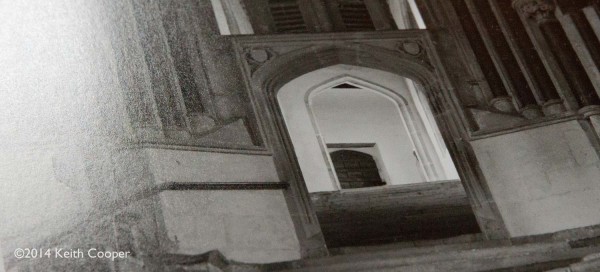 Innova have announced a new 310 gsm paper with a Baryta (Barium Sulphate) layer for its whiteness and weight. It's a good white, and not too warm for more general use.
 - Review of Topaz BW Effects 2 plugin
 BW Effects, review of Topaz Labs image editing plugin for converting colour photographs to black and white. Control over tonality and film emulation
 - Canon iPF6400 – 6450 printer review
 Detailed review of the imagePROGRAF iPF6450 (ipF6400) 24 inch large format printer. Colour management and print setup for colour and black and white
Printing
- What goes into a great print
 What goes into a photo print - getting more from your prints. Looking at printers, image preparation and just what makes a print worth going on your wall. Why are you making prints and who are they for?
 - PermaJet FB Pearl 300gsm
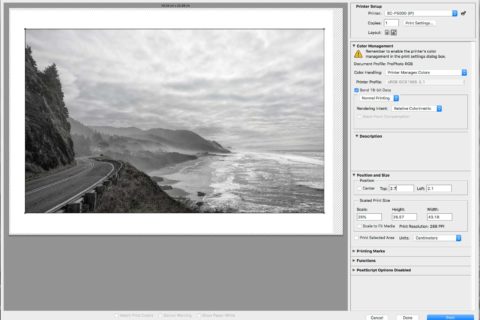 Paper review: Permajet FB Pearl 300gsm lustre/pearl finish photo paper. Fibre based baryta paper for pigment and dye based inks - give a bit more of a 'darkroom' feel to some images
 - Black and white test image for use with i1iSis
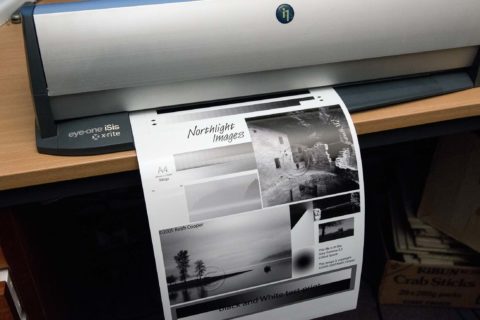 Black and white test image and 51 step (2%) greyscale step wedge for use with X-Rite i1iSis scanning spectrophotometer. Includes target files and downloadable test image
 - Permajet Titanium Gloss 300 metallic
 Paper review: Permajet Titanium Gloss 300gsm metallic gloss finish photo paper. High gloss paper for pigment and dye based inks. Examples showing how some images really suit the paper.
 - Fine tuning black and white photo printing
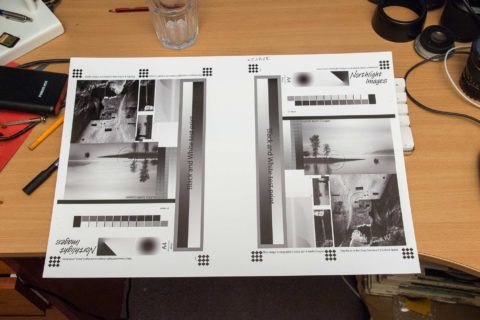 Fine tuning black and white photo printing with a flatbed scanner when using using monochrome print settings such as Epson ABW or Canon Black and White photo print modes. Test for optimal media settings. Print linearisation with curves.
 - Black and white linearisation with the i1Pro 3
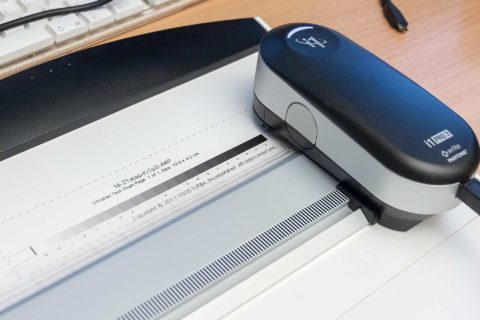 Updated linearisation for black and white printing with the X-Rite i1Pro3 spectrophotometer. Using the free chart measurement features of i1Profiler. Includes files and data for incorporating test strips into printer test images
 - X-Rite i1Photo Pro 3 plus review
 Review of the X-Rite i1Photo Pro 3 Plus monitor, scanner and printer profiling package using the i1Pro 3 Plus spectrophotometer. Backlit printed materials can now be profiled, and the spectrophotometer has an M3 option for polarised measurements
 - Panoramic printing review using Fotospeed paper
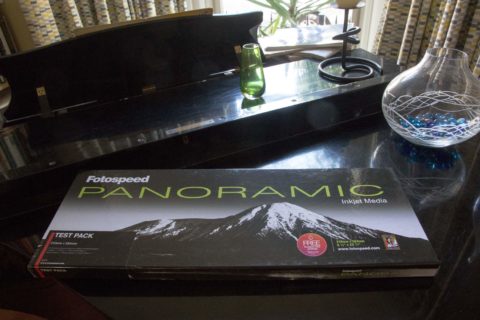 Wide prints and panoramic photo composition. Review of Fotospeed panoramic paper (210mm x 594mm) for wide prints colour and black and white. Some thoughts about making wide prints work.
News
- Epson SureColor SC-P5000 STD Printer announced
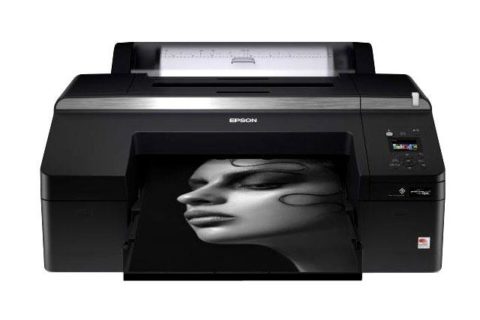 Latest information about the new SureColor P5000 17" large format printer from Epson. The replacement for the SP4900 A2 sized desktop printer.
 - Keith Cooper’s talks about printmaking
 Keith Cooper talks about making large prints at The Photography Show 2017 - Getting great looking big prints from your work. From camera to print, the complete workflow
 - New Canon papers announced
 Canon USA announce three new Premium Fine Art papers — Premium Fine Art Smooth, Premium Fine Art Bright White and Premium Polished Rag. Designed to produce, rich-color reproduction, and detailed expression of gradation. Keith has a roll of the Fine Art Smooth for an upcoming paper review
-- --
Never miss a new article or review - Sign up for our Newsletter (2-4 a month max.)More print related information from Keith
...or use the search box at the top of any pageReference pages and test images
- Printer Test Images
- B&W printer test image
- Printer cleaning
- Paper reviews
- Printer info/news/speculation Canon | Epson
Adverts removed