


Canon TS-E 24mm 3.5L II review
Review: Canon TS-E 24mm 3.5L II
Looking at Canon’s 24mm tilt/shift lens

No more Google ads. Too many deceptive and irritating adverts.
Any ad links left are non tracking, to companies we know, trust and we've worked with for years [Park Cameras]
Ads helped pay for site running costs, so if you found something useful, please
...Make small KoFi donation?
...Subscribe to Keith's YouTube Channel
...Get Keith's book about how to use tilt/shift lenses
Our site contains affiliate links - these help support the site. See our Advertising policies for more
The Mk.II 24mm TS-E lens from Canon was announced in 2009 and ours arrived shortly after that.
Keith’s original TS-E 24mm notes contains some technical information and some brief comparisons showing the benefits of the Mk.2 version of the lens over the new one, but are not a detailed review of the sort Keith has written in 2018 for other TS-E lenses.
This review is written in the same format as recent TS-E reviews and includes some photos of locations used in the other reviews for comparison.
If you are new to tilt/shift lenses Keith has written numerous articles and reviews. A good place to start is ‘What tilt/shift lenses do‘ with more about tilt in ‘Focusing the tilt/shift lens‘
Videos about tilt and shift – see the tilt/shift playlist for all of Keith’s YT videos about how to use such lenses.
Article Index

Buying a TS-E lens – Please consider buying a lens, or any other items at all, via our link with Amazon.
Amazon USA link / Amazon Canada link
It won’t cost any more (nor less we’re afraid) but will contribute towards the running costs of our site.
24mm tilt and shift
The 2009 Canon TS-E 24mm F3.5L II replaced their earlier TS-E 24mm lens, dating from 1991.
Key features of the TS-E 24mm f/3.5L II
From Canon
- Tilt and shift lenses compatible with all Canon EOS cameras
- Wide 24mm focal length, ideal for architecture and landscapes
- High precision lens elements for low distortion and high resolution to the edge of the image
- +/- 8.5° Tilt and ±12mm Shift
- Tilt and shift mechanism rotates +/-90° allowing shift in any direction
- Tilt mechanism rotates +/-90° allowing tilt in any direction relative to the shift
- Aspherical and UD lens elements minimise chromatic aberration
- Sub-wavelength structure and super-spectra coatings minimise ghosting and flare
- Circular aperture for creative, blurred highlights
The lens comes with a soft bag and lens hood.

The lens gives+/- 8.5° Tilt and ±12mm Shift compared with 8º and 11mm for the older version.
The lens (left) is slightly bigger than the old one and feels more solidly built.

It’s seen here with the old lens and the TS-E17mm, launched at the same time.
Whilst the lens is an excellent manual focus 24mm prime lens, it’s going to be the tilt and shift movements you get it for.
I’m testing the TS-E 24mm on my 50MP Canon 5Ds, although some images here were taken on my old (21MP) Canon EOS 1Ds mk3.
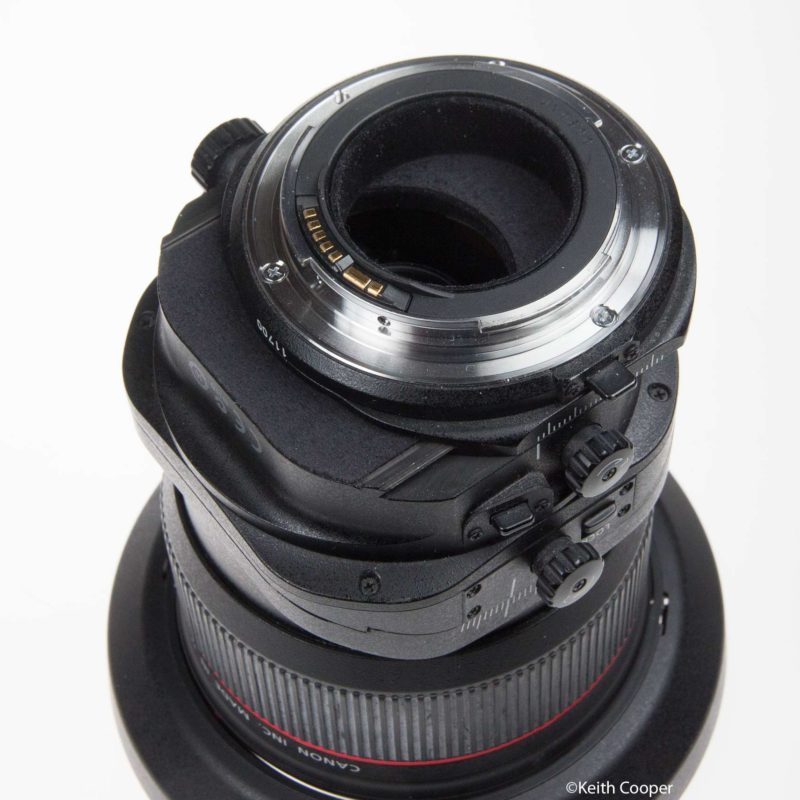
Here’s the lens showing the full range of movements. The tilt and shift movements are independent and can be smoothly rotated to 90º apart (click stops at oº/45º/90º), whilst the whole lens can be rotated 180 degrees relative to the mount (click stops at 30º steps).

As a result of the two movements (45º – 30º) the net effect shown above is a 15º clockwise rotation (viewed from the rear) of the plane of tilt.
I’ll come back to this when discussing some close up working, but it’s often easiest to think of tilt and shift as used up/down or side to side.
I should note that tilting the lens side to side is more correctly known as swing, and shifting up/down as rise/fall. However I’ll generally stick to the more common names.
The rotatable parts of the lens do move smoothly between click stops, but are prone to slipping, if not at a click stop, as your lens gets used. Ok for in the studio, but my own lenses are a bit slack after nearly 10 years of use.
There are locks on the lens to set a particular tilt or shift.

The 12mm of shift is really obvious when you look at the lens mount.
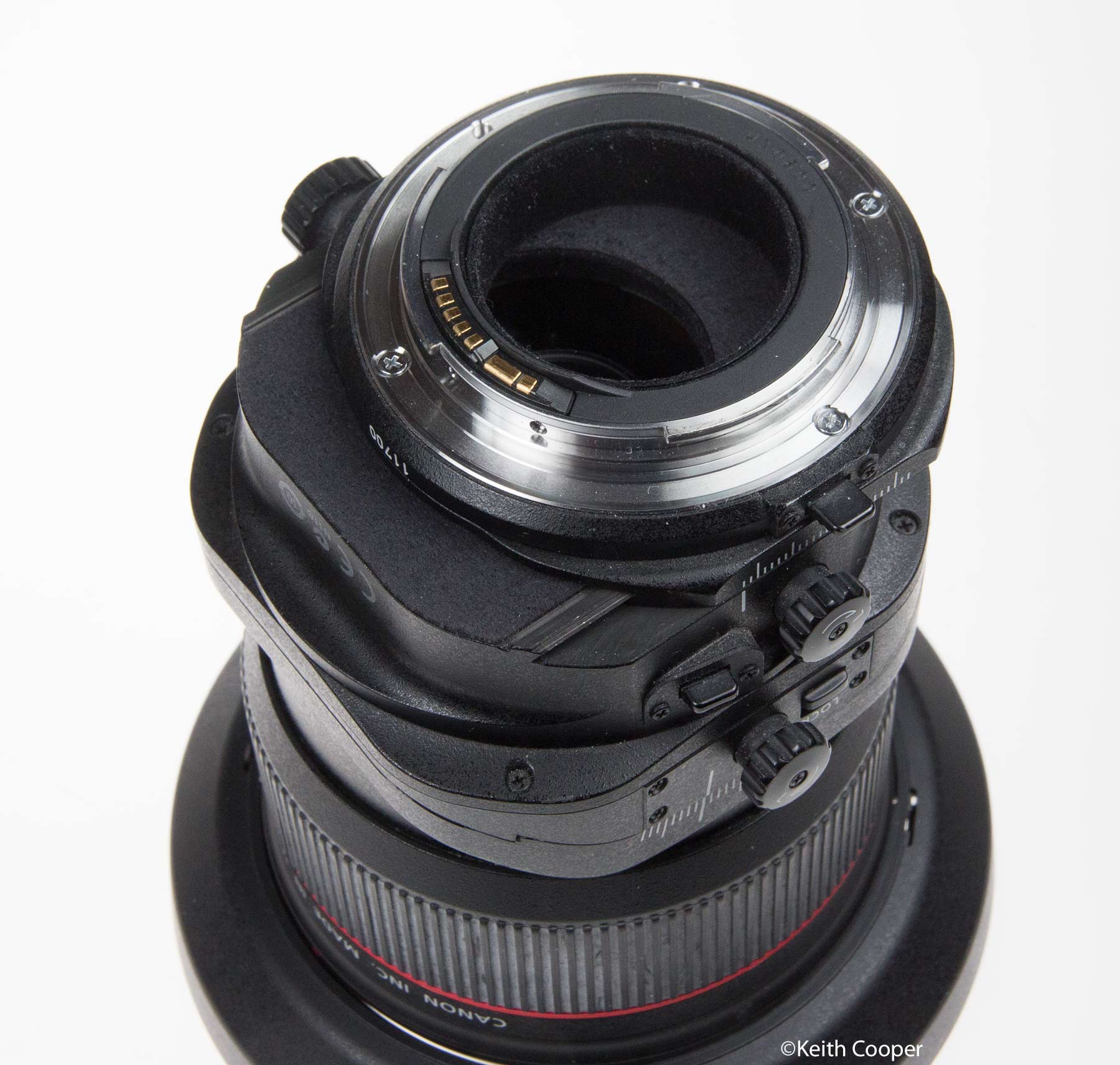
The new lens is a massive improvement over the old one in this respect. Once you went over 7mm of shift, the old lens started getting noticeably soft towards the shifted edges.
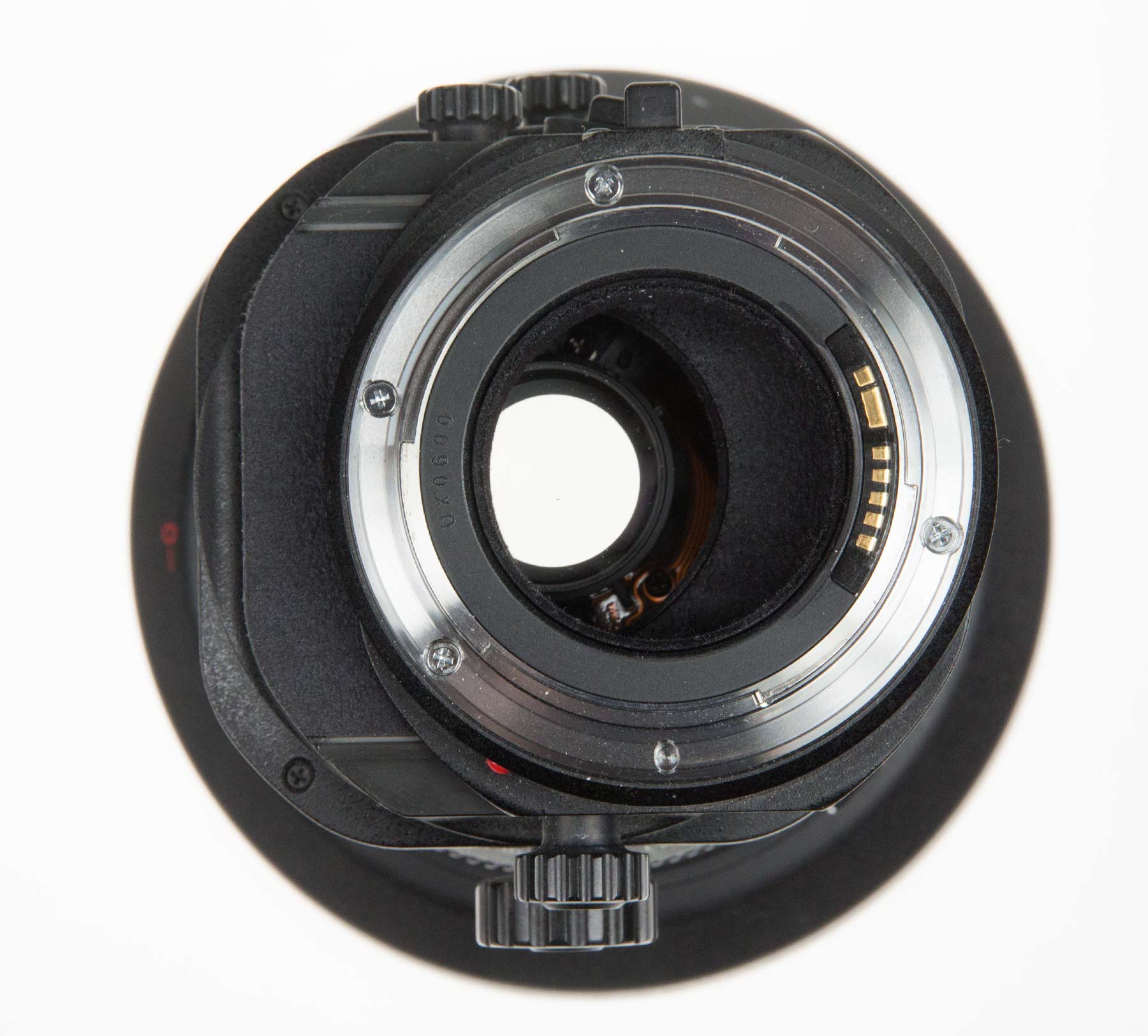
Looking down the lens at 12mm shift shows that the mount does still cut off some light – I’ll come back to this when looking at the lens vignetting performance.
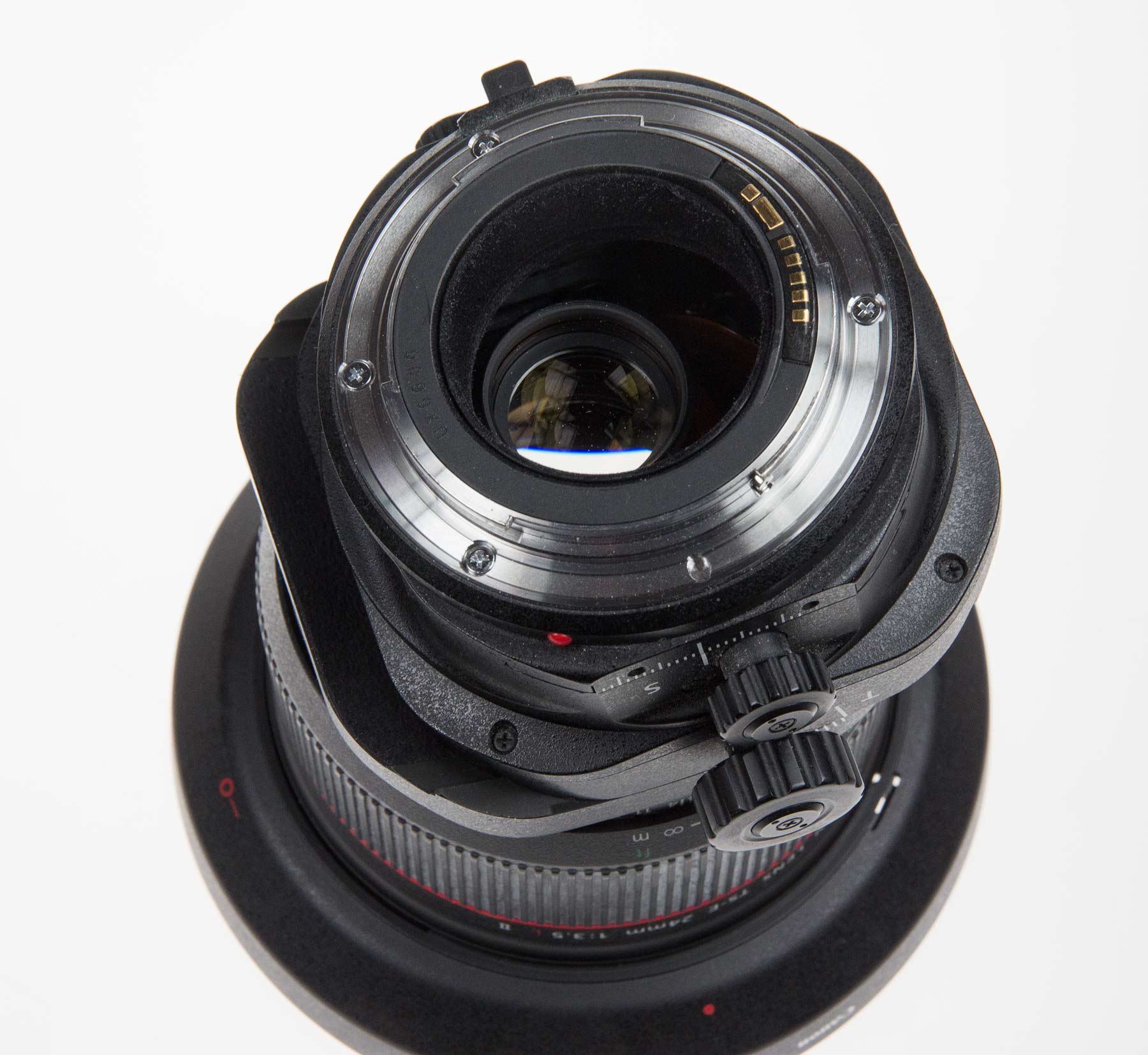
The lens tilt is where most people do a double take if they’ve not seen a lens like this.

The 8.5º of tilt is also an improvement on the old TS-E 24mm.
Note added: Movement limits TS-E 24mm
I didn’t appreciate this at the time, since it’s never come up as an issue for me in 15 years of using the lens!
Due to the internal lens cabling, there are combinations of tilt and shift you can’t get.
The lens rotates ±90º on the mount but only 0-90º for the tilt axis. This means there are limitations on combinations of tilt and shift axes, so if for example I want left-right shift, I’m limited to a tilt axis going from up/down, through down/right to left/right. If I want shift down left, I need to rotate the lens and no longer have left/right shift. Something to fix perhaps on the eventual RF mount replacement for the TS-E 24mm
Specifications
Info from Canon.
| Angle of view (horzntl, vertl, diagnl) | 74º 53º 84º |
| Lens construction (elements/groups) | 16/11 |
| No. of diaphragm blades | 8 |
| Minimum aperture | 22 |
| Closest focusing distance (m) | 0.21 |
| Maximum magnification (x) | 0.34 |
| Distance information | Yes |
| Filter diameter (mm) | 82 |
| Max. diameter x length (mm) | 88.5 x 106.9 |
| Weight (g) | 780 |
| Magnification – Extension Tube EF12 II | 0.85-0.51¹ |
| Magnification – Extension Tube EF25 II | 1.47-1.12 |
| Lens hood | EW-88B |
| Soft case | LP1319 |
One of the biggest changes in the optical performance of the TS-E17 and TS-E 24mm mk2 was the improved image circle.
The original TS-E 24mm has red marks against any shift over 7mm, where image quality was likely to be degraded.
With the new lens you are working in the better’ part of the image circle – no red marks any more.

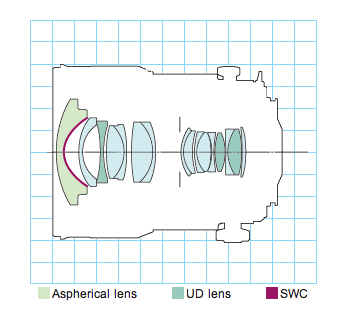
The lens has quite a collection of exotic glasses and coatings to reduce flare.
Lens MTF
Figures are from Canon data
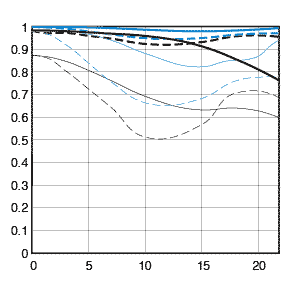
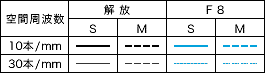
| A quick guide to MTF charts (which only measure contrast and resolution) > Canon's guide to their MTF charts) | |
| Black lines reflect lens performance at widest aperture. Blue lines show the performance at f/8 - Thick lines indicate lens contrast Thin lines indicate lens resolution |
Dashed lines: Lens performance with meridional lines. Solid lines: Lens performance with sagittal lines - Closer sagittal and meridional chart lines indicate more 'natural' out of focus areas. |
| Remember that MTF charts are good for comparing similar lenses, so comparing ones from the 14mm f2.8L and 300mm 2.8L won't tell you much at all, whilst comparing the EF14 2.8L with the EF14 2.8L II will show meaningful differences. Note that other manufacturers may have different ways of displaying such information that may or may not match up with the Canon figures. | |
Aperture
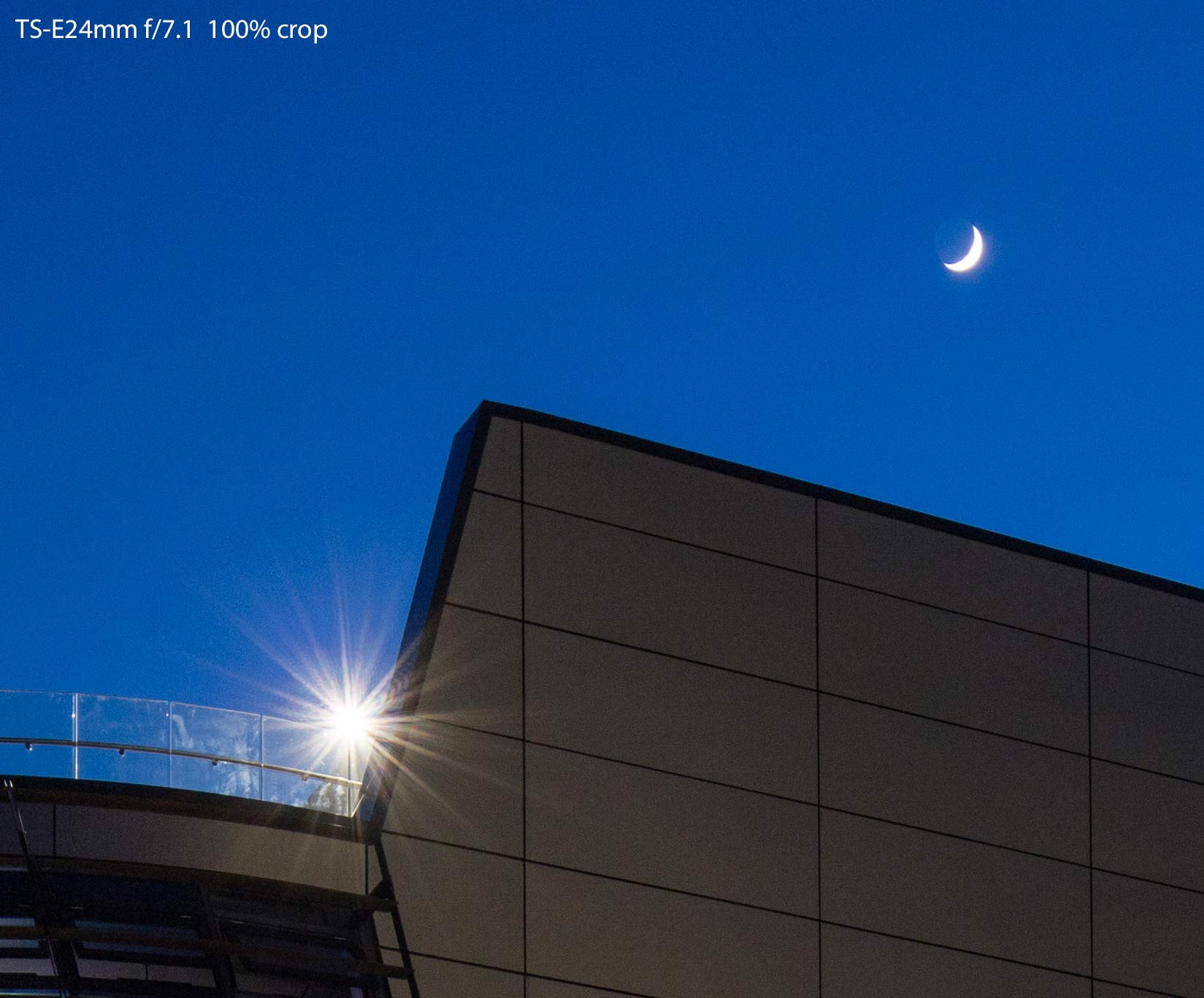
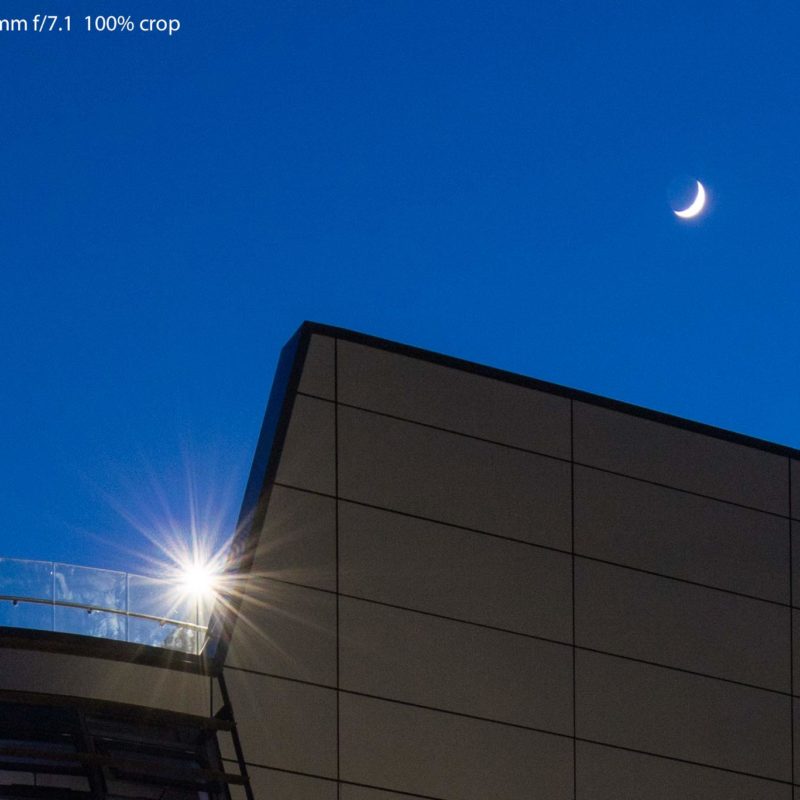
The 8 rounded blades of the aperture improve out of focus areas over the old lens, but with bright lights you do get distinctive starburst effects.
These vary with aperture and if the light is in a part of the image that you’ve shifted the lens to reach.
A 100% crop from a night time image. [click to enlarge]
Flare
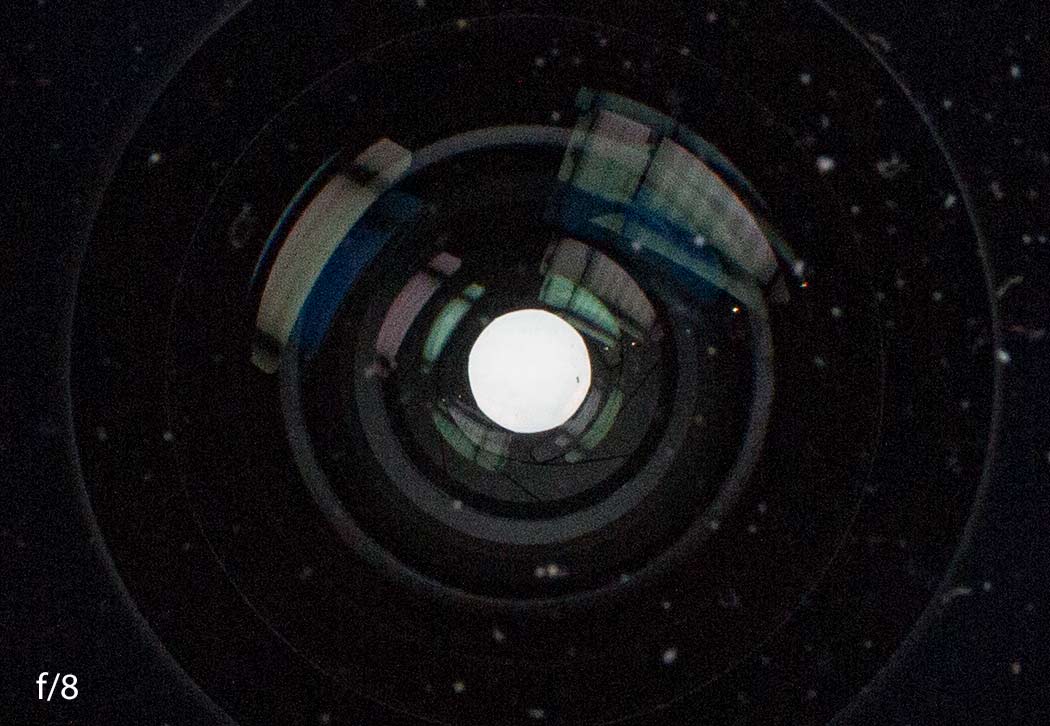
The coatings of the new lens are much improved over the 1991 lenses. A simple look into the lens shows the change (in internal light control as well as just coatings).
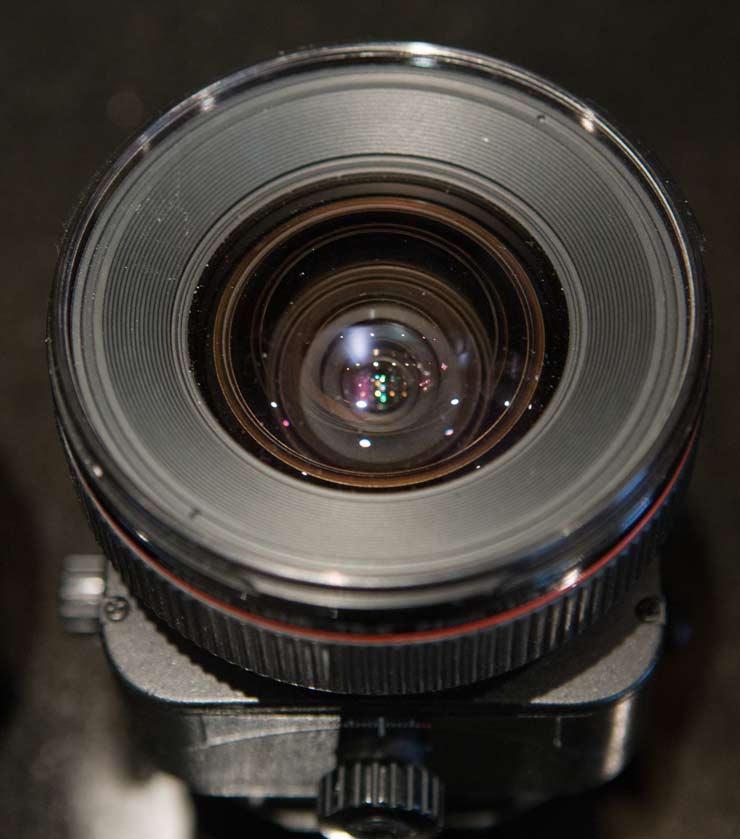
TS-E 24mm F3.5L
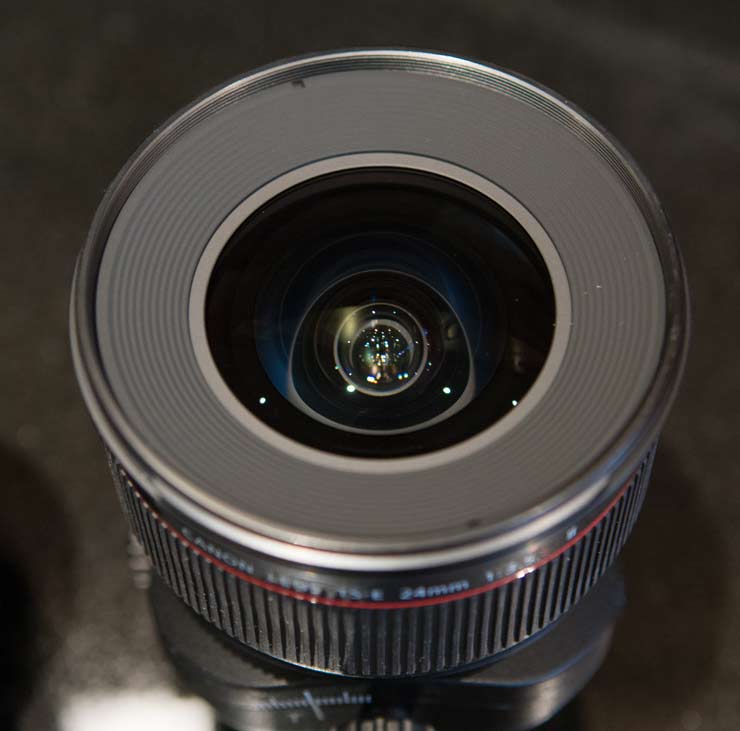
TS-E 24mm F3.5L II
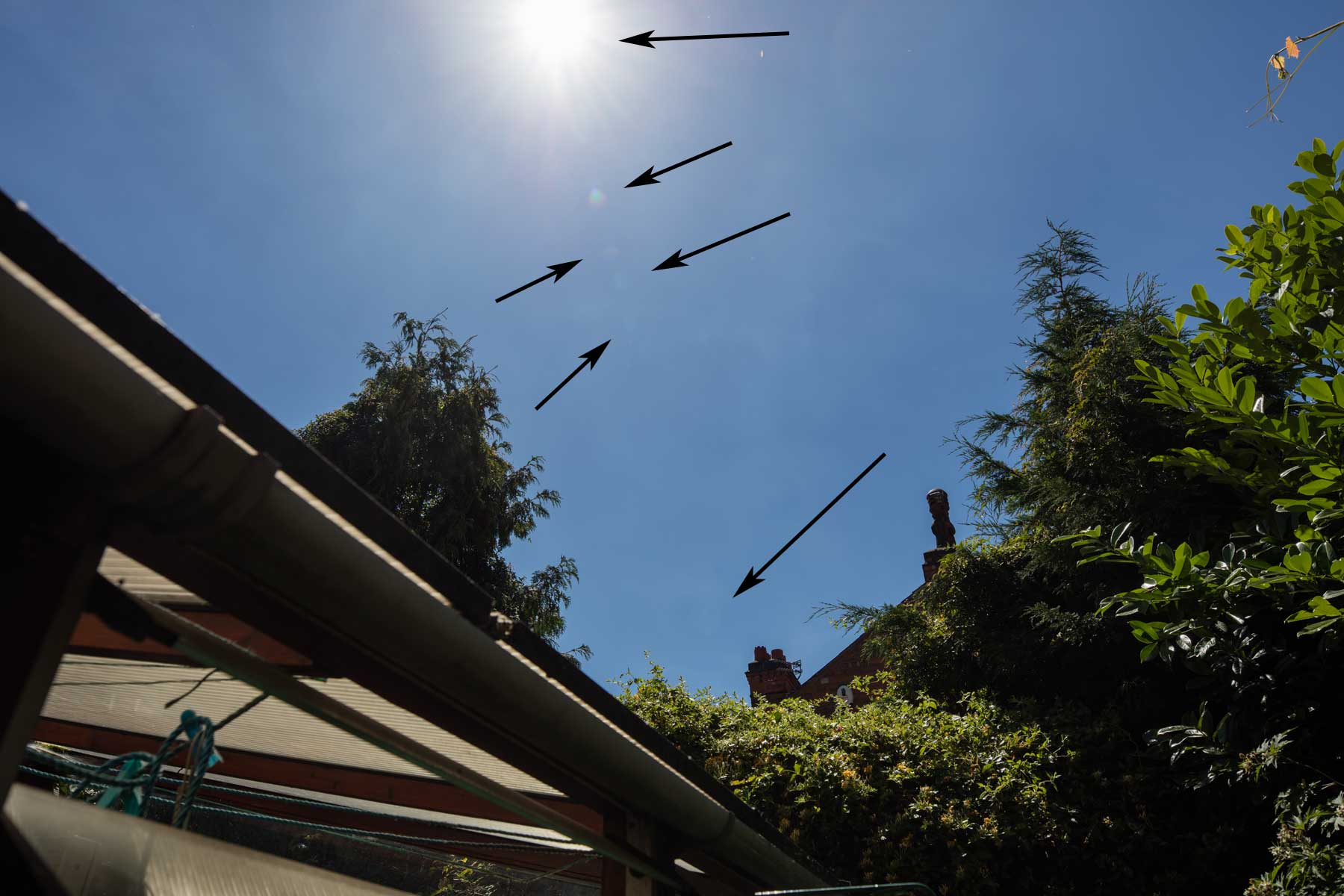
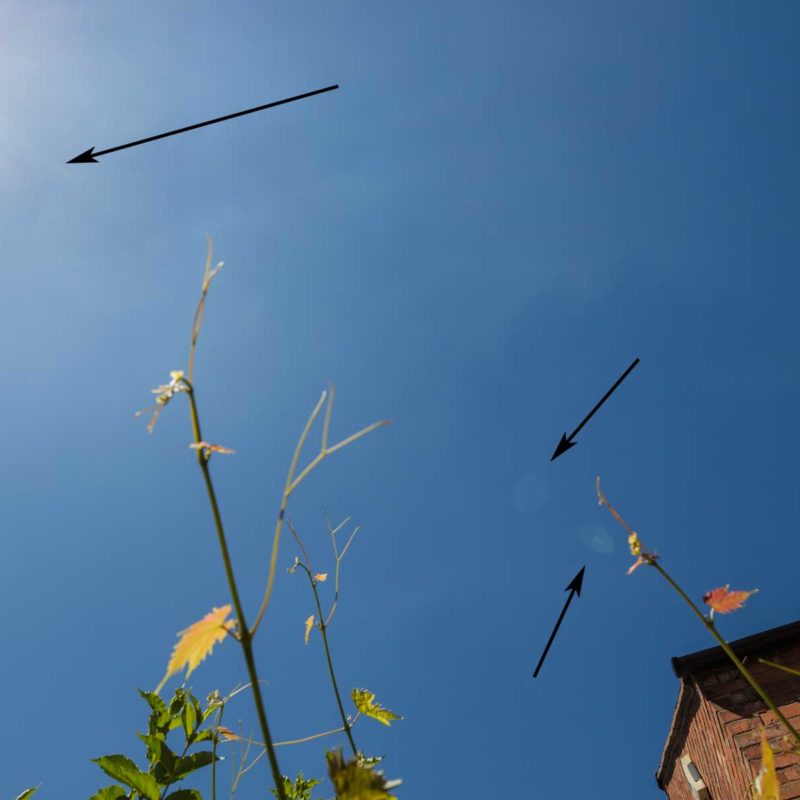
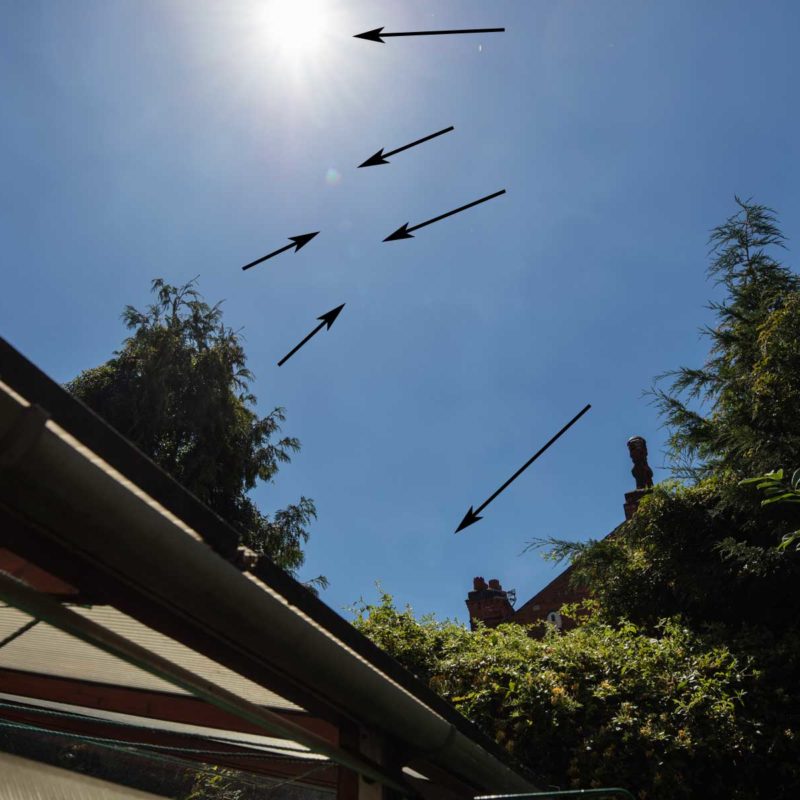
Two views shot directly into the sun show relatively little flare – noticeably less than the TS-E17, and it’s easier to shield the front element.
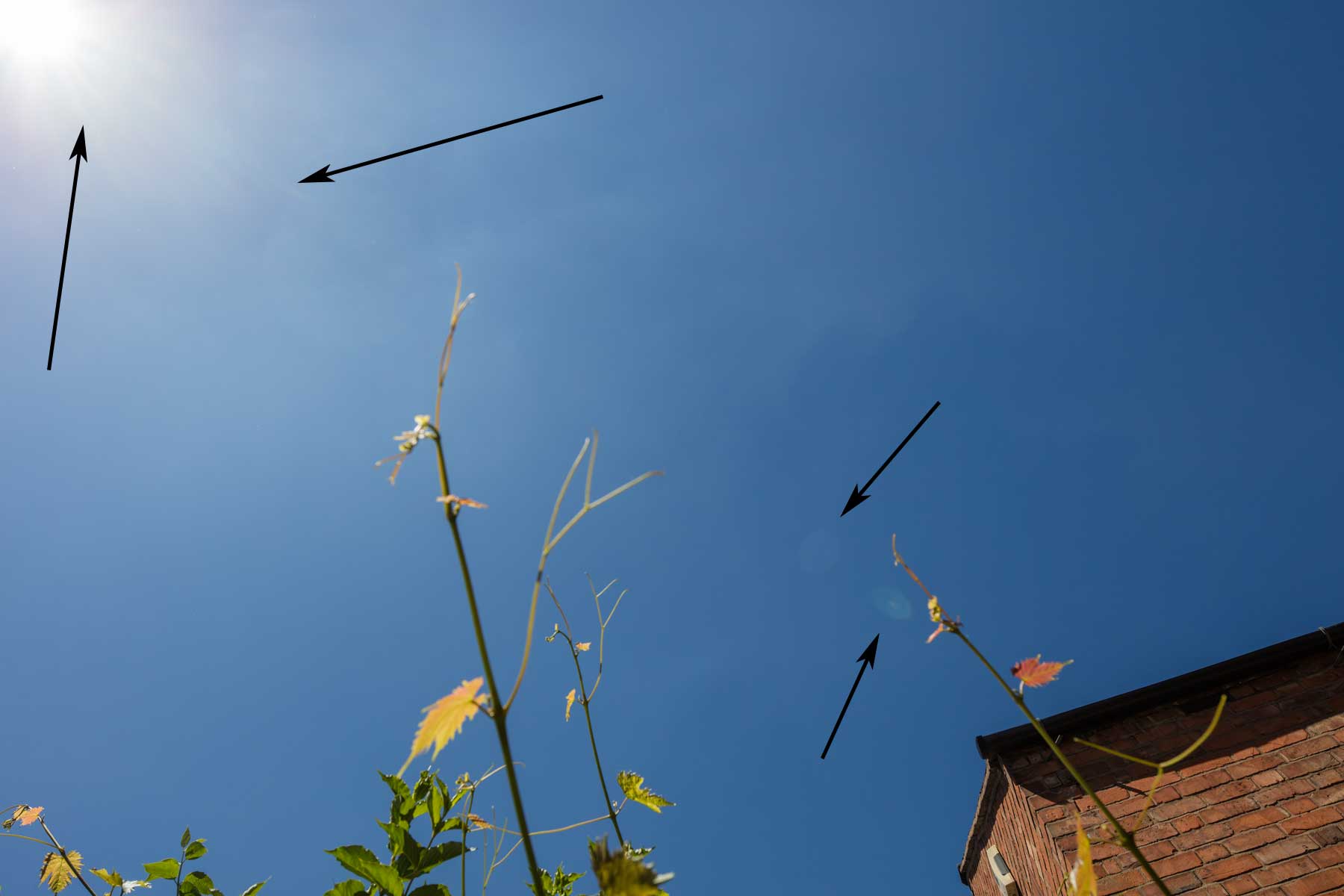
Both views have been processed to enhance the flare somewhat.
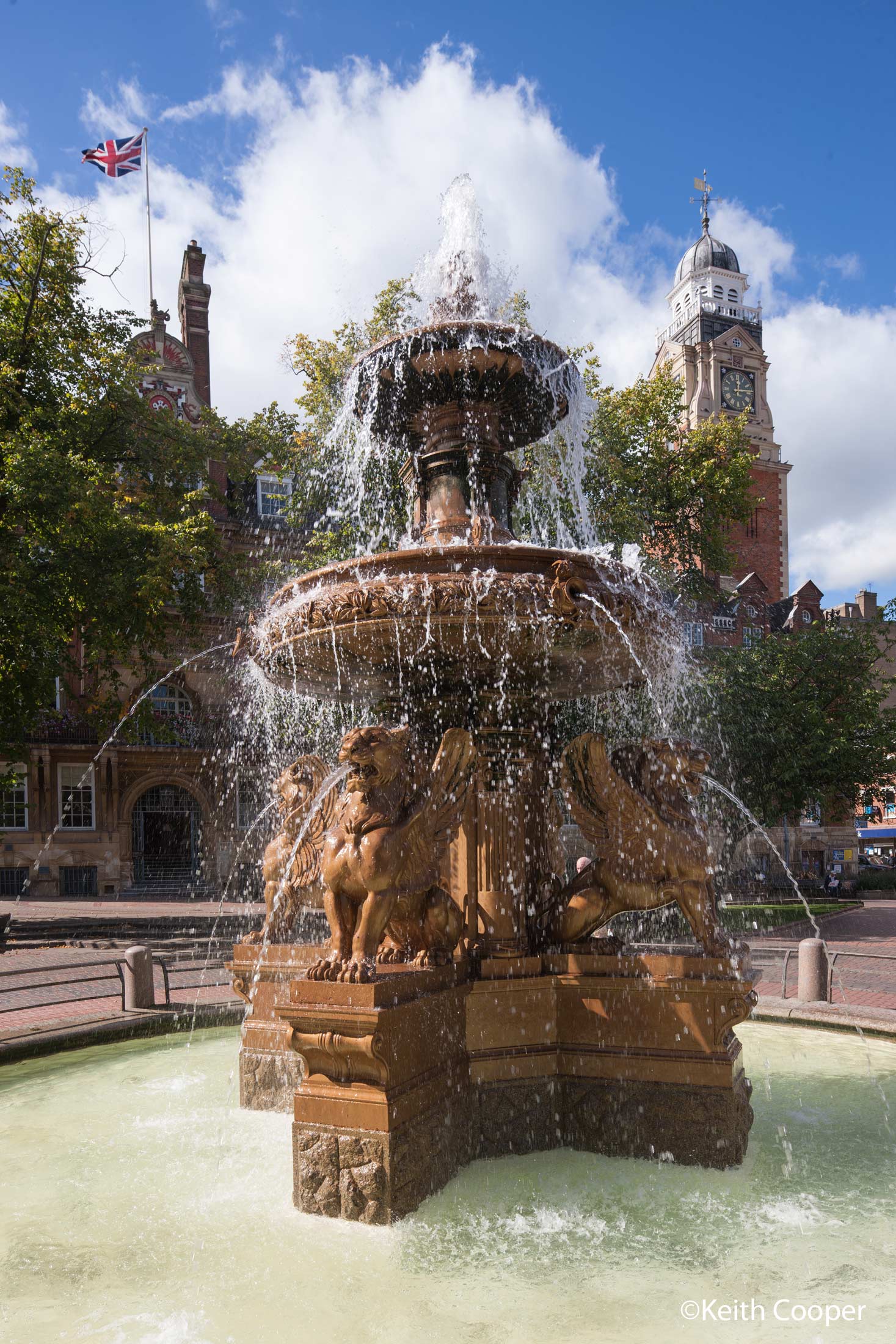
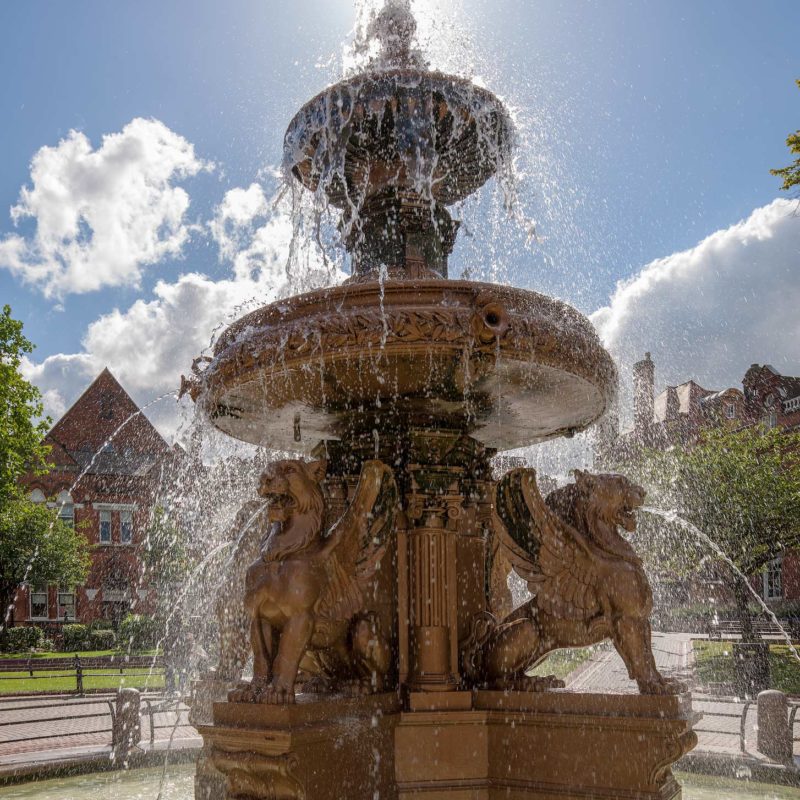
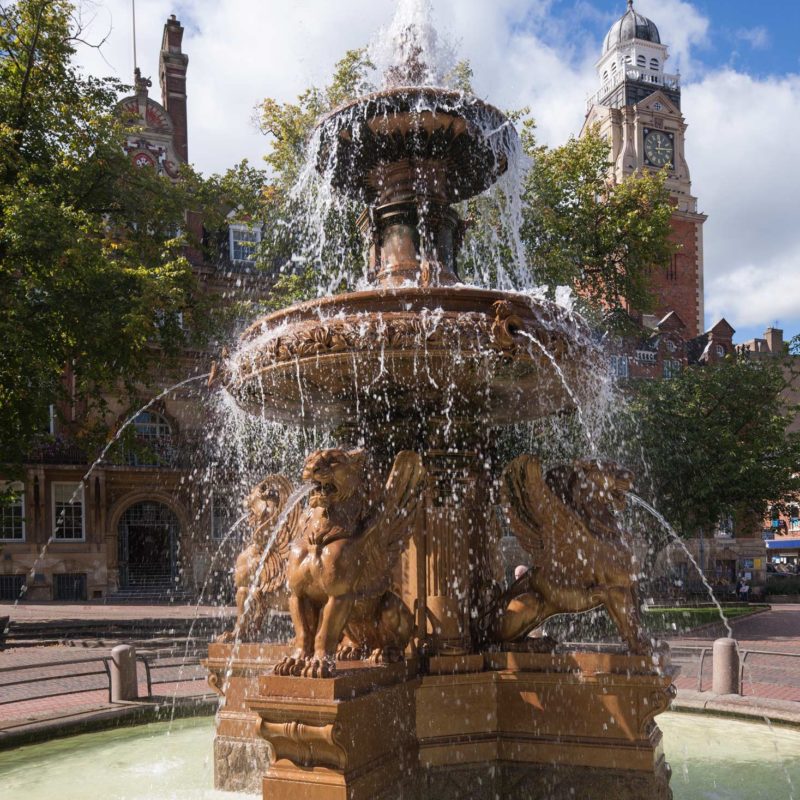
This view of the fountain outside of Leicester Town Hall has no problems with the sun in the frame.
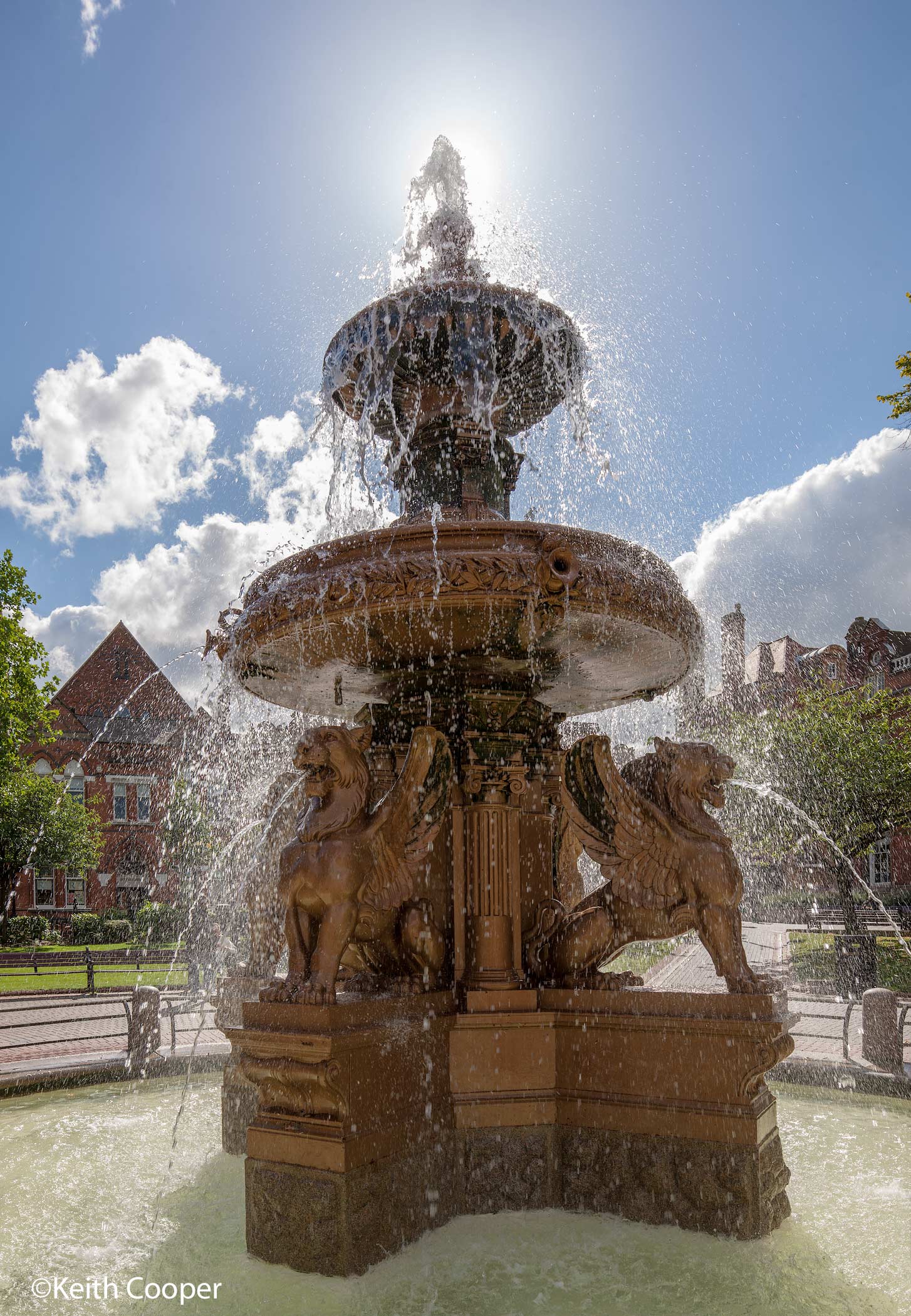
Still, keeping the sun out of view make for a much easier shot (both with the lens shifted upwards to keep verticals from leaning too strongly).
Vignetting
All lenses vignette to some extent, depending on their design and settings.
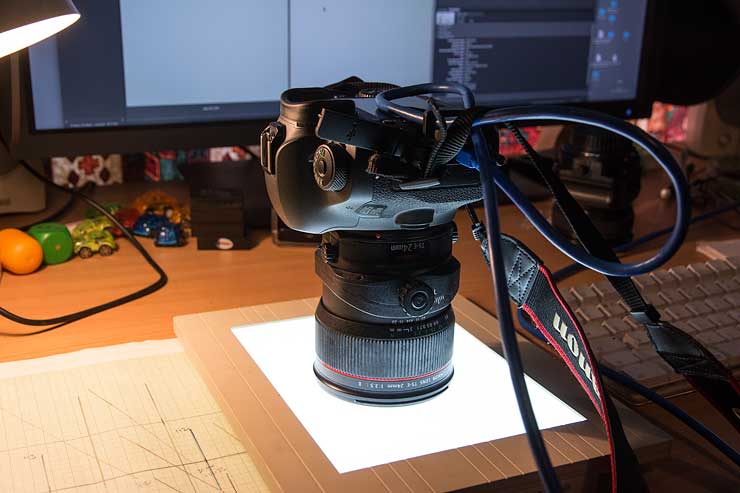
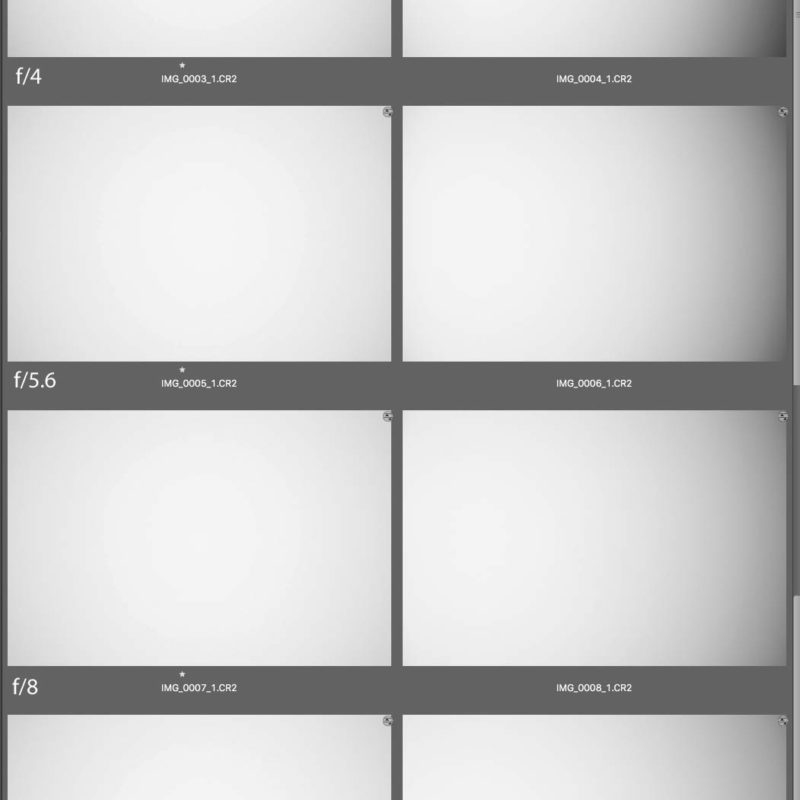
I tested this for the TS-E 24mm using a similar setup to my other TS-E lens reviews. The lens is resting on my old slide light box.
I’ve taken photos with the lens at ∞, at a range of aperture settings.
The versions to the right are at full 12mm shift.
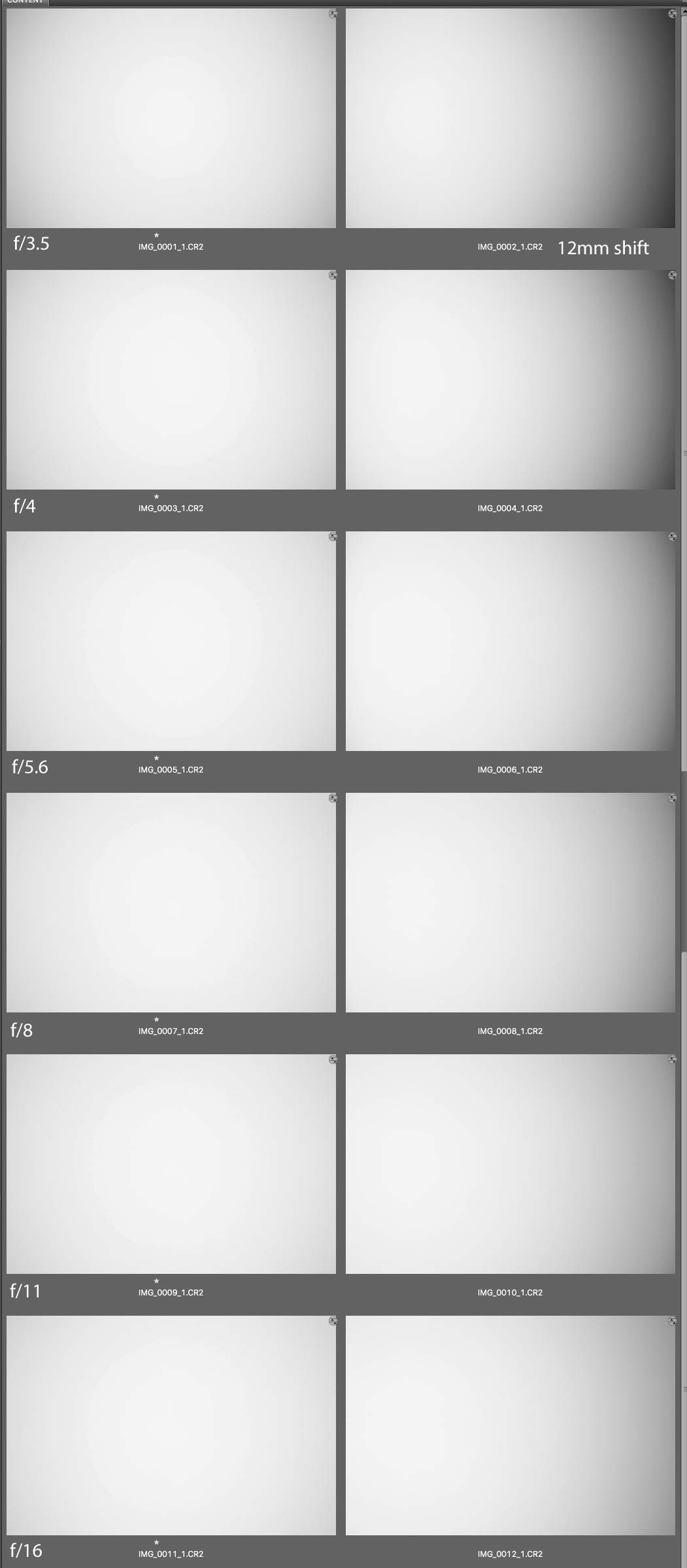
Any slight posterisation is from my screen capture process.
The vignetting is much clearer if I stretch the image tonality (with a simple PS curve) and then apply posterisation.
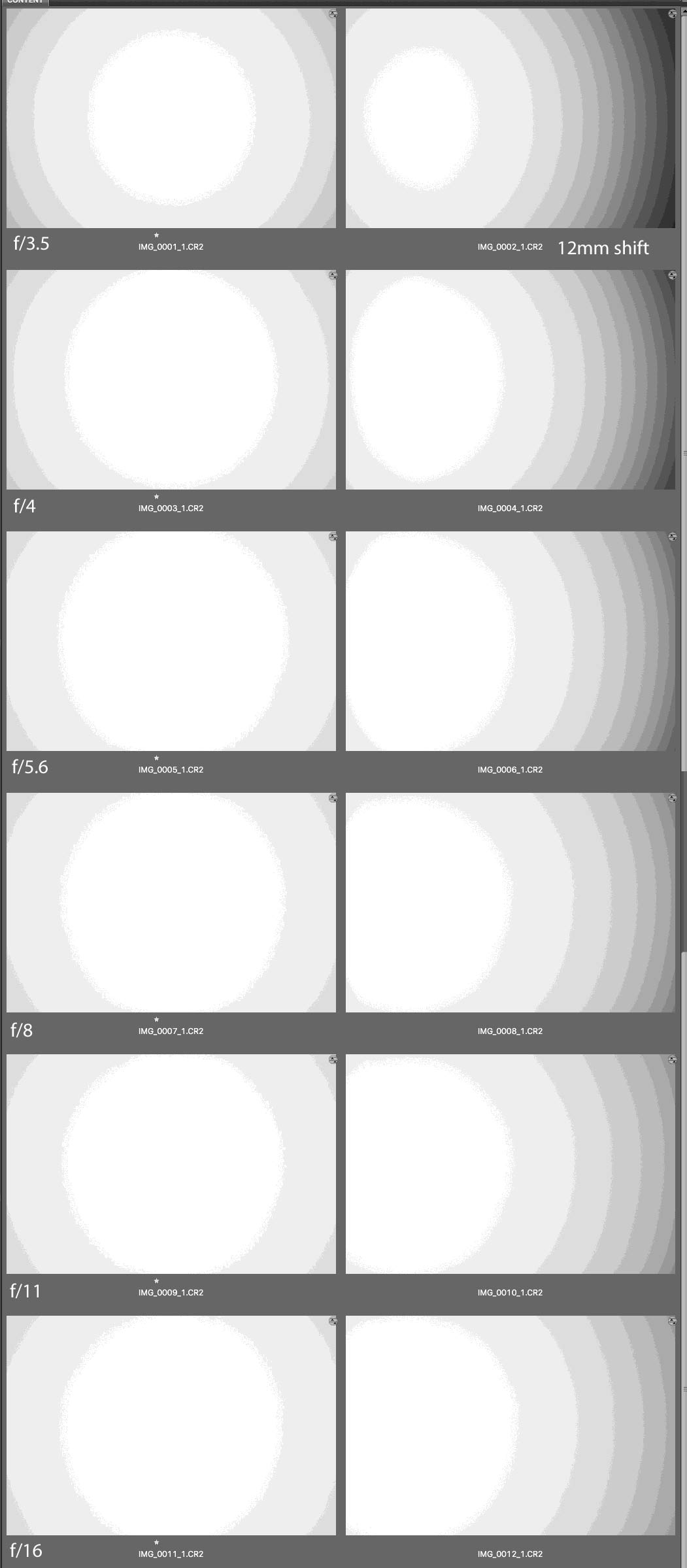
As you can see, dropping from f/3.5 to f/4 reduces vignetting significantly, although it’s there to some extent, no matter how much you stop down. It’s a natural aspect of optics and slightly exacerbated in my testing setup when used for wide lenses.
Note however the asymmetry of the bright area for the shifted image – there should be very little vignetting at the left hand side given the shift. This is due to the shading from the lens mount I pointed to earlier.
It’s not really an issue for single shots, but if you were stitching two images taken at different shift settings, you could get an exposure mismatch. My solution to this is to shoot images I’m stitching (see later) at a minimum of f/7.1.
I’d note that this effect is present to some extent in every Canon TS-E lens.
Tilt vignetting
Tilting the lens much also introduces vignetting. It falls off beyond f/5.6, but can be quite noticeable if you really must shoot wide open with tilt.
Once you add some shift to the tilt, the vignetting varies. This is something that you just have to experiment with to get the feel of how it might (or might not) affect your work.
Exposure
Your camera metering is designed to work with normal lenses. That means with no tilt or shift it’s just fine.
Add tilt or shift and the results are unpredictable. They are also slightly different in every camera I’ve used TS-E lenses with.
If you need to use the camera metering, then do it before you apply any movements.
Lens focus
The TS-E 24mm F3.5L II focus ring throw is about 100º.
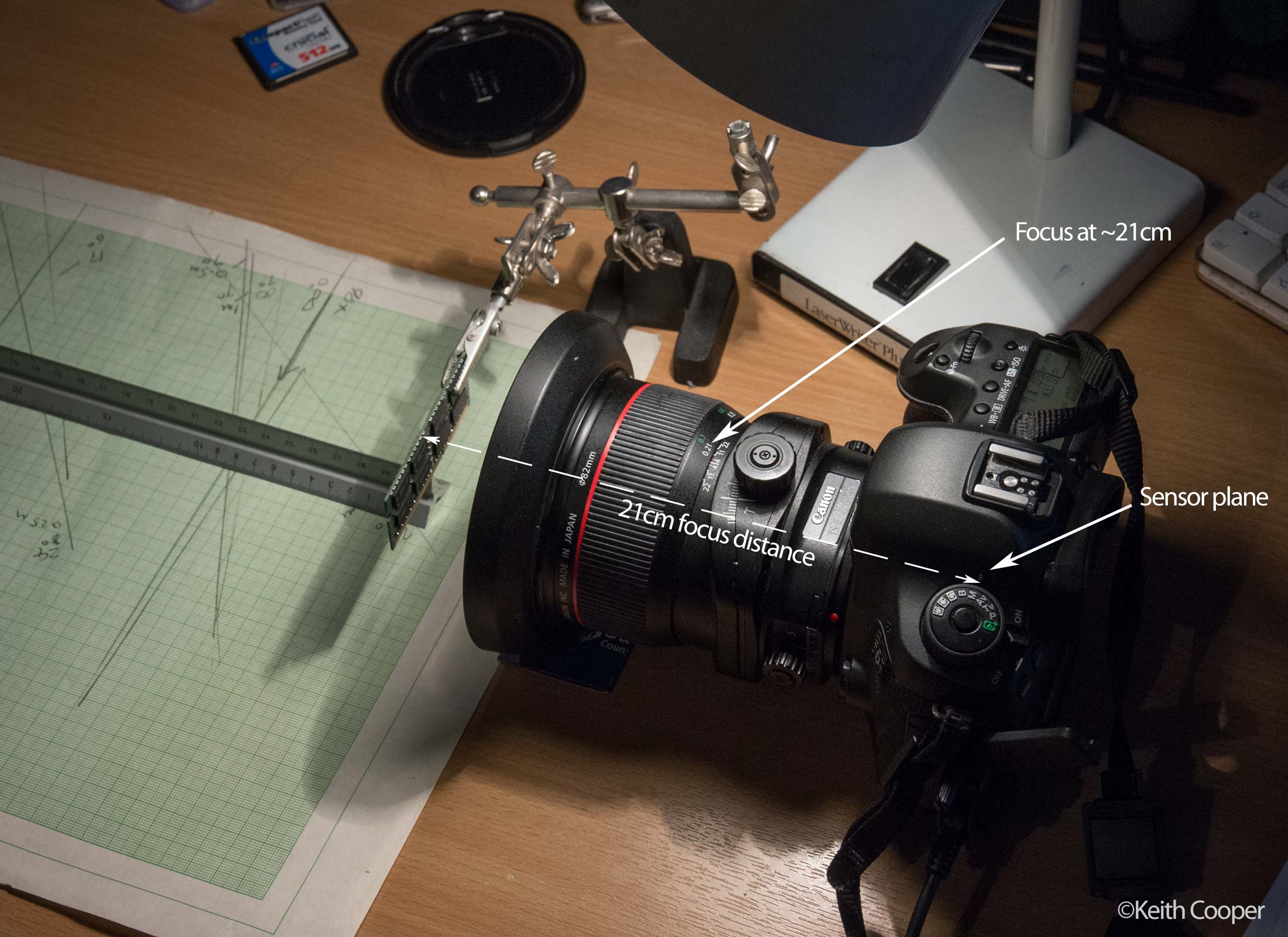
Close up is ~21cm (from the camera focal plane, not the front of the lens).
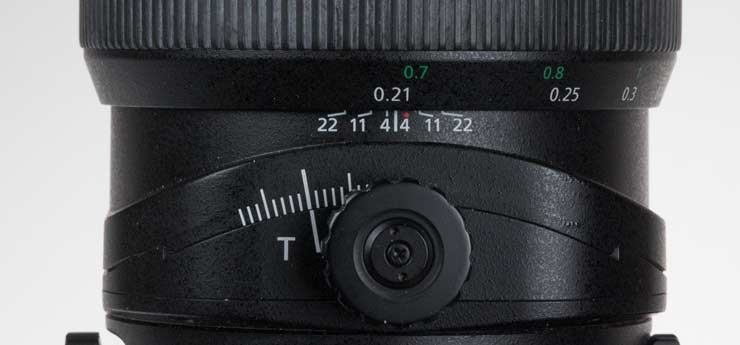
The lens goes just beyond the ∞ mark, both to allow for focal variation with temperature and also since this ‘Beyond infinity’ focus is an important feature in control of where the plane of focus runs with tilt.
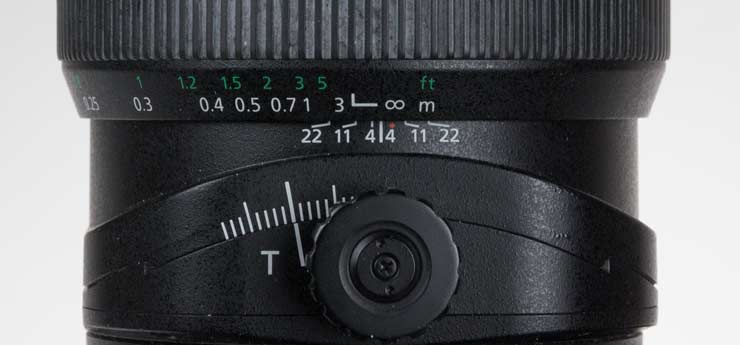
One less welcome feature with the newer TS-E lenses (2009 ones and 2017 ones) is the considerably reduced focus throw.
A comparison between the ∞ and 1 metre marks (and the DOF scale) shows how much the focus throw is compressed.
Here’s the original TS-E 24mm F3.5L
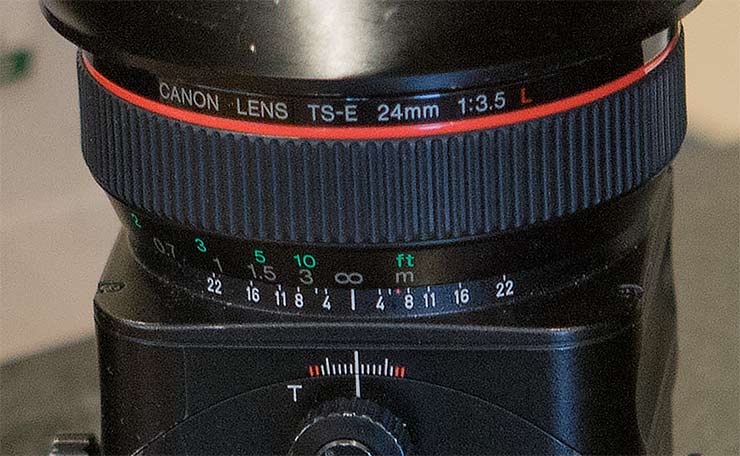
…and here’s the new version, with its somewhat perfunctory ‘Depth of field’ scale.

I like using the 24mm hand held as my ‘walkaround’ lens in cities – the short focal throw, coupled with the relatively poor focus screens of modern DSLRs (in this respect) makes it more difficult than it should be.
And no, ‘live view’ is not an answer – it helps for my more formal tripod based use, but not in day to day stuff.
Using your camera AF with this manual focus lens
All TS-E lenses can make AF points light up on Canon cameras. With no shift or tilt, this will likely indicate focus.
Add in some shift and/or tilt and all you can really say is that the lights may or may not light up and this may or may not mean anything.
Extenders/teleconverters
I don’t have a teleconverter here to test, but I did some experiments with the Canon 2x extender back when I first got the lens.
The TC adds two stops and doubles focal length, so 48mm at ~f/7.1 fully open.
The converters impact image quality, adding distortions and chromatic aberration.
Useful at a push – the 1.4x converter more so.
Lens hood
The supplied lens hood is good for keeping low angle sun off the front element, but since it works even at full shift, it has to be wider than optimal for the lens unshifted.
Filters
The lens accepts 82mm filters. Unless they are low profile, they can contribute to vignetting at full shift.
This variable ND filter (review) caused just about noticeable vignetting at f/3.5 and full shift.
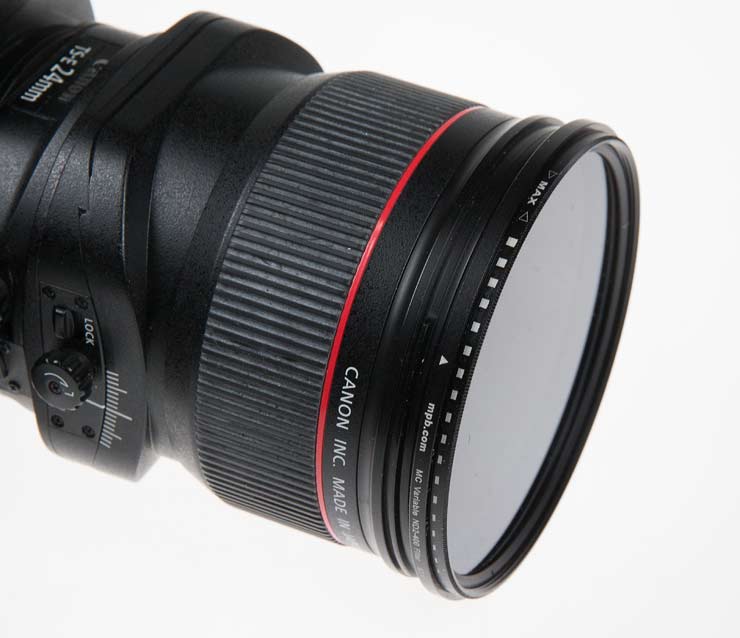
This ND1000 filter (review) was thin enough to cause no issues.

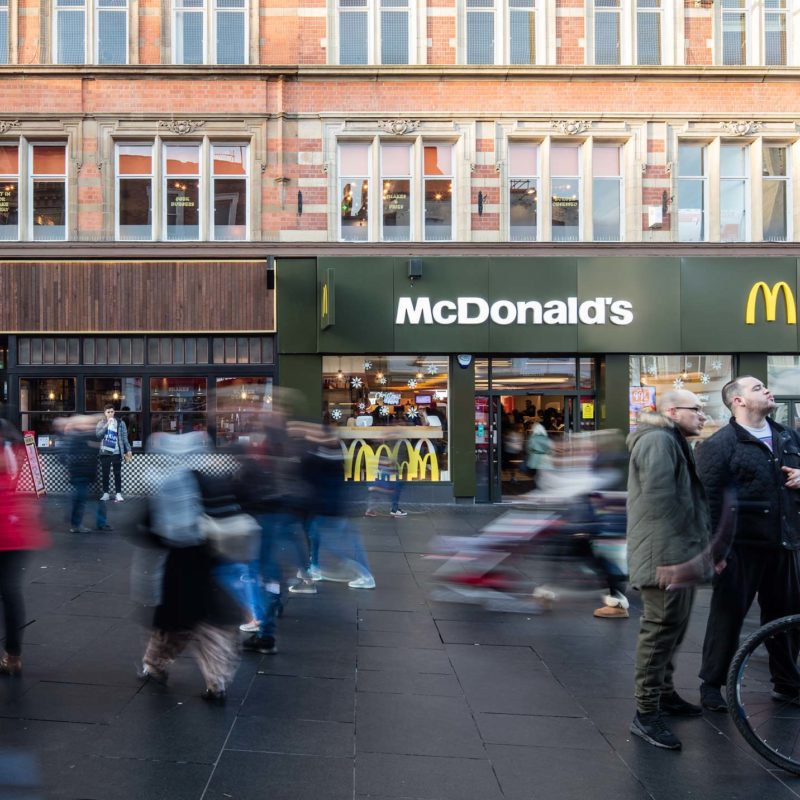
I’ve used the ND1000 in this photo from Leicester city centre at Christmas (~0.5 second exposure).

Outdoors
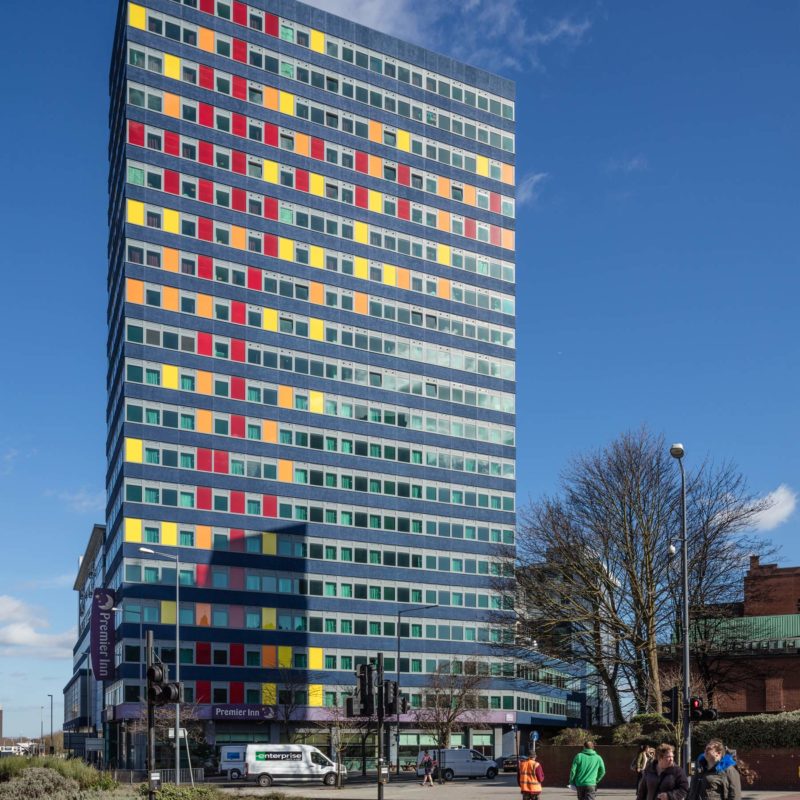
Most of my use of the lens is to correct verticals in-camera.
Whilst it’s possible to correct in software, it has issues.The problem is that more the camera is tilted to get the view, the more extreme the convergence of verticals you get. Fixing this in software then means you end up with unpredictable crops – unless your clients want trapezoidal images.
More about why fixing verticals in software can be a poor choice
The simplest use of the shift lens is to set your camera truly horizontal, and then shift up/down to get the composition you wanted.
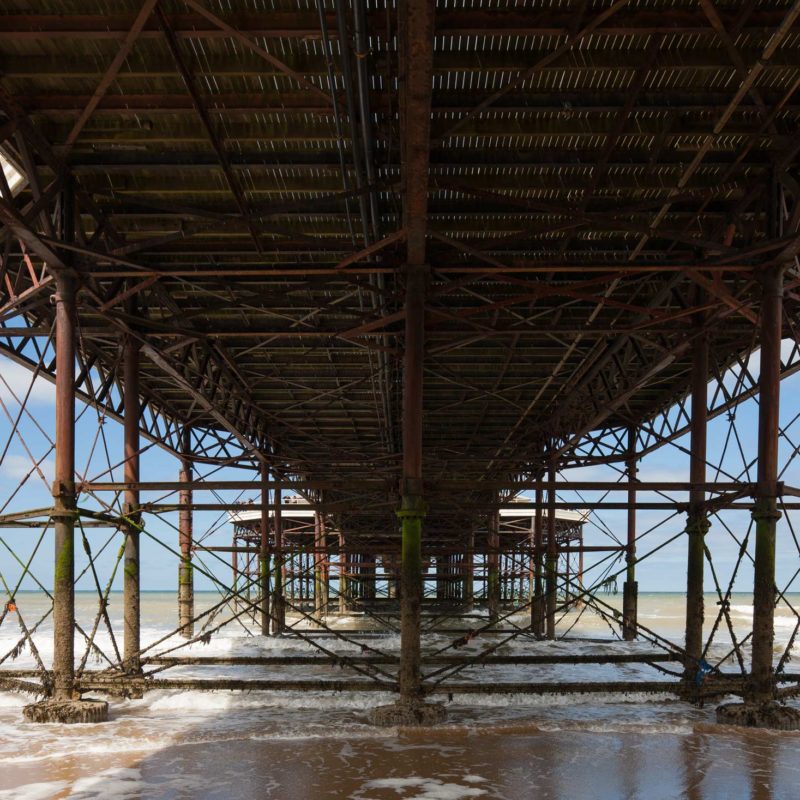
This example under Cromer Pier would have the horizon running through the middle of the frame if I’d not shifted the lens upwards.

A narrow street in Cromer, but this time with the camera rotated by 90º, with the shift movement also rotated relative to the camera, to still give an up/down shift.
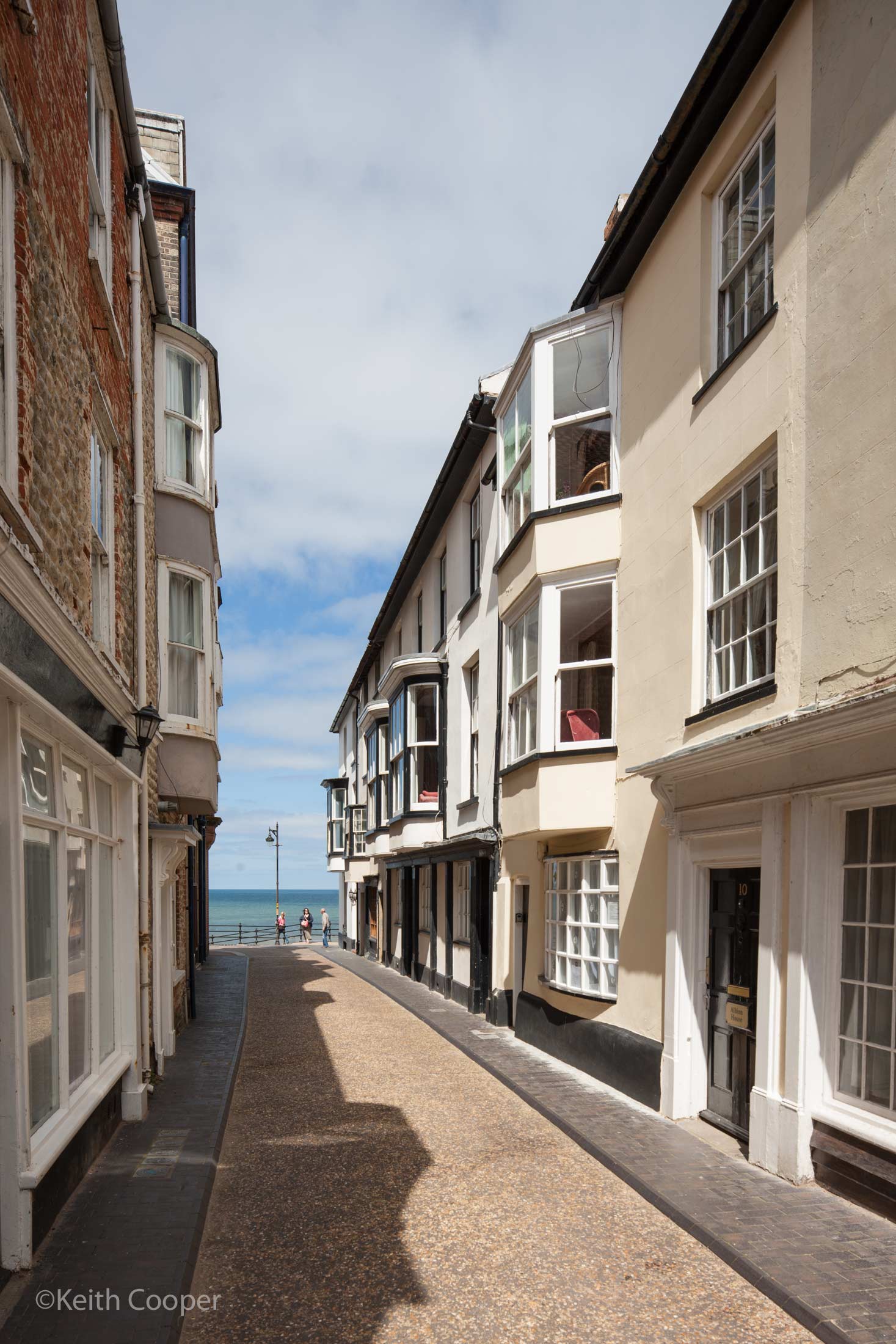
As before, the camera is levelled and then the lens shifted up.
This is where all those moving parts of the lens become useful.
I should note that none of the TS-E lenses to date (2018) include any information about shift or tilt in image EXIF data. If the settings you use are important then write them down.
The TS-E 24mm doesn’t stretch things too much, so often gives a more natural perspective, even with tall objects, such as St George’s Tower in Leicester.
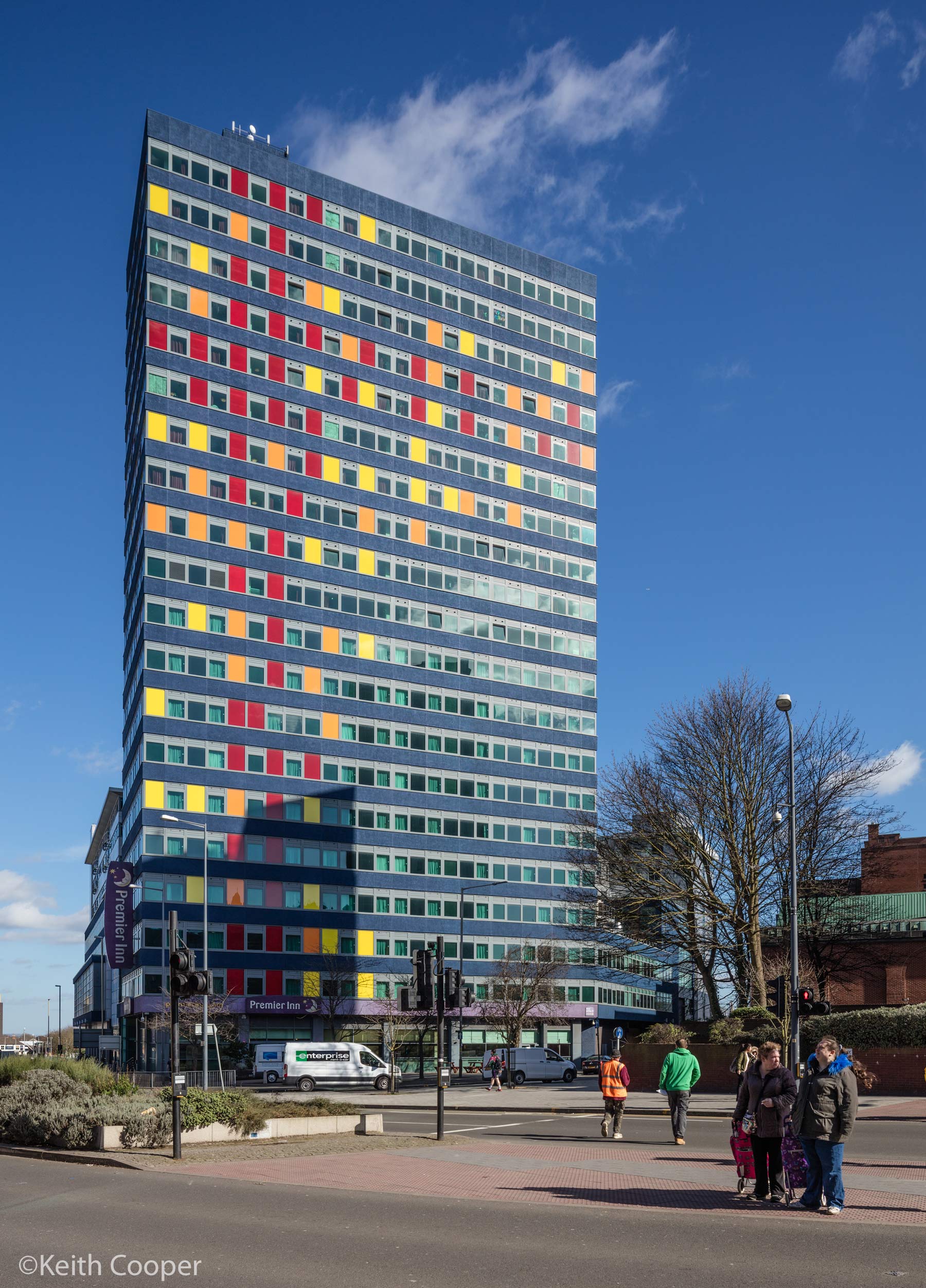
Or, seen in these two views from further away.

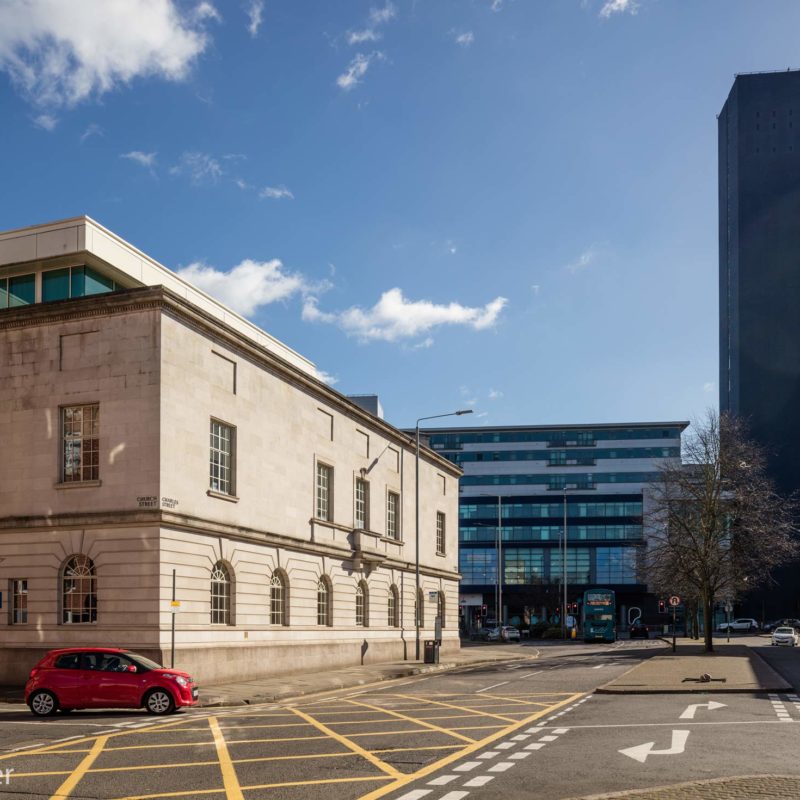
Charles St.
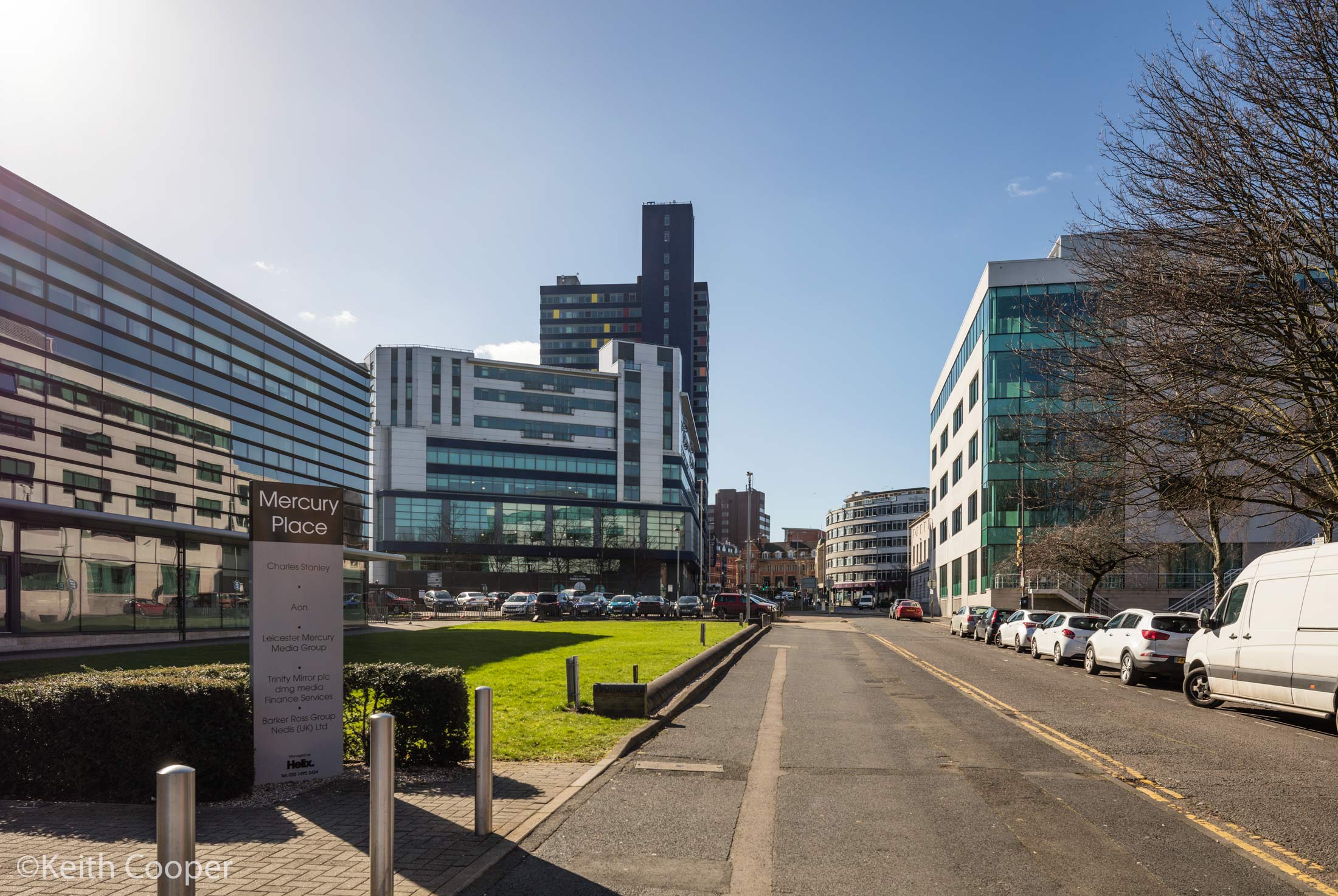
Mercury Place
24mm also gives a less dramatic look to skies for landscape.
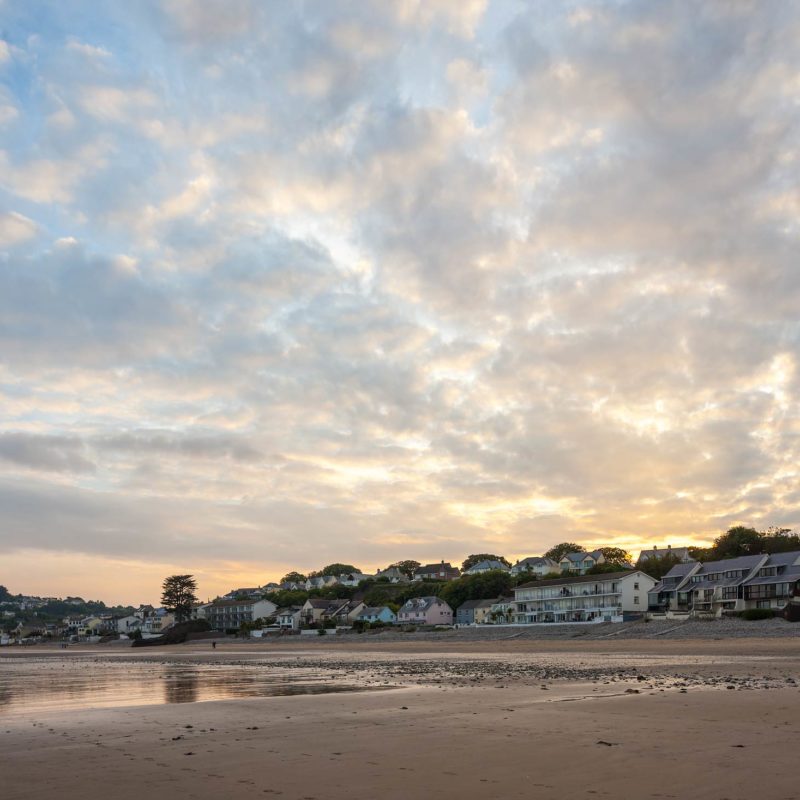
This view of Saundersfoot in Pembrokeshire has quite a bit of shift, so avoids the buildings trees all leaning inwards if I’d just tilted the camera upwards to get in the sky.

With wider lenses (I’m thinking of the EF11-24 or TS-E17) you can easily get a look where the clouds feel as if they are trying to flee the corners of the shot. Sometimes the more dynamic look helps, sometimes not (it’s why I have the TS-E17mm and TS-E 24mm in my bag).
You don’t always need very much shift, although I’m afraid the more you use TS-E lenses, the more you’ll start noticing leaning verticals in other people’s photos and when you next use an ‘ordinary’ lens.
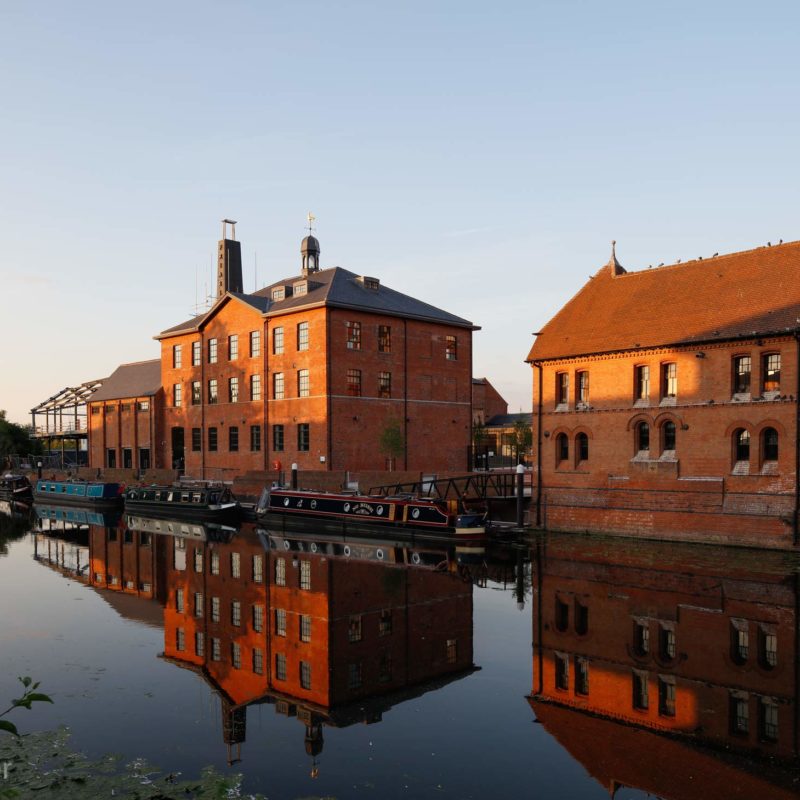
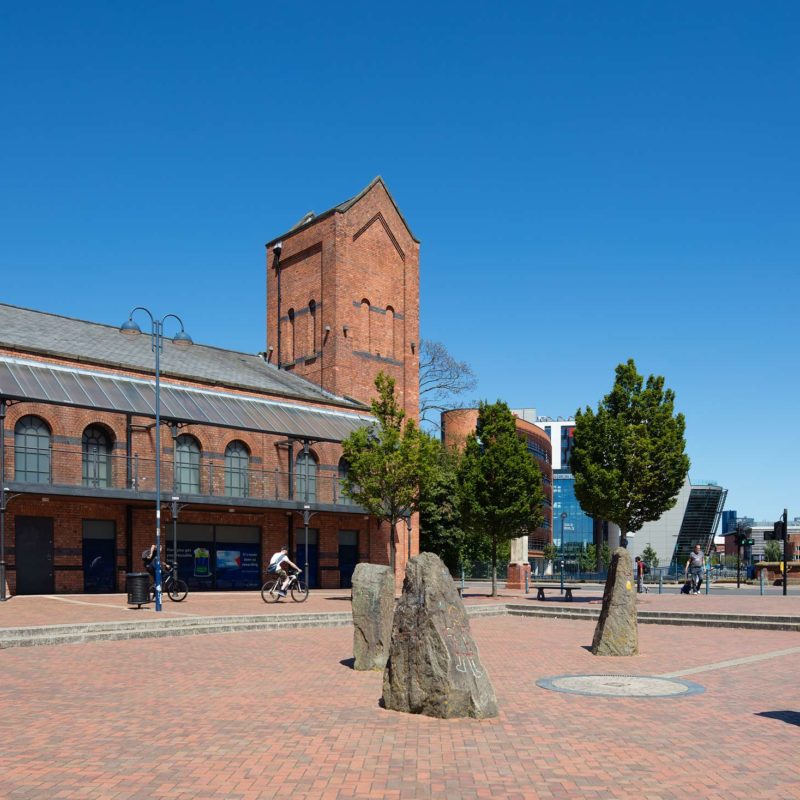
Some might say this view of Friar’s Mill in Leicester didn’t -need- a shift lens…
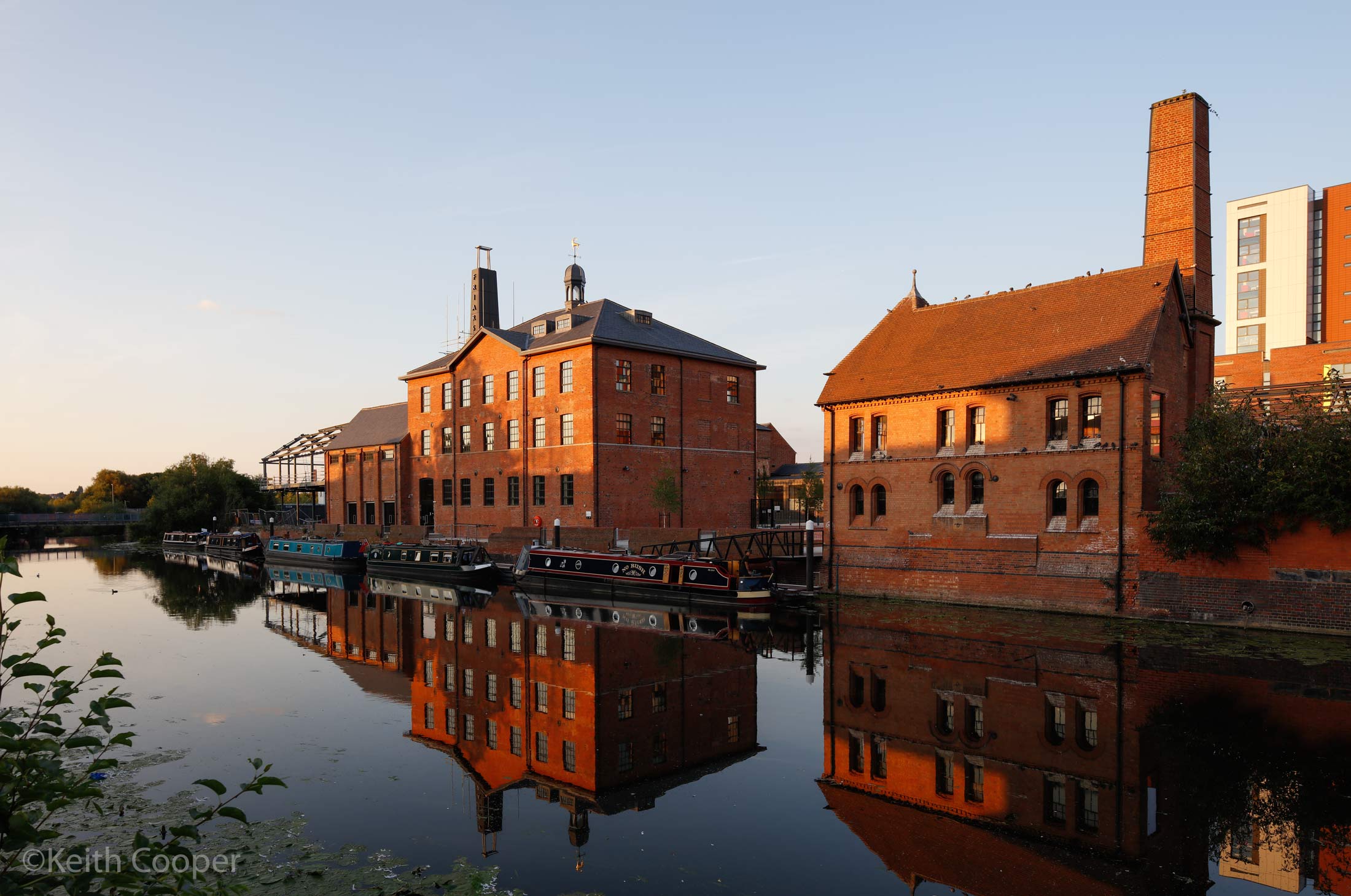
If you’ve used one much, you’ll know why I think it did ;-)
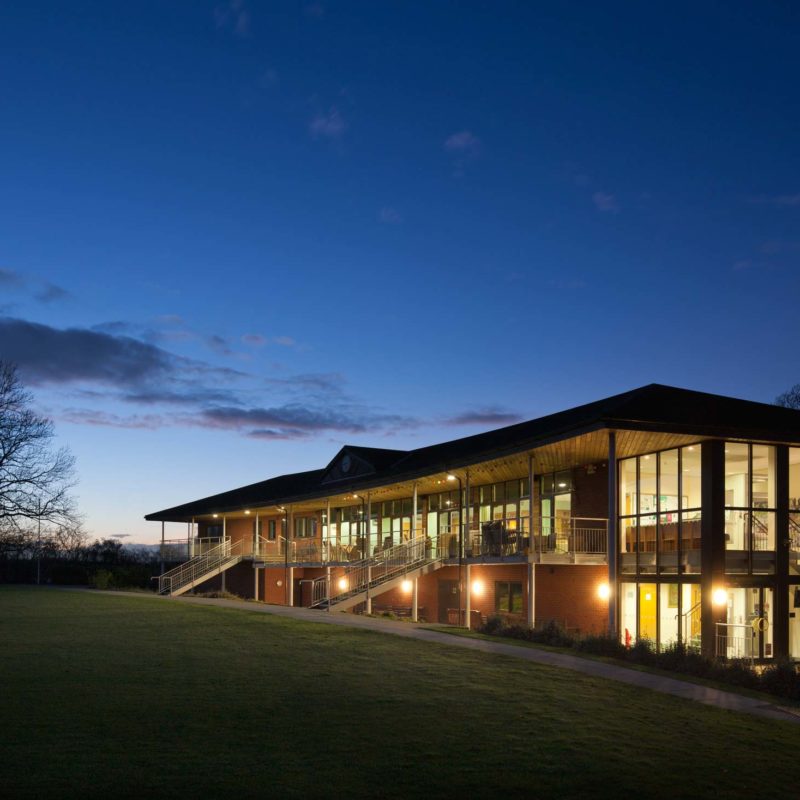
Two views of the clubhouse for Kibworth Cricket Club (from a large set taken for the architects) are probably the most representative examples of how I end up using shift when photographing buildings for clients.
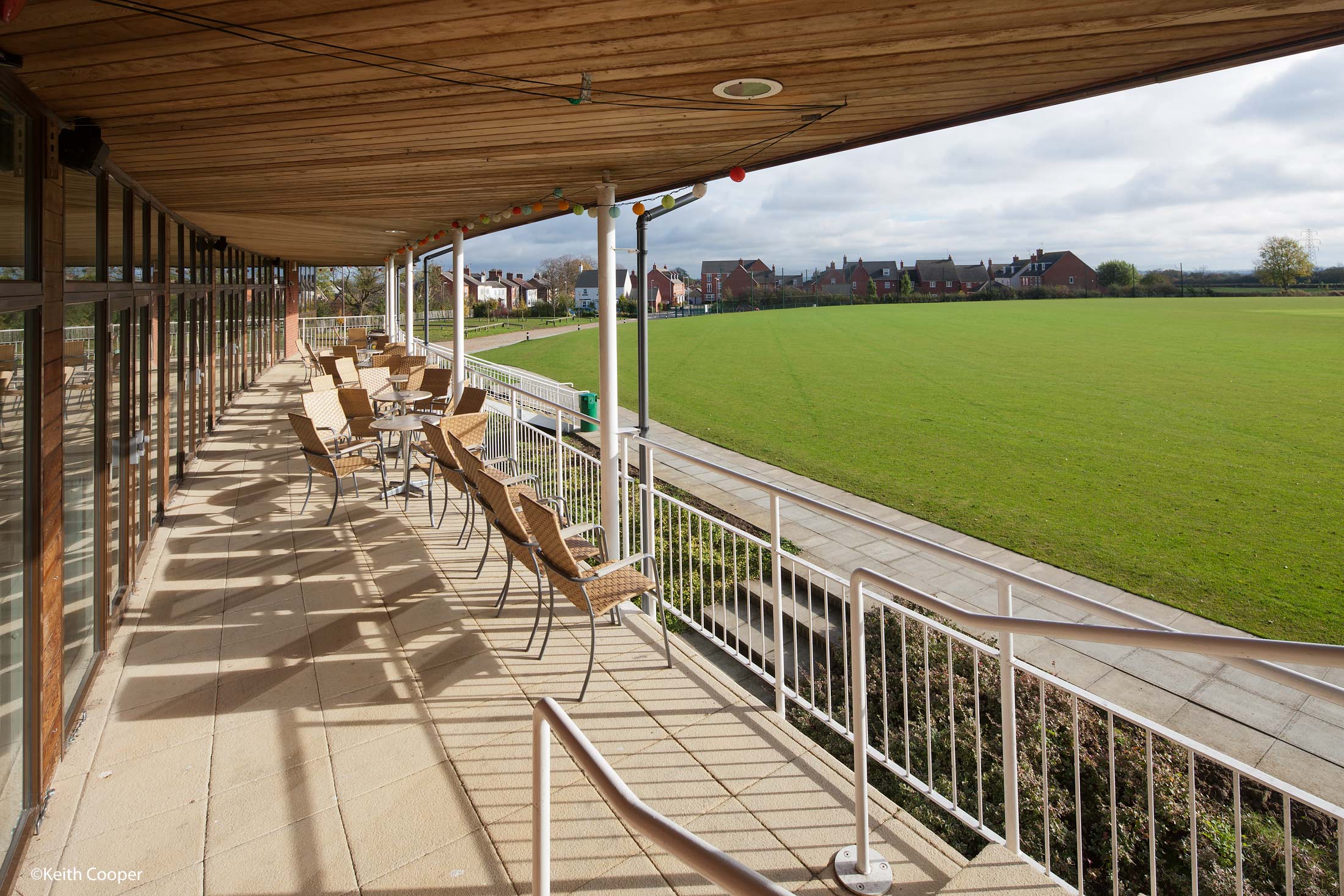
Shifted down

Shifted up
DMU
I’ve far more example photos using the TS-E 24mm than when I borrowed the three new TS-E lenses from Canon UK.
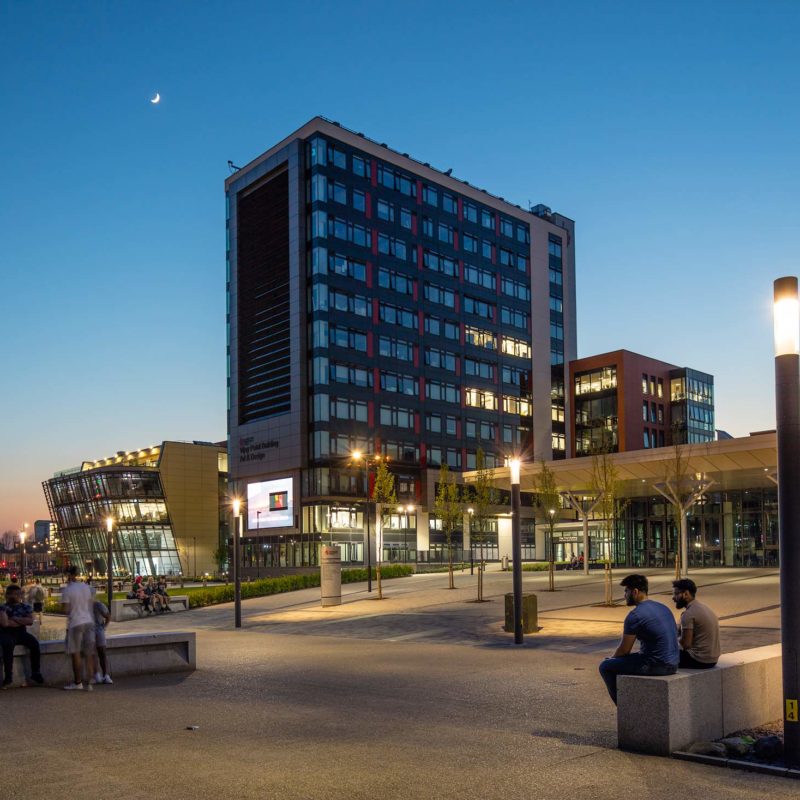
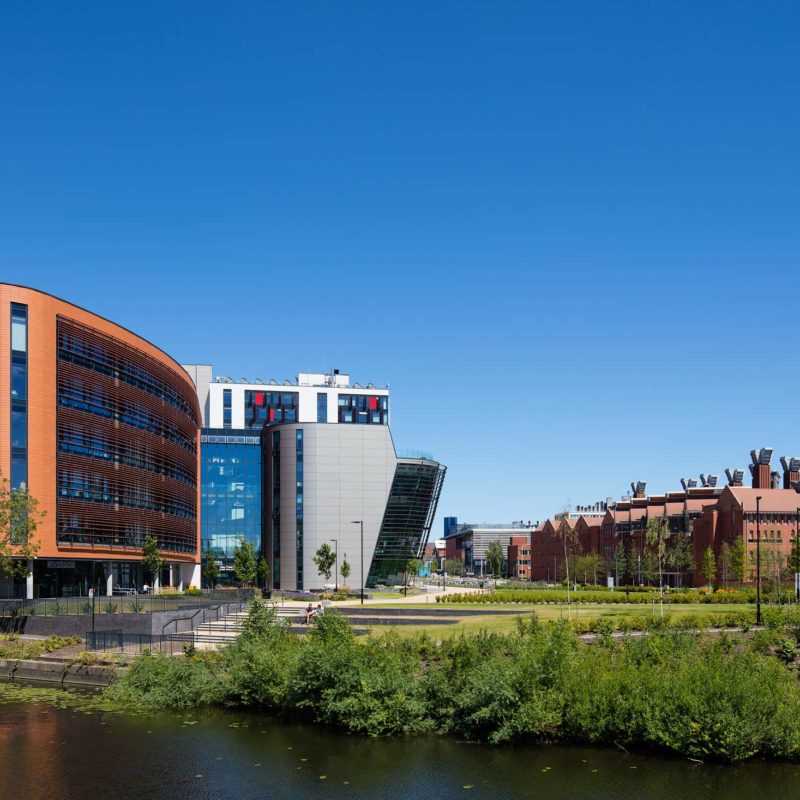
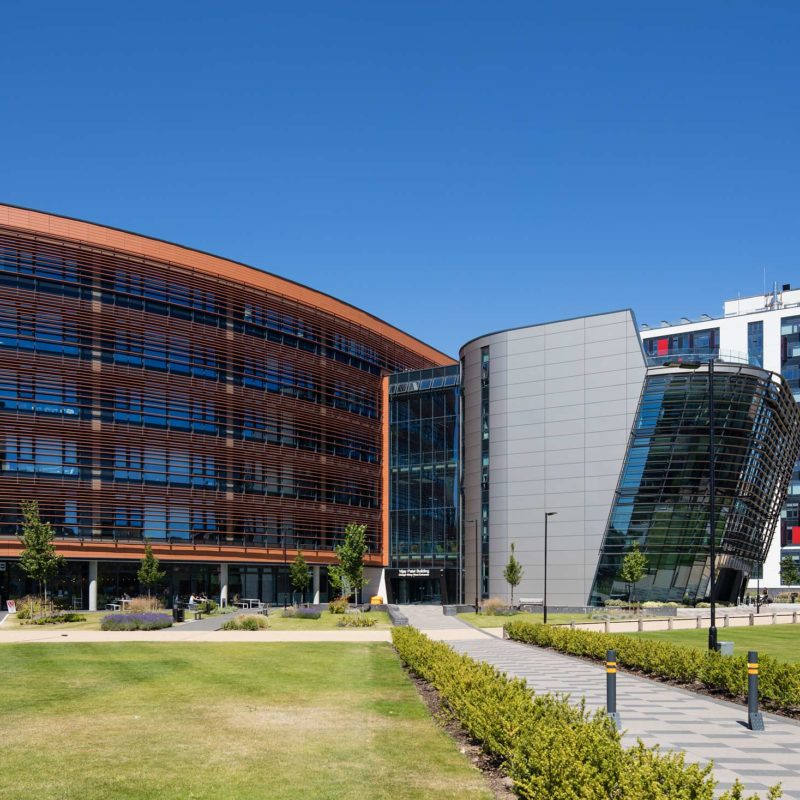
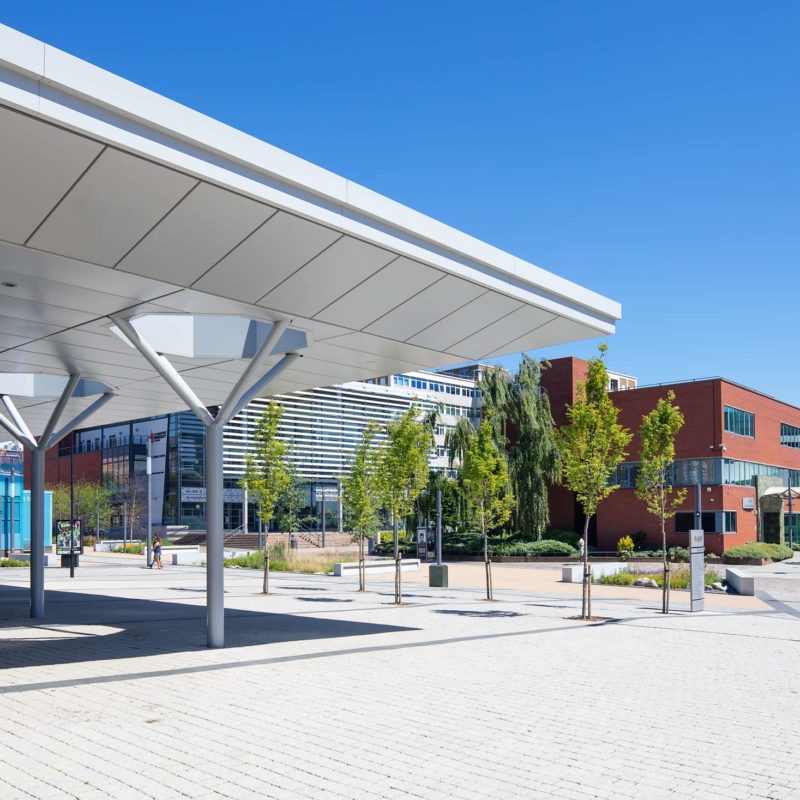
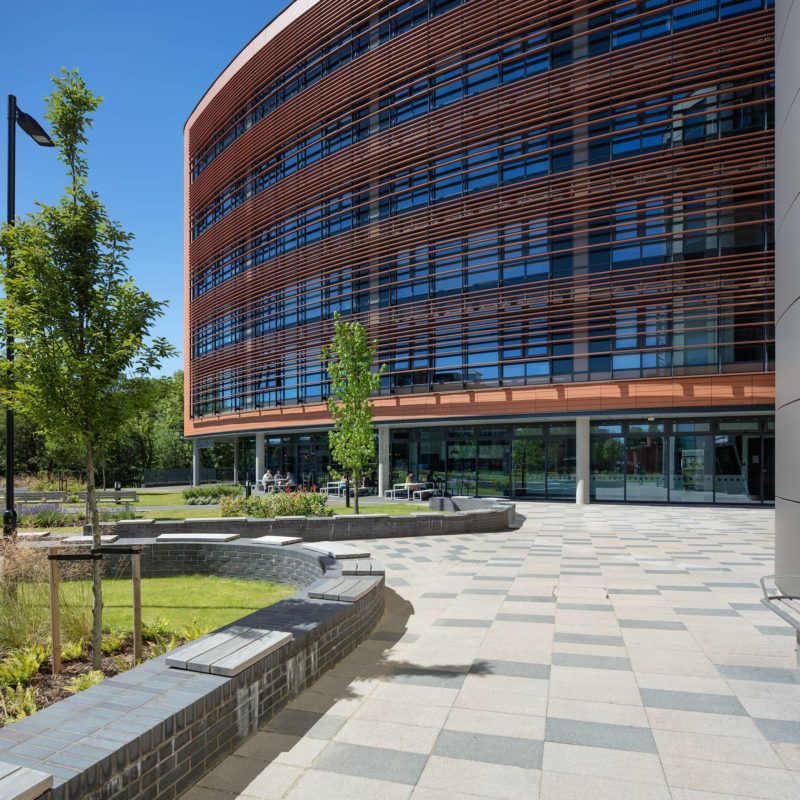
However, I’ve visited the De Montfort University campus near my home, to get some new photos that coincide with views you may have seen in my other TS-E lens reviews. Hopefully it helps link the reviews together and see the range of lenses as a set.
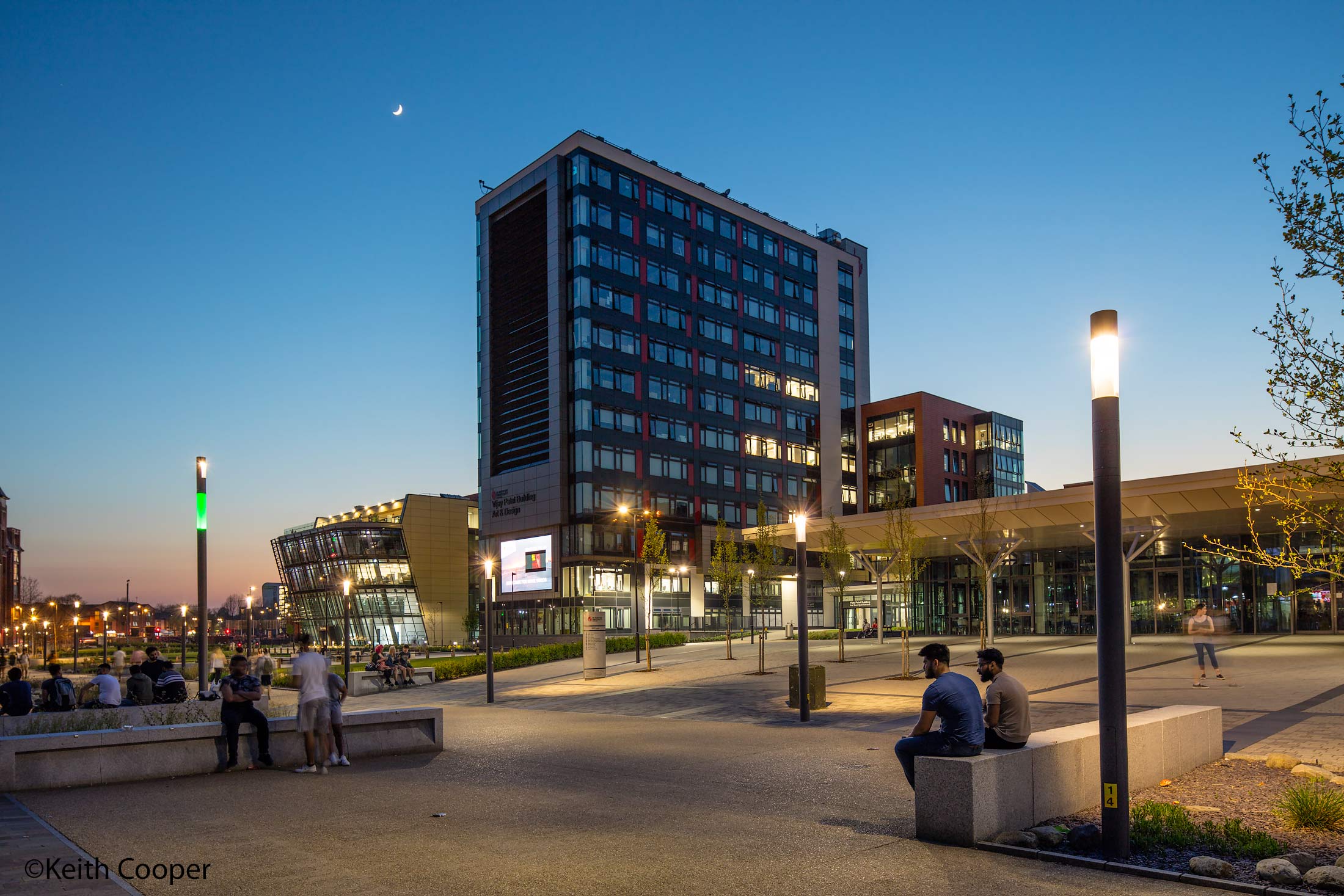
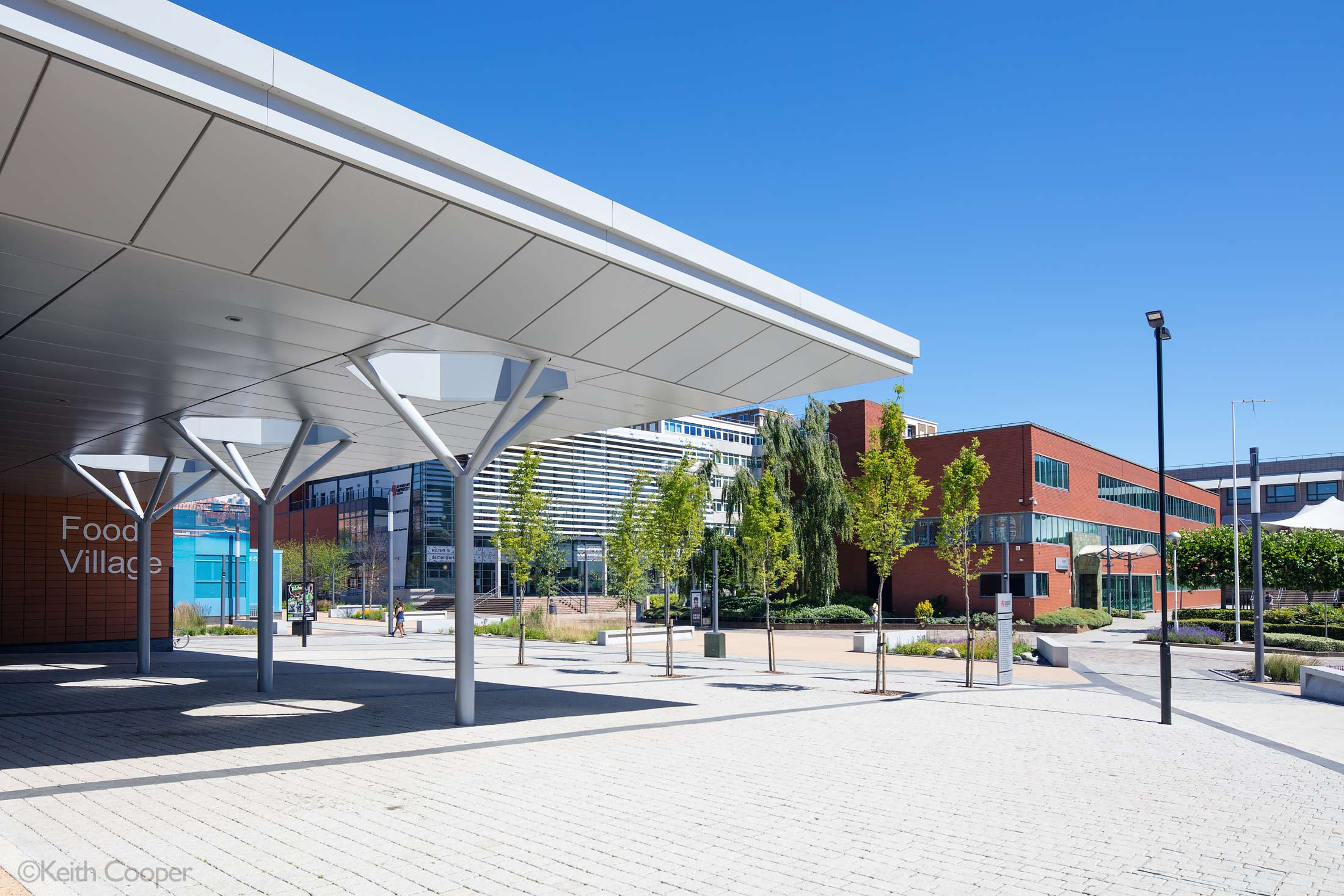
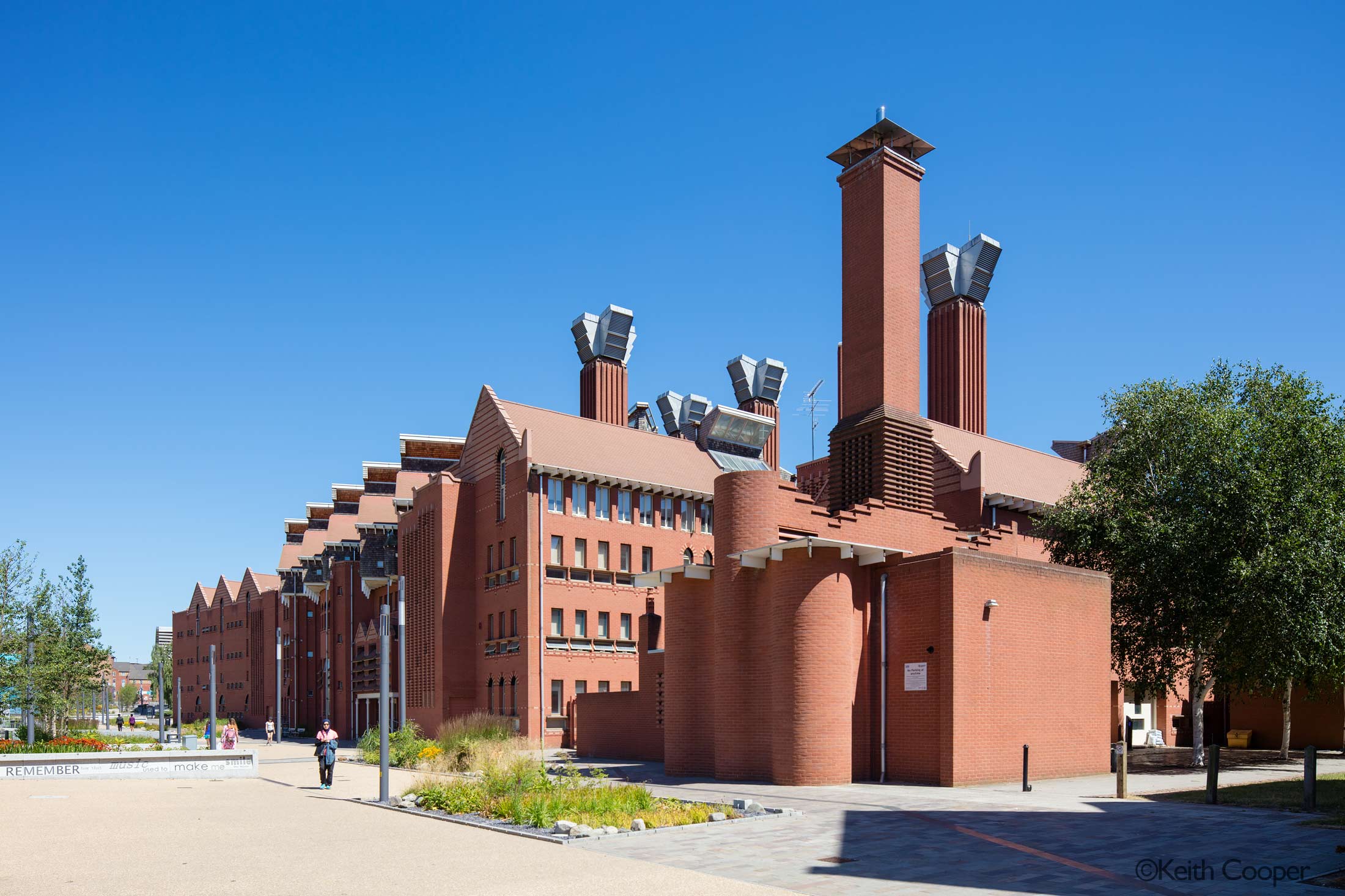
A day of uncommon warmth and blue skies for Leicester.
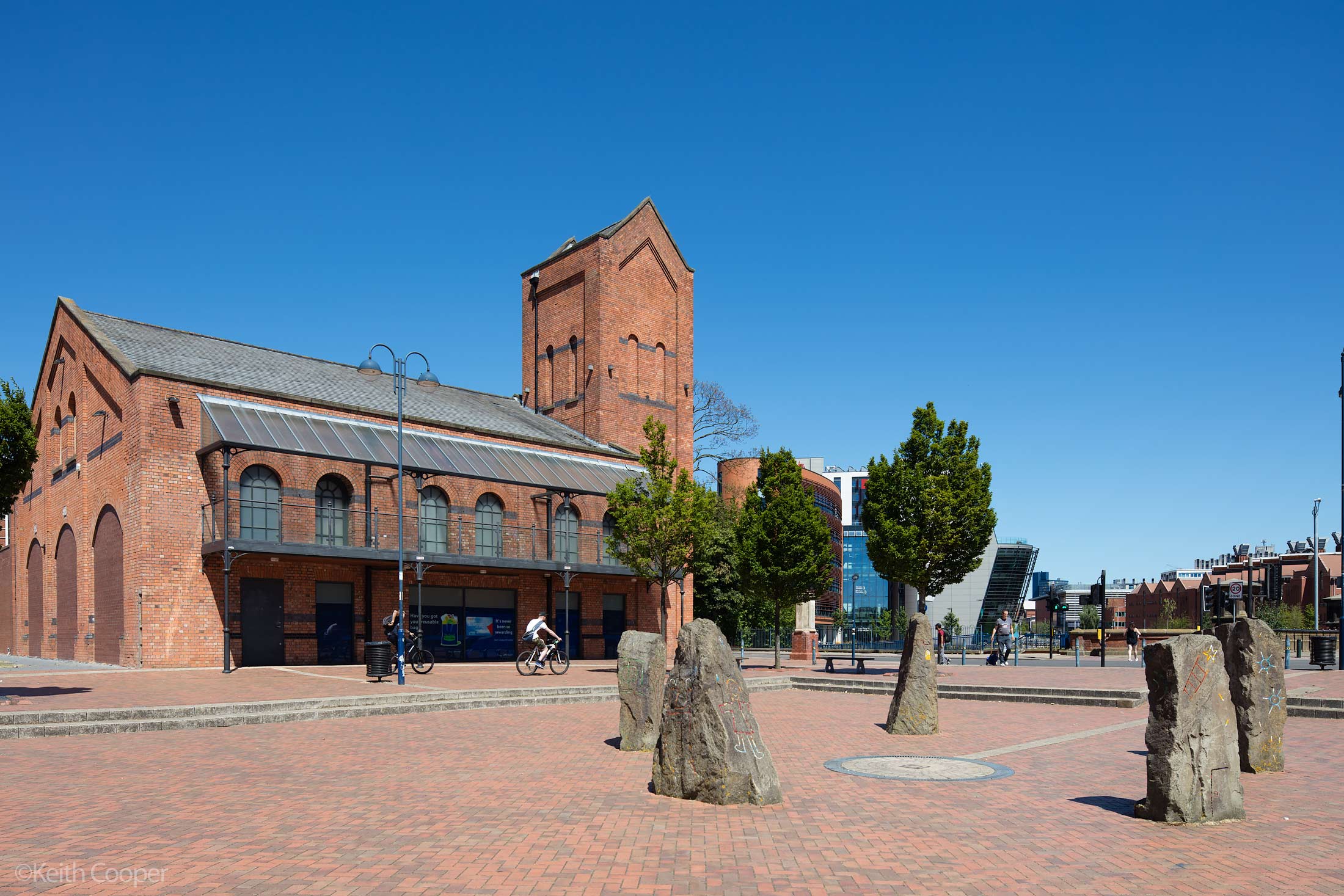
It’s just after the end of term, on a Saturday, so rather empty…
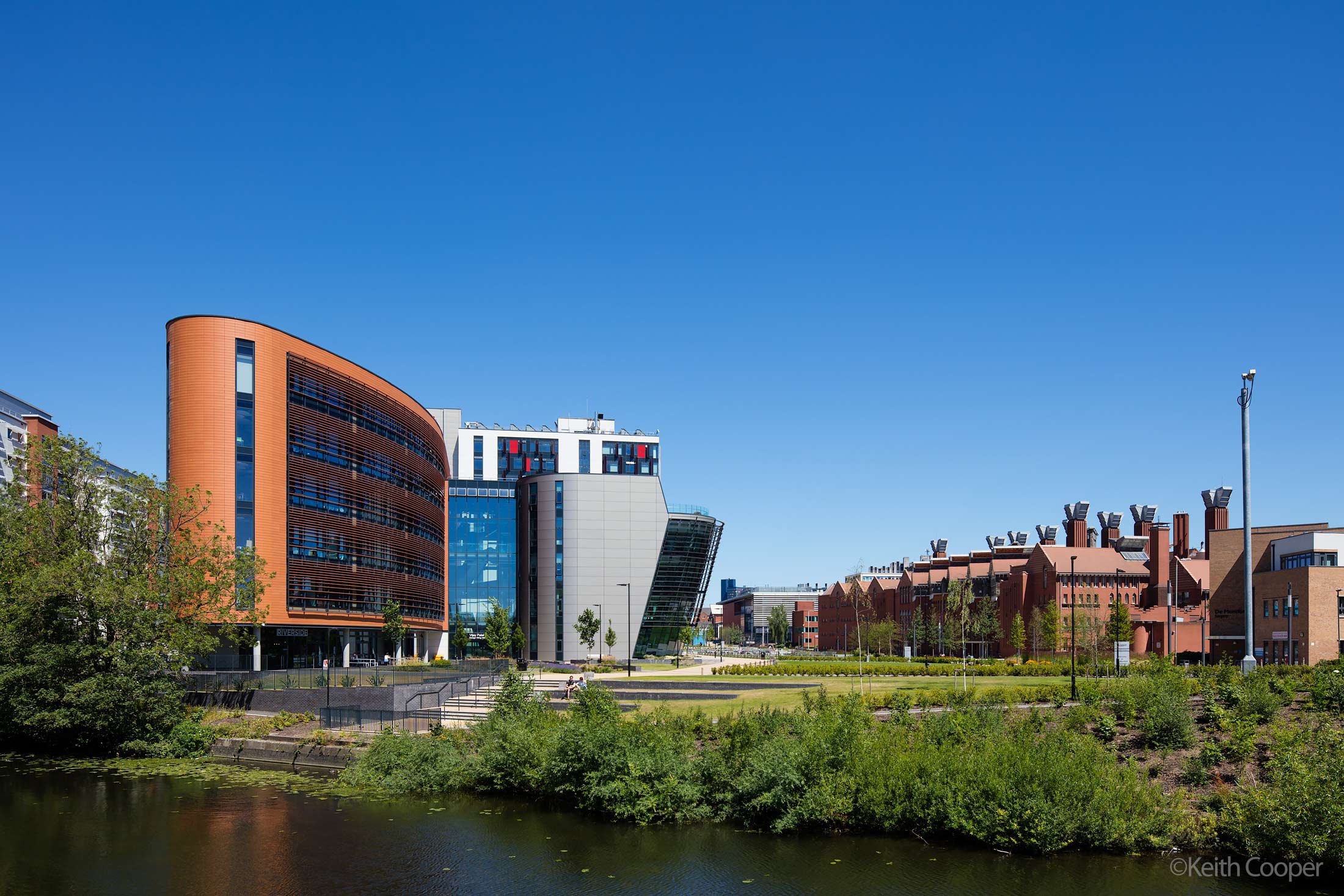
It’s at times like this I remember how much I like clouds ;-)

It feels most unlike the UK…
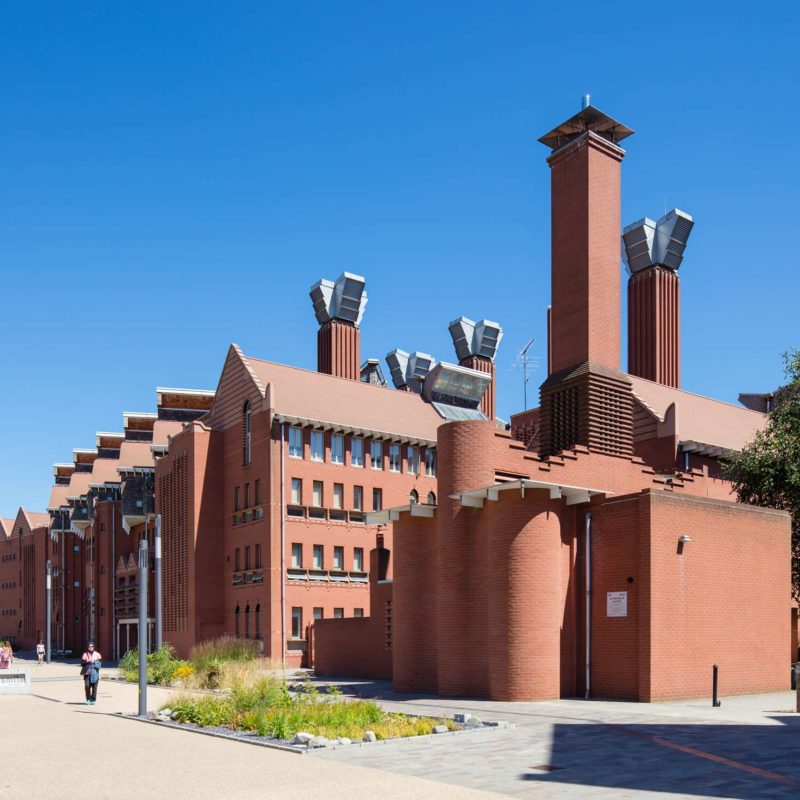
The Queen’s building with its award winning climate control systems.
Sideways shift
I tend to use up/down shift (with a level camera) a lot more often than moving the lens sideways. Even when stitching (see later) I prefer joining an up/down pair of images.
One traditional use for sideways shift is to avoid your own reflection, whilst being square on to mirrors and reflective surfaces/windows.
Note the photographers here in the reflection…

Move sideways to get a better looking reflection.

Shift left to re-centre the doorway.

Of course, too much shift and the perspective of the photo may look a little unnatural.
Using Tilt
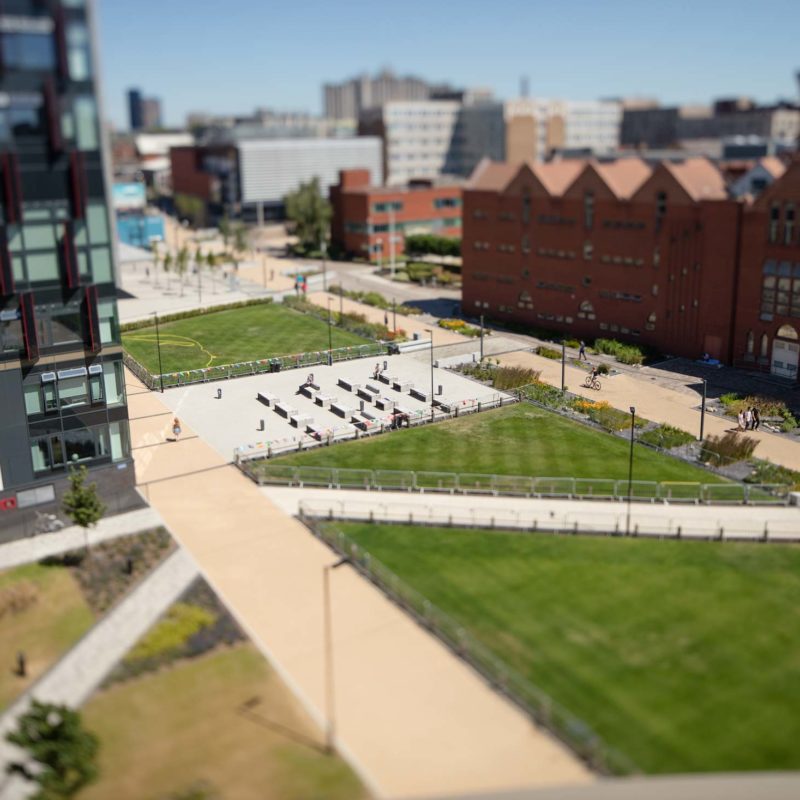
Mention tilt/shift and many people only think of ‘miniature world’ style photos. There is so much more to TS-E lenses (else my reviews would be rather brief), but for completeness sake here’s the view from the top of the gallery, which I’ve included in most of the other reviews.

Both shots are at full tilt, at f/3.5. If you’re experimenting with shots like this (and you should, just to get it out of your system ;-) try full up or down tilt, and then adjust focus to see what happens.
Looking the other direction towards the river.
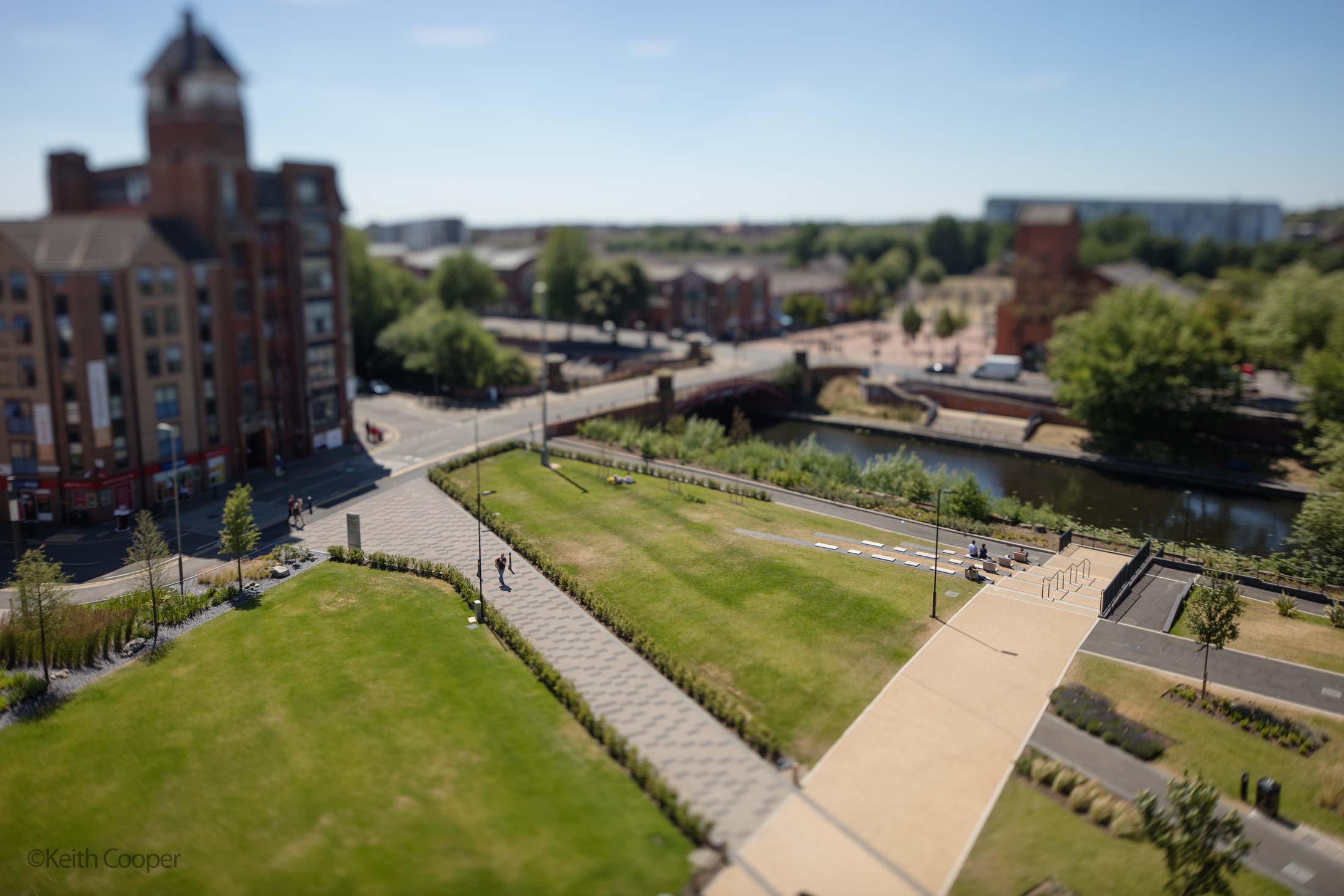
Such shots can be interesting if you know the place, but once you’ve seen a few…
Indoors
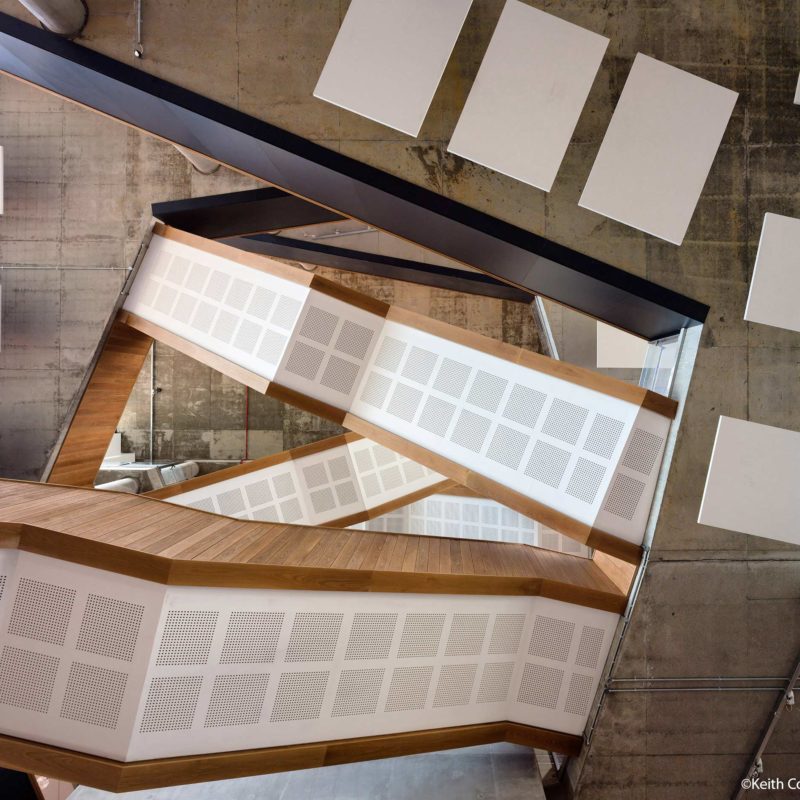
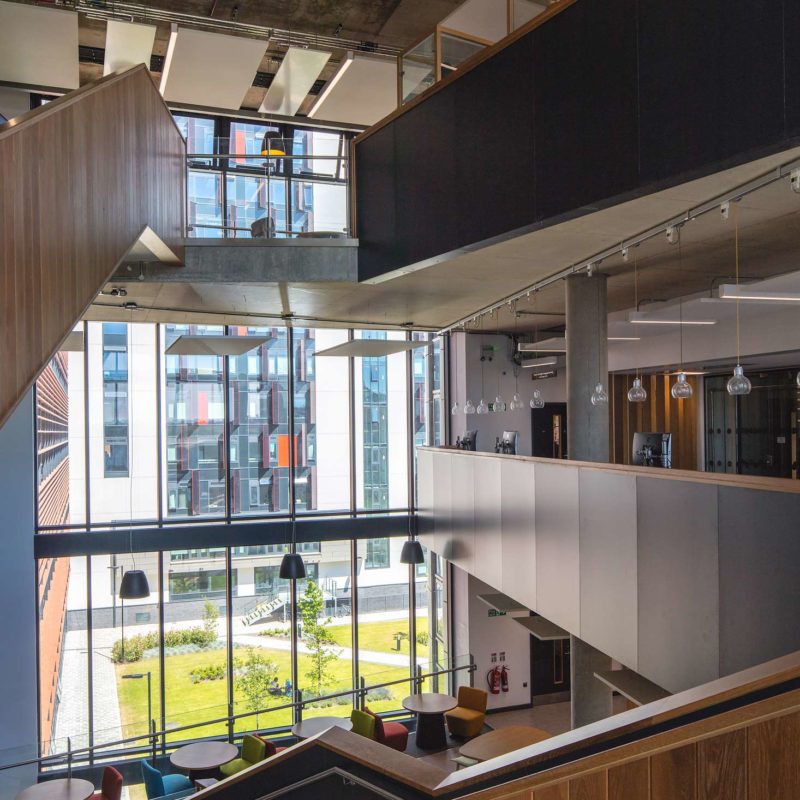
A couple of shots inside the building. Looking directly upwards (actually two images stitched – see later).
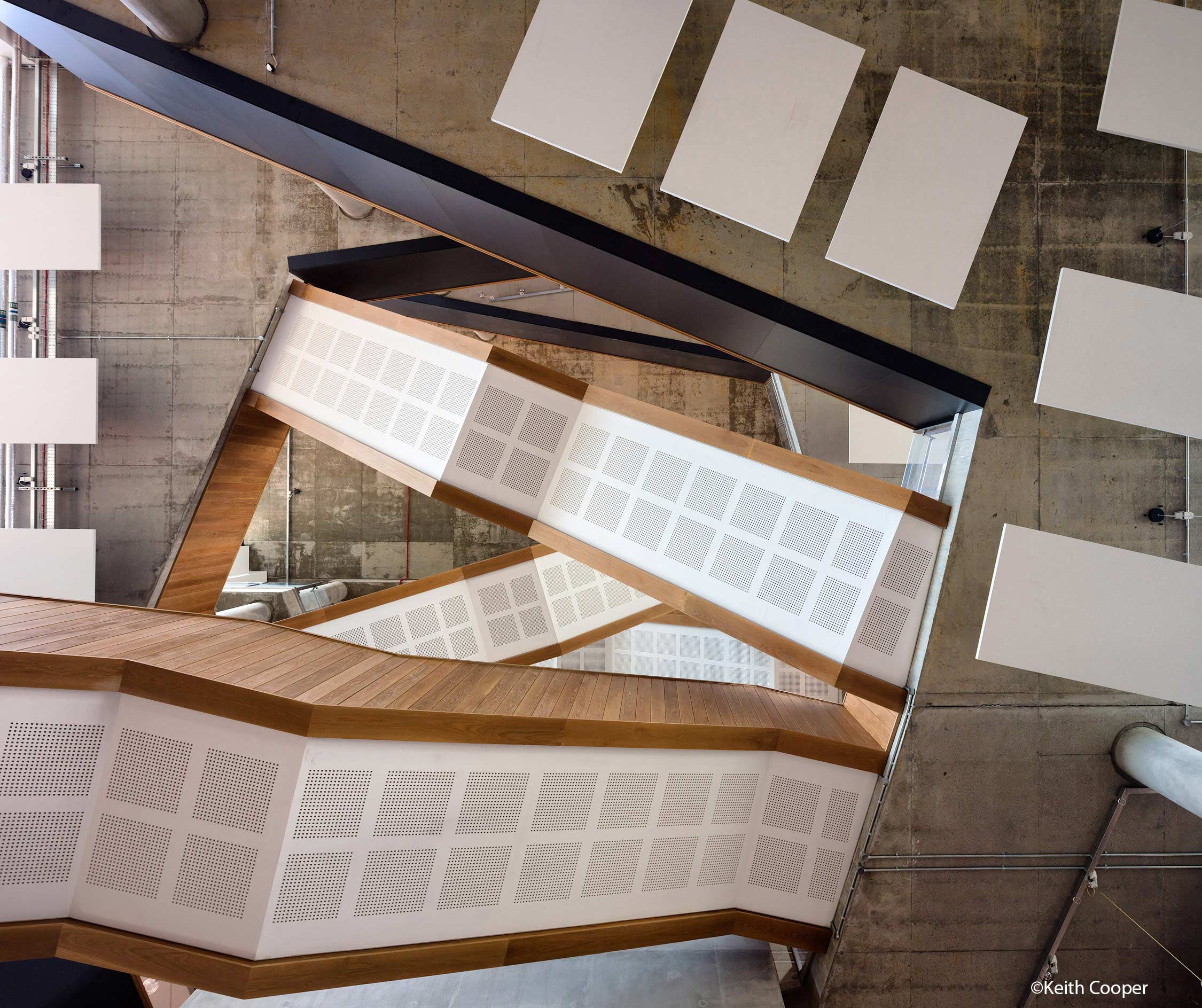
Looking across the stairs, with no shift
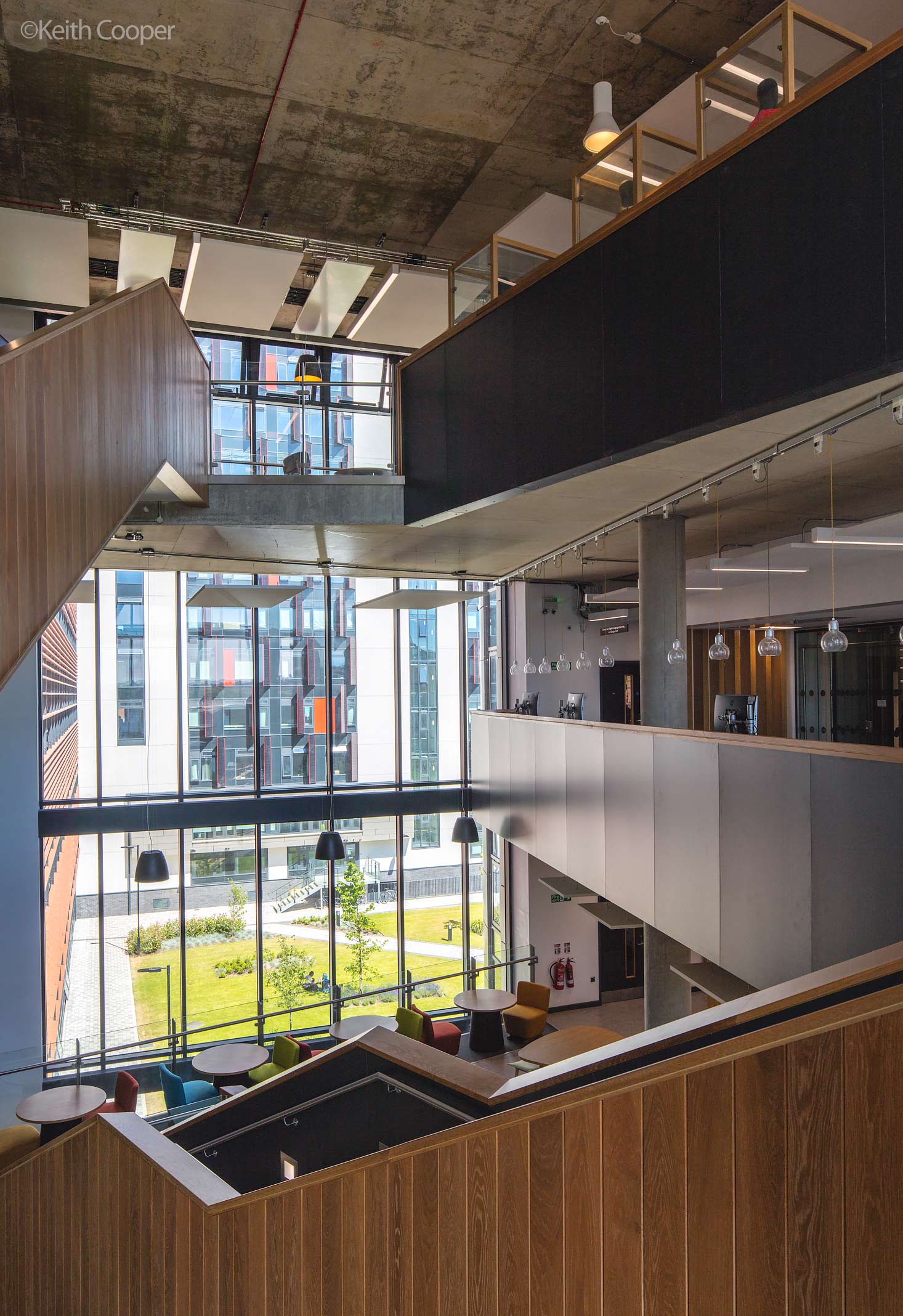
The TS-E 24mm gives a good perspective in larger spaces, without making them seem too ‘barn like’ – I have the 17mm for that…
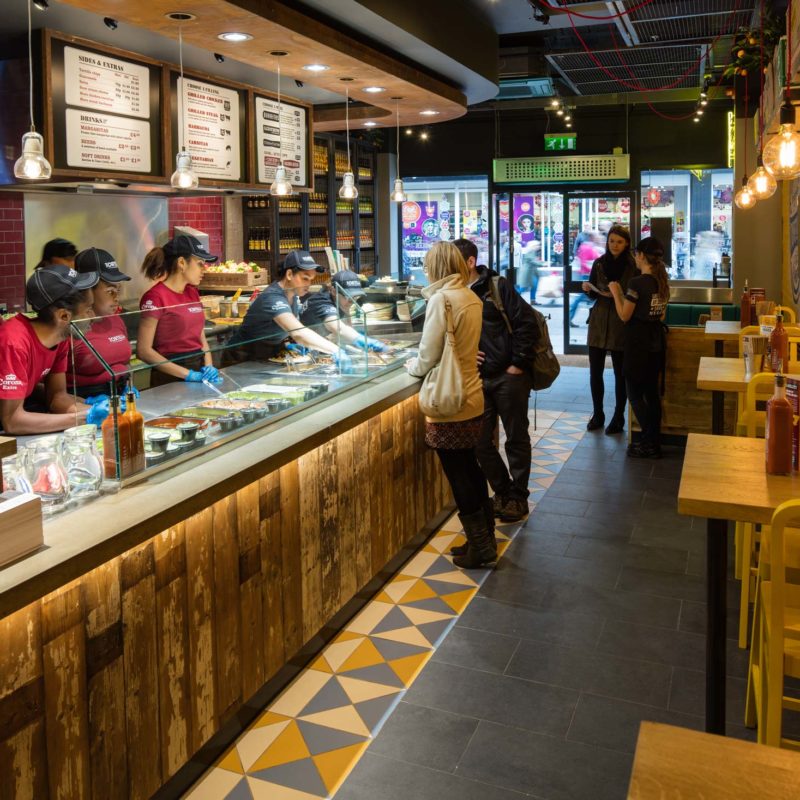
This food outlet image is from a collection for a commercial property brochure – a bit of downward shift gives a wider view without making you feel the camera is leaning over.
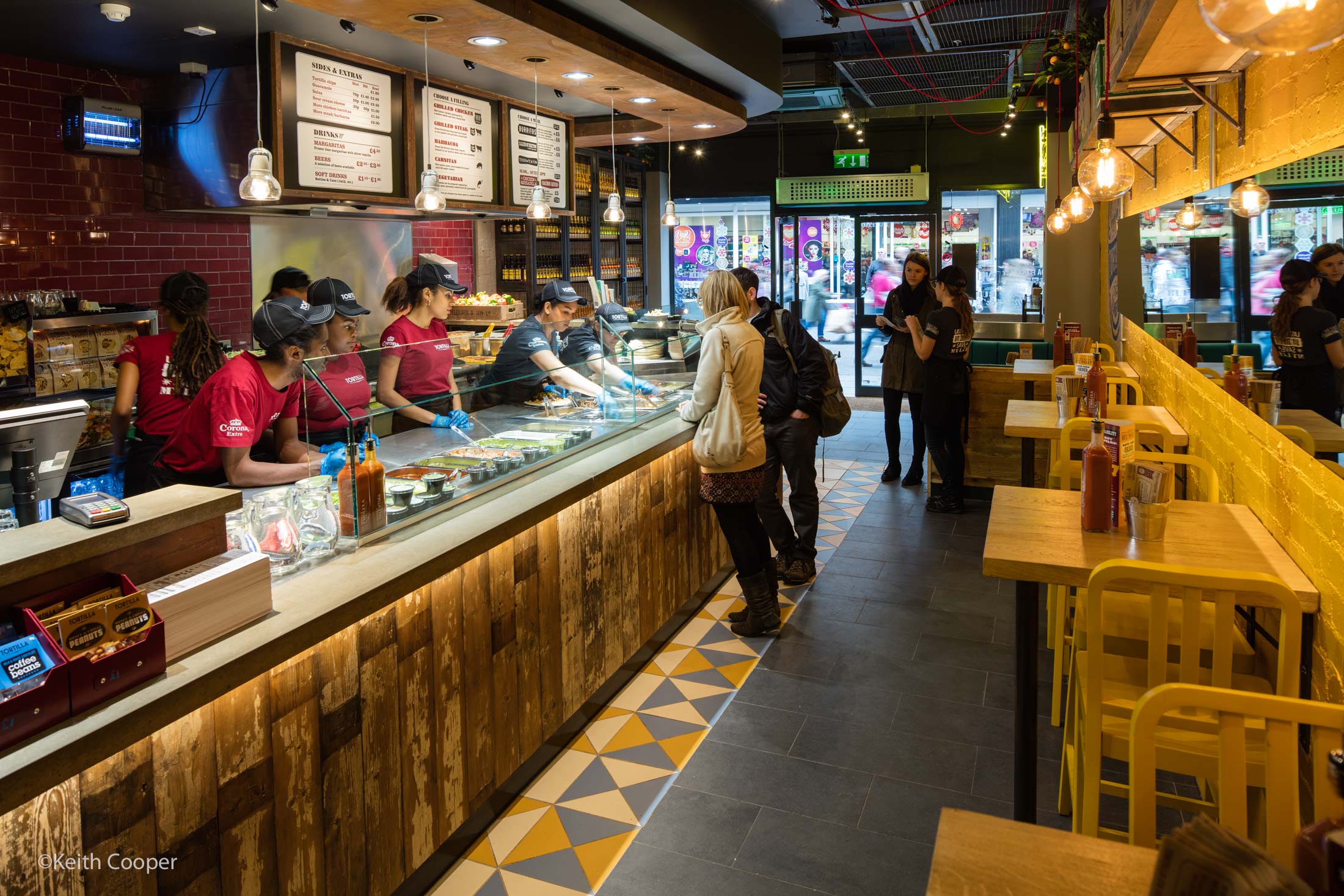
I often use the TS-E 24mm in my industrial photography, particularly where I want a consistent viewpoint/perspective for stitching multiple shots of large equipment.
You don’t have to shift down this much, but the choices the TS-E lenses give you make you think about the geometry of your images a lot more.
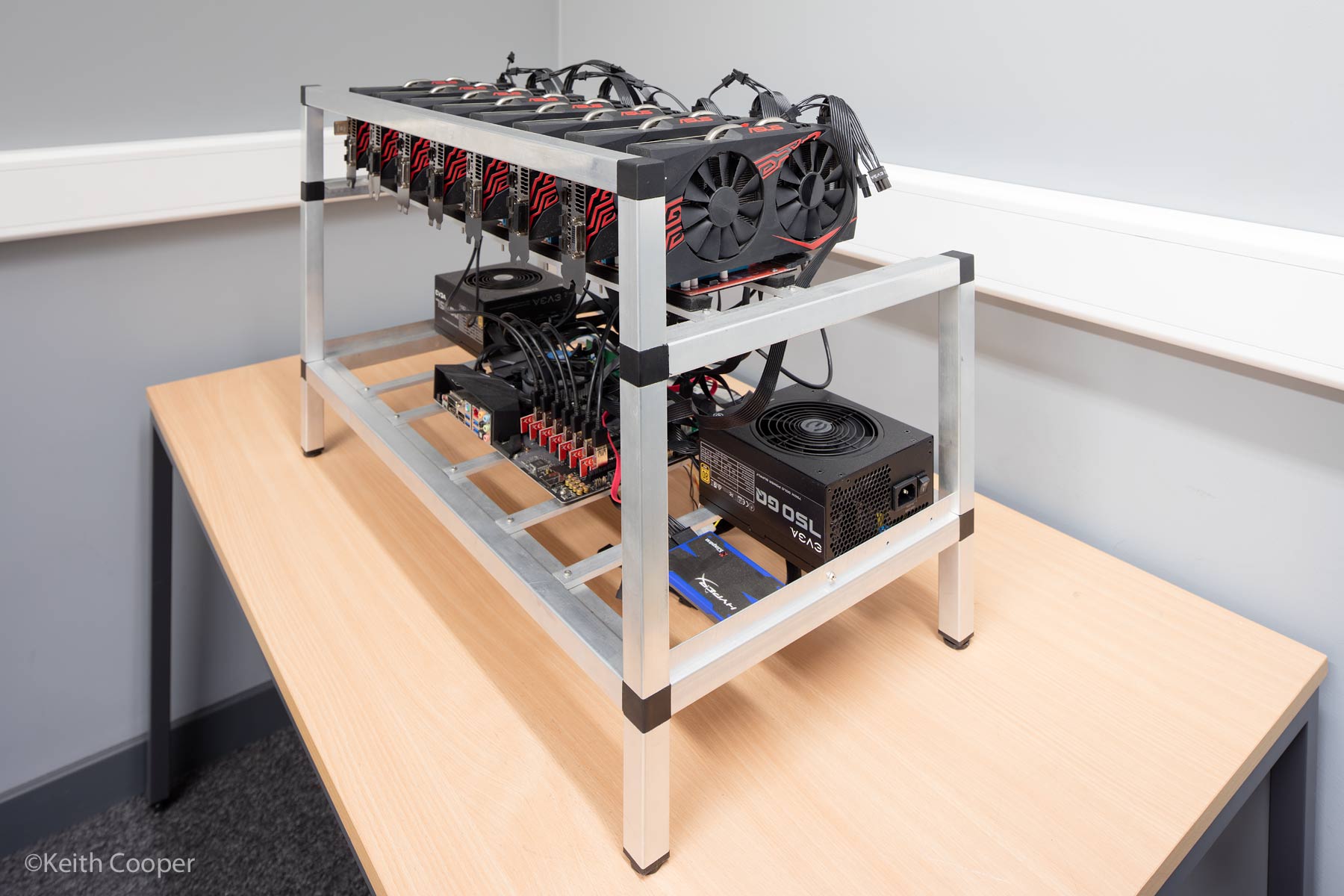
A crypto mining rig
Using some tilt
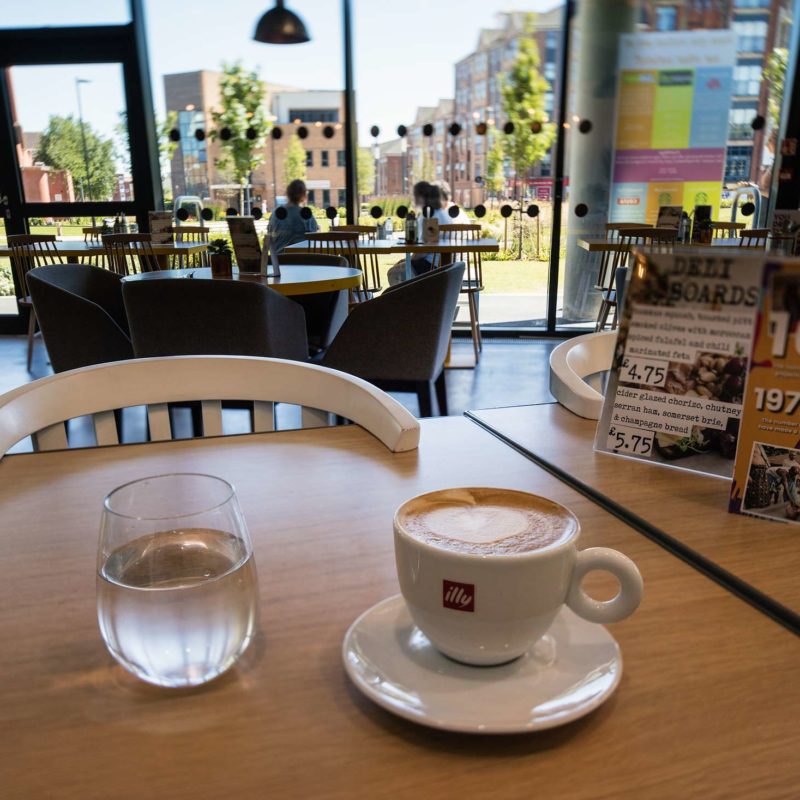
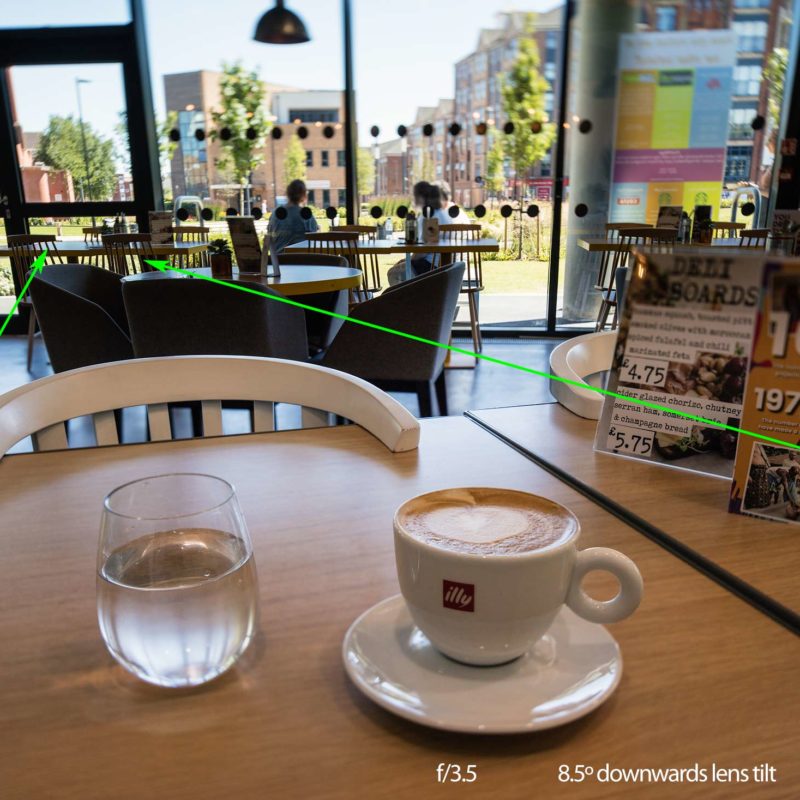
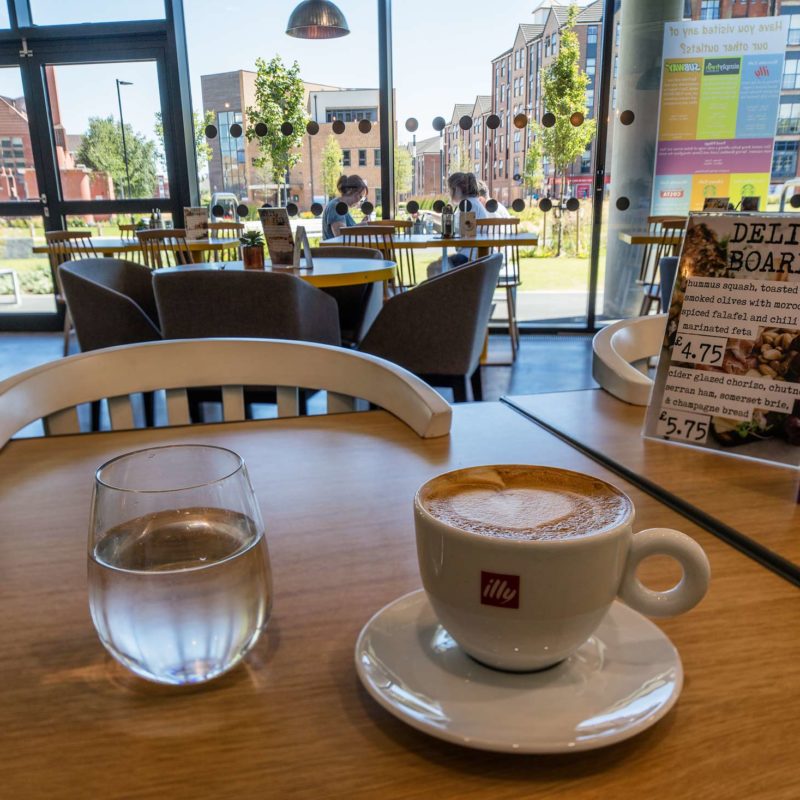
In this first shot, I’m pointing the camera slightly downwards and have the lens fully tilted down too. I know from my tilt tables that the plane of focus (with the lens at ∞) runs about 6 inches below the lens.
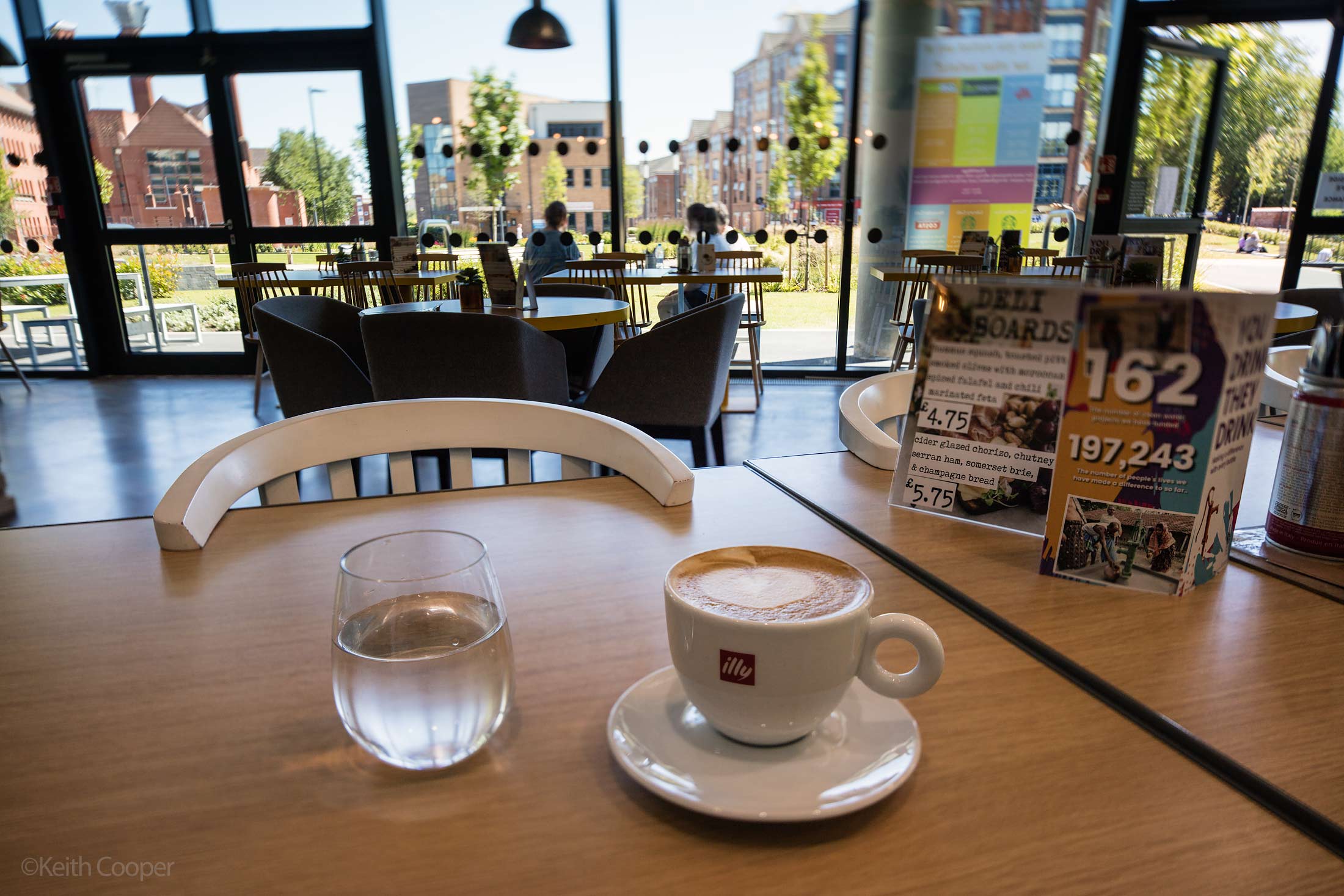
Focusing a bit closer tilts the plane a bit upwards and runs it through the line of the more distant table tops.
If this isn’t clear, do have a read of my article about focusing a tilted lens, which has lots more diagrams and examples explaining how to take control of where the plane of focus runs.
I’ve annotated the photo showing where the focus runs.
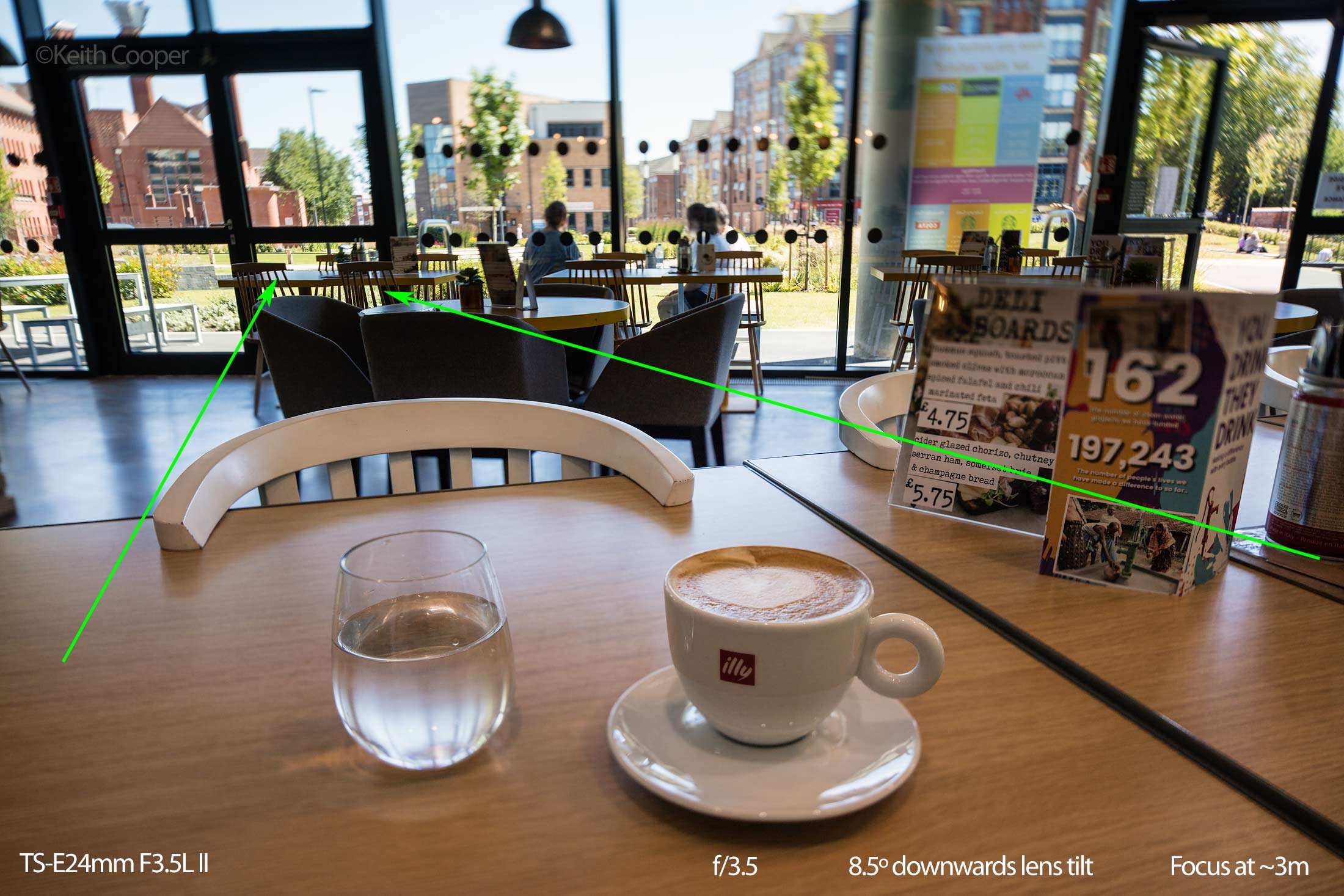
These shots are hand held, so a little imprecise. However I’ve long believed that with practice, shift and tilt were not ‘tripod only’ options.
Stopping down to f/7.1 gives a much more usable depth of field (see the menu board), but I’ve perhaps reduced the focus too much, so the distant part of the plane of focus is a bit too high.
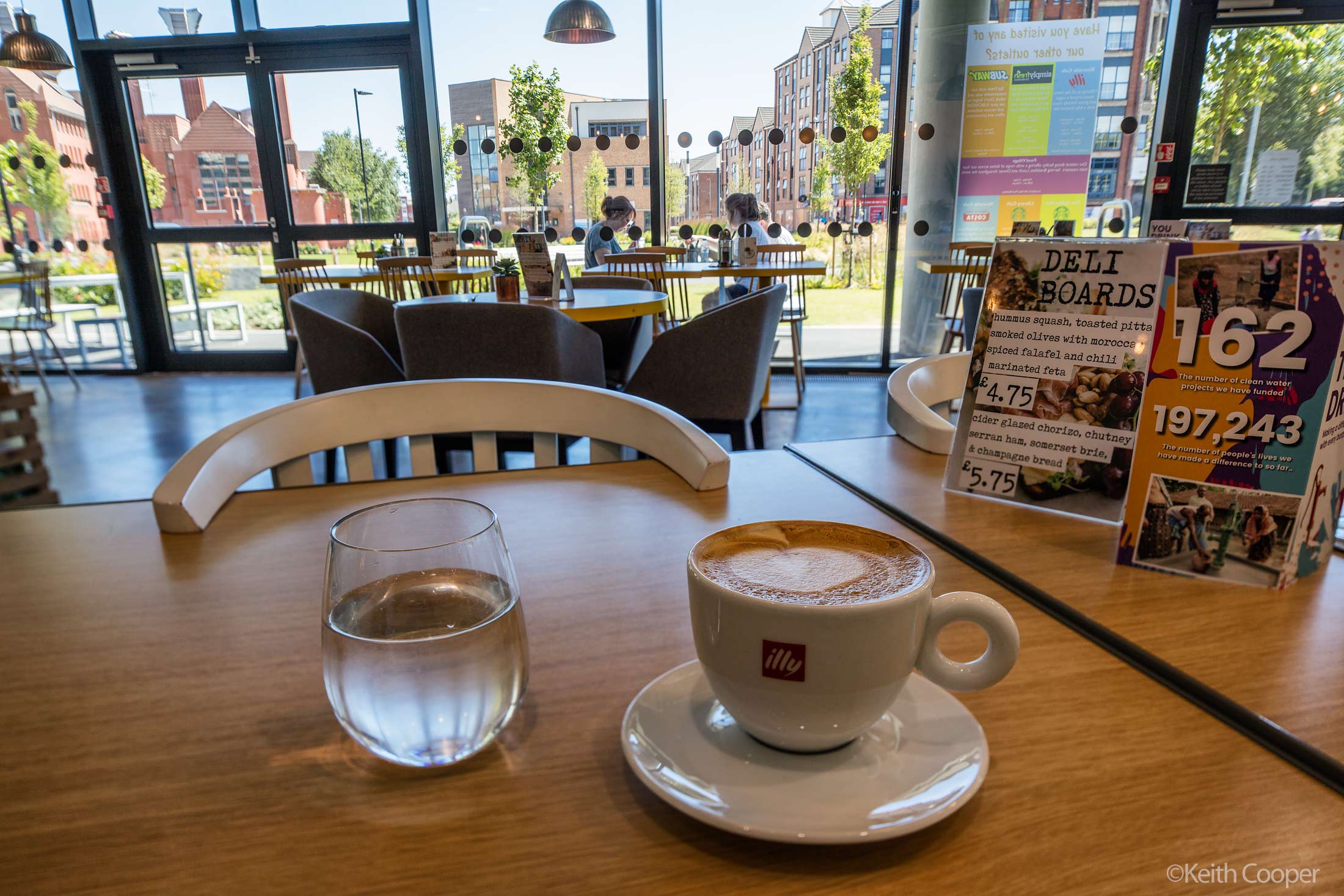
At full tilt, don’t be afraid of f/16 to get stuff sharp enough.
I tend to use tilt to give the appearance of much more DOF, not for soft ‘creative’ purposes. If you want that sort of stuff, I’m minded to suggest that there are much cheaper lens tilt options.
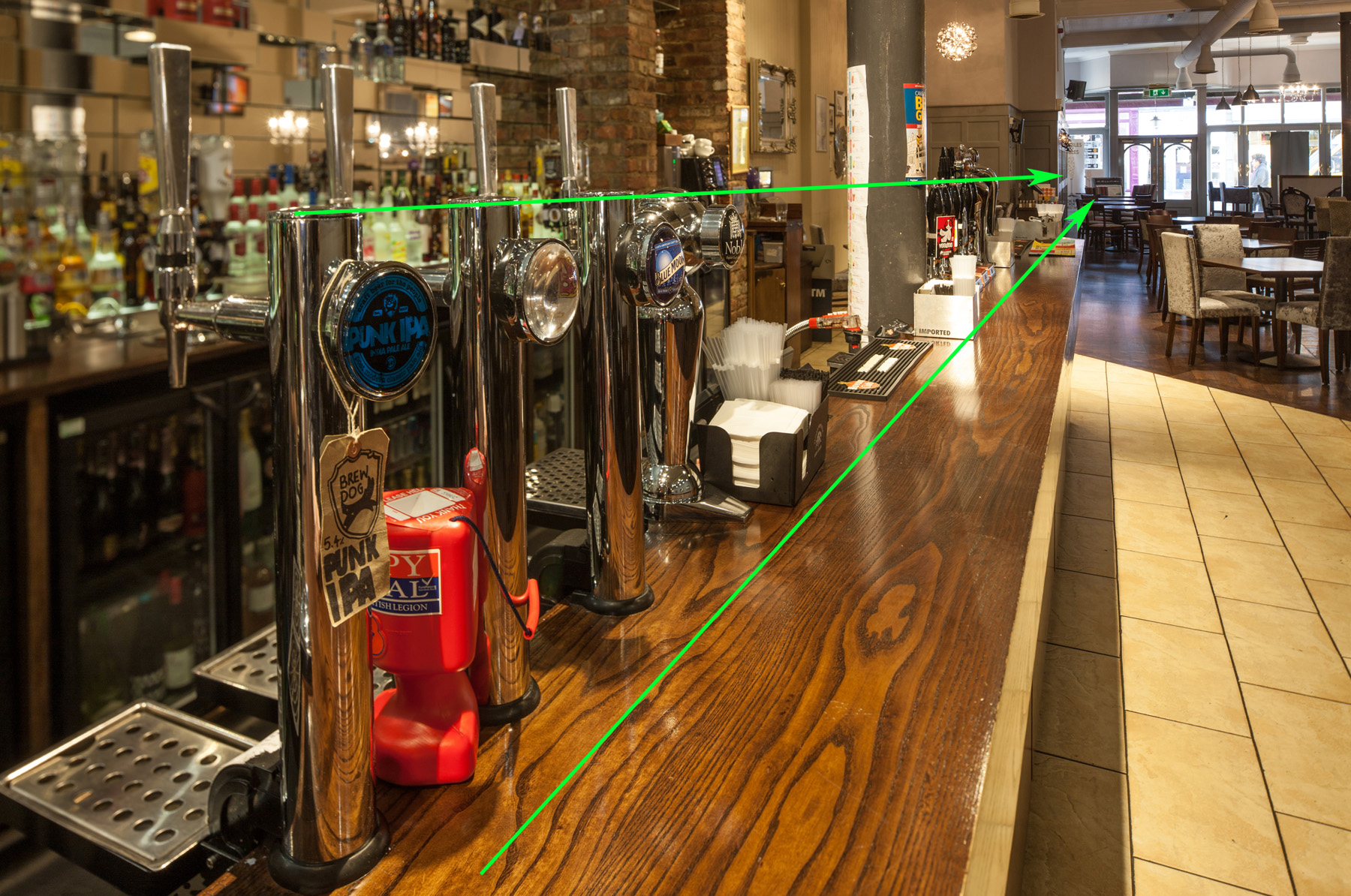
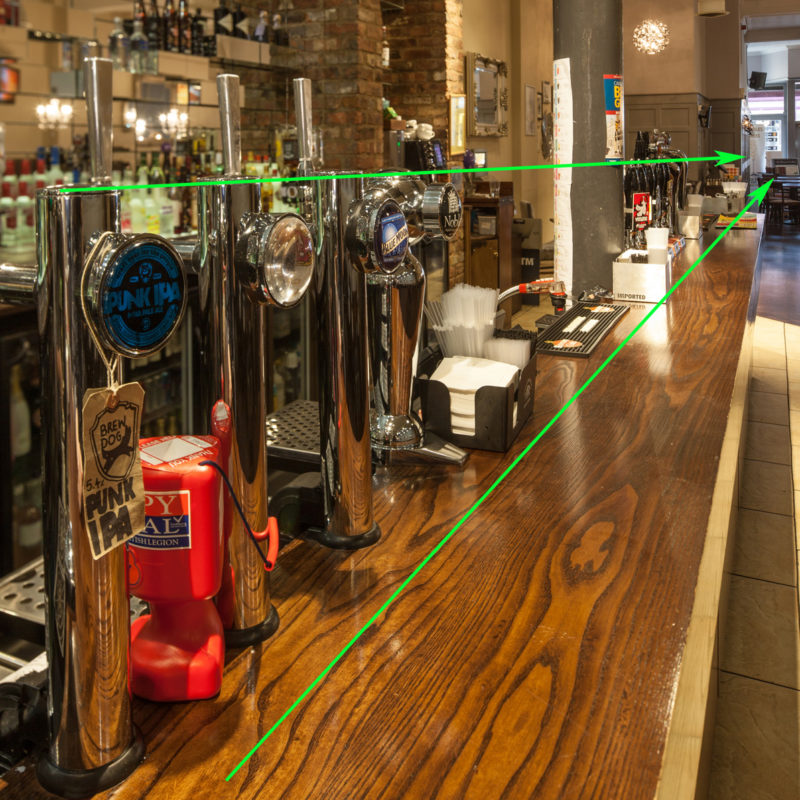
In the photo below, I’ve swung the lens to the left and shifted downwards. I want the taps sharp, and also the distant parts of the bar. The softness of the back of the bar helps make the taps stand out.
I’ve drawn in where the plane of focus runs.
Here’s the crop of that image as used in the brochure for selling the pub – I do quite a lot of work for commercial property sales brochures.
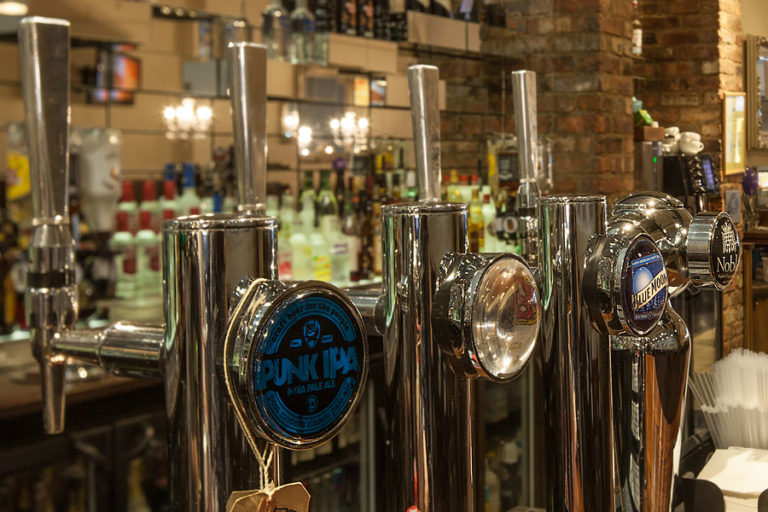
Obviously, the brochure designer just liked the tap badges – one more reason I like having lots of MP in my cameras, it gives clients more options.
It’s interesting to see the finished brochures, spot an image embedded in some text and not remember taking it, until you realise it’s a small crop from a 50MP image.
Stitching
If you keep your camera still and take two shots, one with the lens shifted up and one with it shifted down, then it’s possible to simply stitch the two together.
This works for any combination of movements (up/down/diagonally) and even with more photos.
The simplest way I stitch such images is using Photomerge in Photoshop, with a simple ‘reposition’ stitch selected.
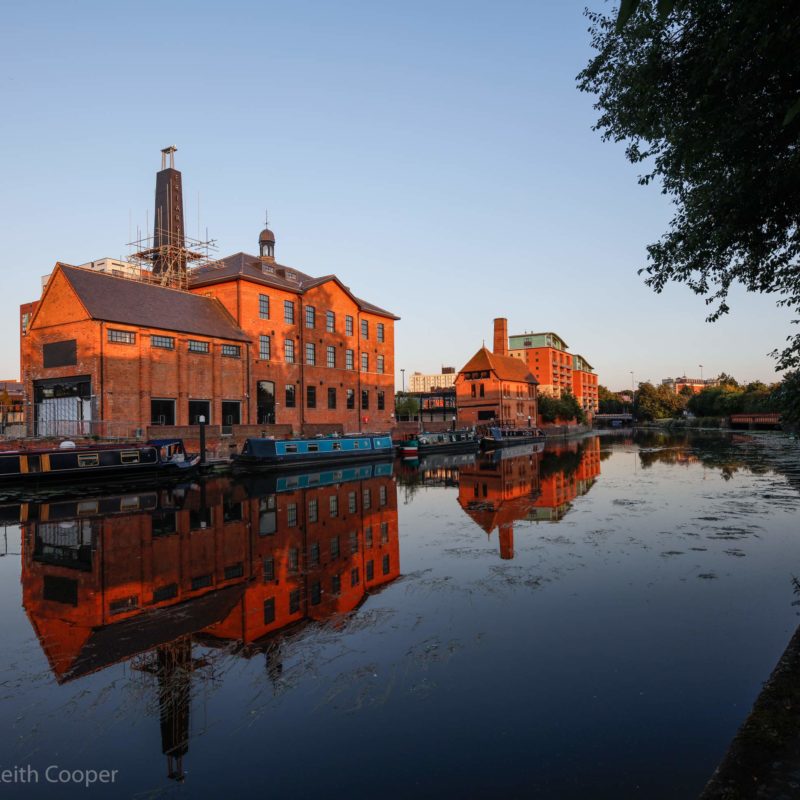
This view of Friar’s Mill on the river in Leicester has just enough up/down coverage to get the view I wanted.

I’m using a 50MP camera for the shots – stitching can easily give me 80MP+. Useful for when I’m making large prints.
I could shoot with a wider lens and crop if I could only get a single shot, but I prefer the larger images.
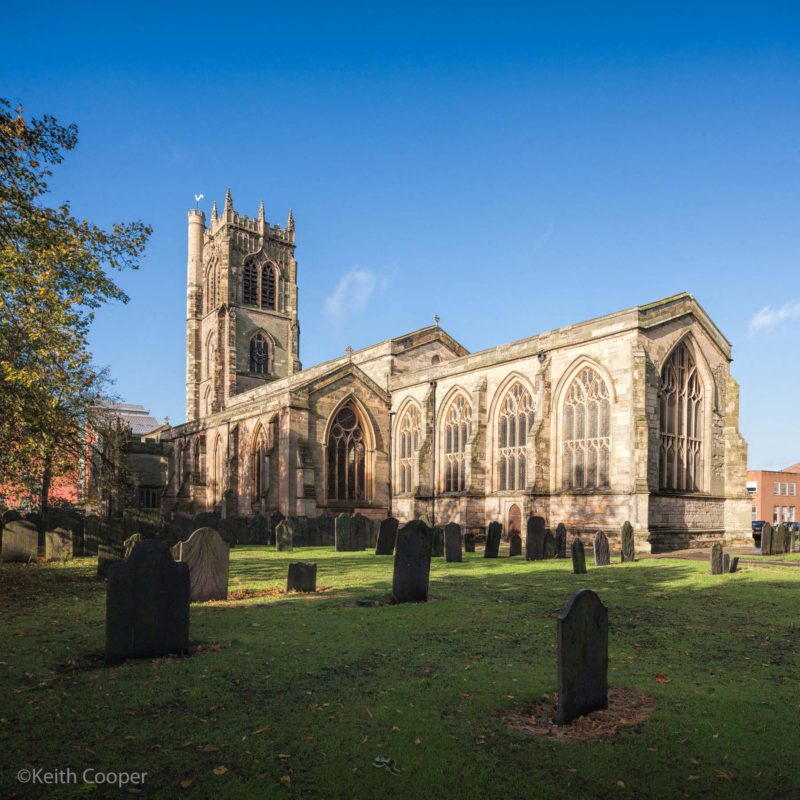
This view of St Margaret’s church in Leicester was taken with the Canon 1Ds mk3, so the ~32MP of the combined images was a useful step. There’s also the fact that the TS-E 24mm is has a slight edge in image quality over the TS-E17.
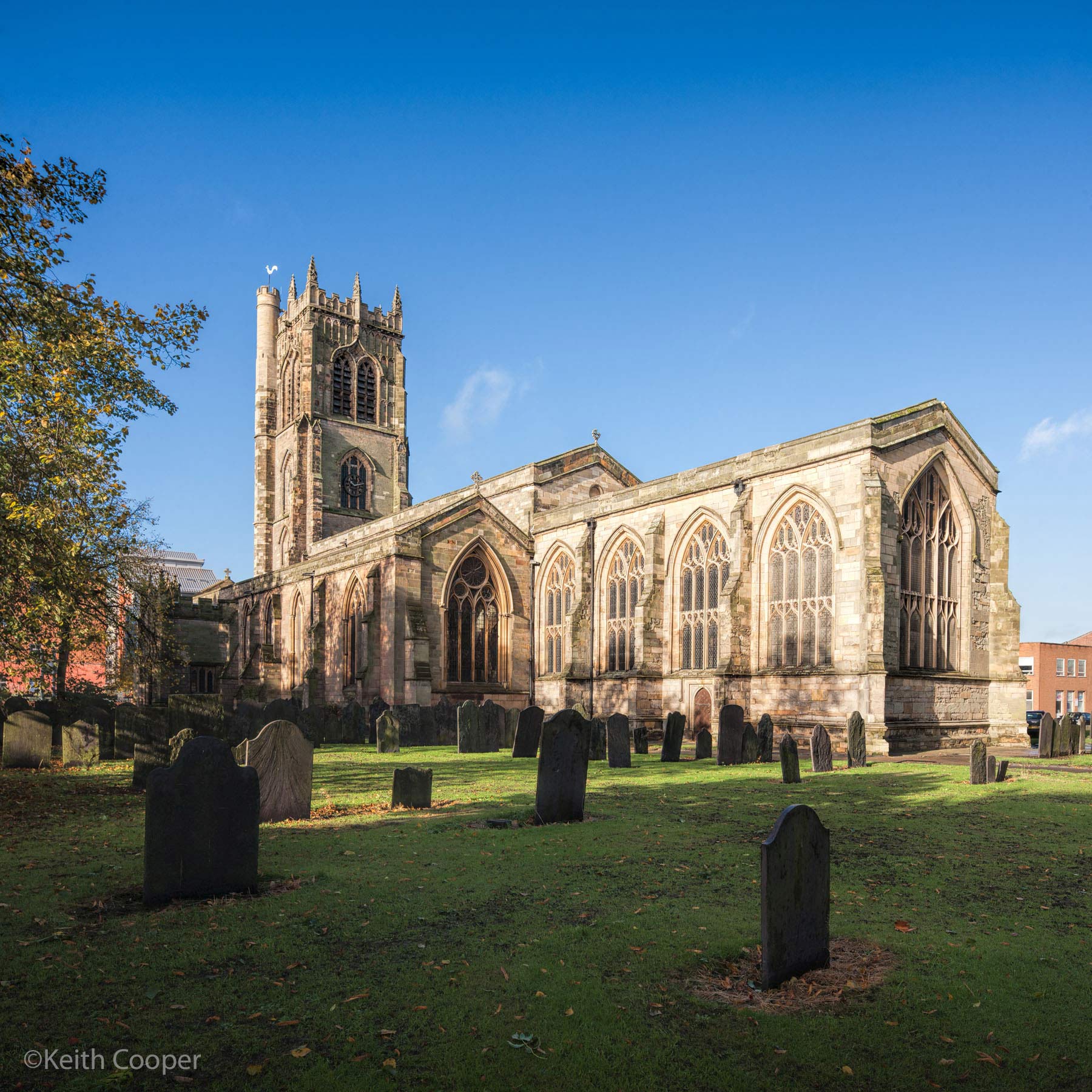
Two stitched views of the Vijay Patel building at DMU.

You can see the relative proportions of upwards and downwards stitch from the horizon position in the frame.
I should note that the TS-E 24mm has a small amount of barrel distortion over the whole image circle. Many of my own shots tend to have the horizon across the middle of the image circle (the camera is level) so this doesn’t show. If however you were to point the camera down and shift up to get the horizon into the frame, you might notice a slight curvature. This is easily fixable in software. The old TS-E 24mm was noticeably worse in this respect – there’s a short discussion of this in my review of the Samyang T-S 24mm.
This second image is where the starburst example came from earlier.

Lastly, one from that hot day…
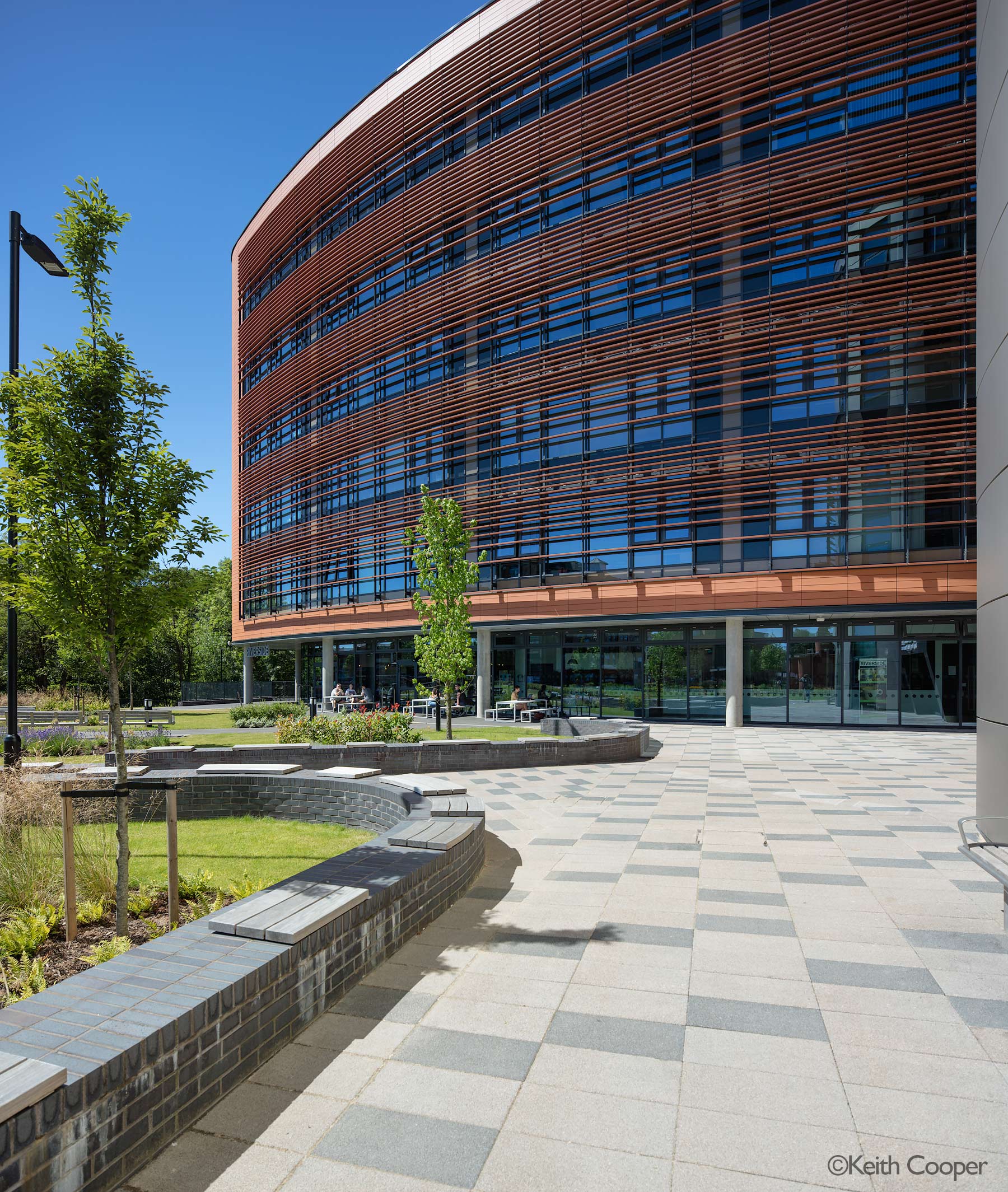
The extreme upwards shift is showing a bit too much softness in the top right corner. This is f/7.1 – perhaps f/10 would have been a better choice?
Parallax
Stitching by moving the lens is fine for many uses, but if you’ve crossing elements of the scene at different distances (tree branches and railings are the worst) then the 24mm potential movement of the lens can cause parallax issues.
One way round this is to attach the lens to the tripod, not the camera. I’ve two different specialist mounts for this.
The easiest to use is the TSE Frame (full review)

The TS-E frame doesn’t allow for tilt (not a problem for 99% of my TS-E 24mm stitched work).
If I do need tilt, I can use the PPL adapter (full review)

Close up
The TS-E 24mm focuses down to ~21cm. With the wide angle this isn’t ‘macro’ as such, but you still get some interesting views.
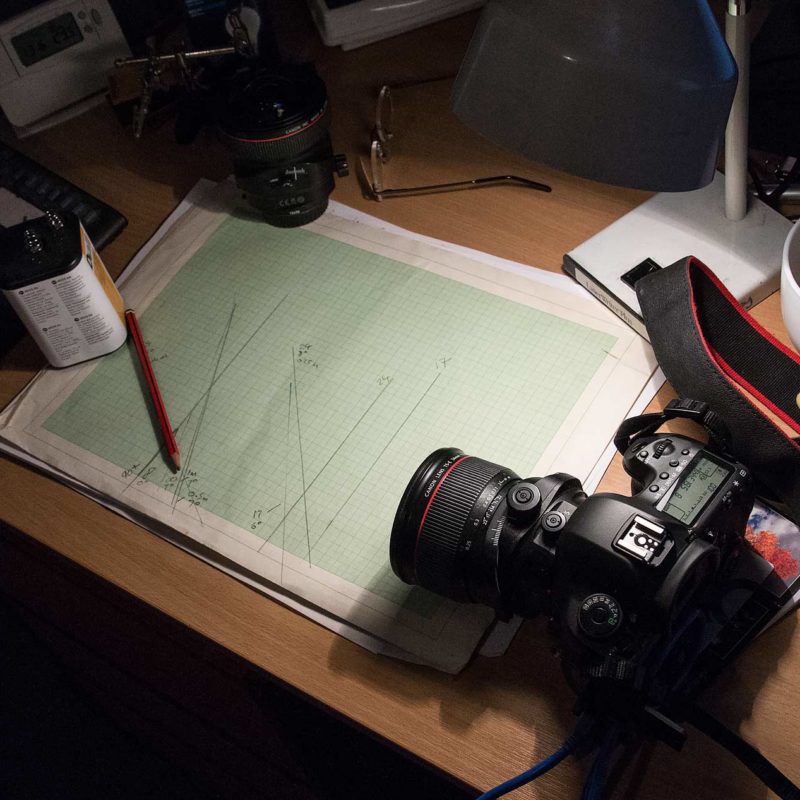
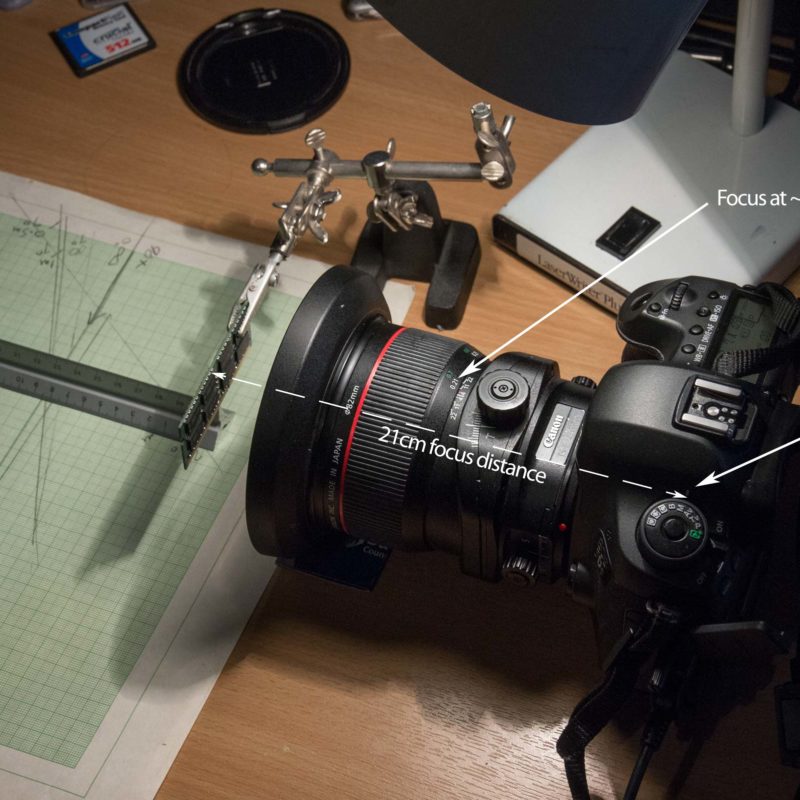
The test images here are taken on my desk, with the camera tethered to my Mac Pro.
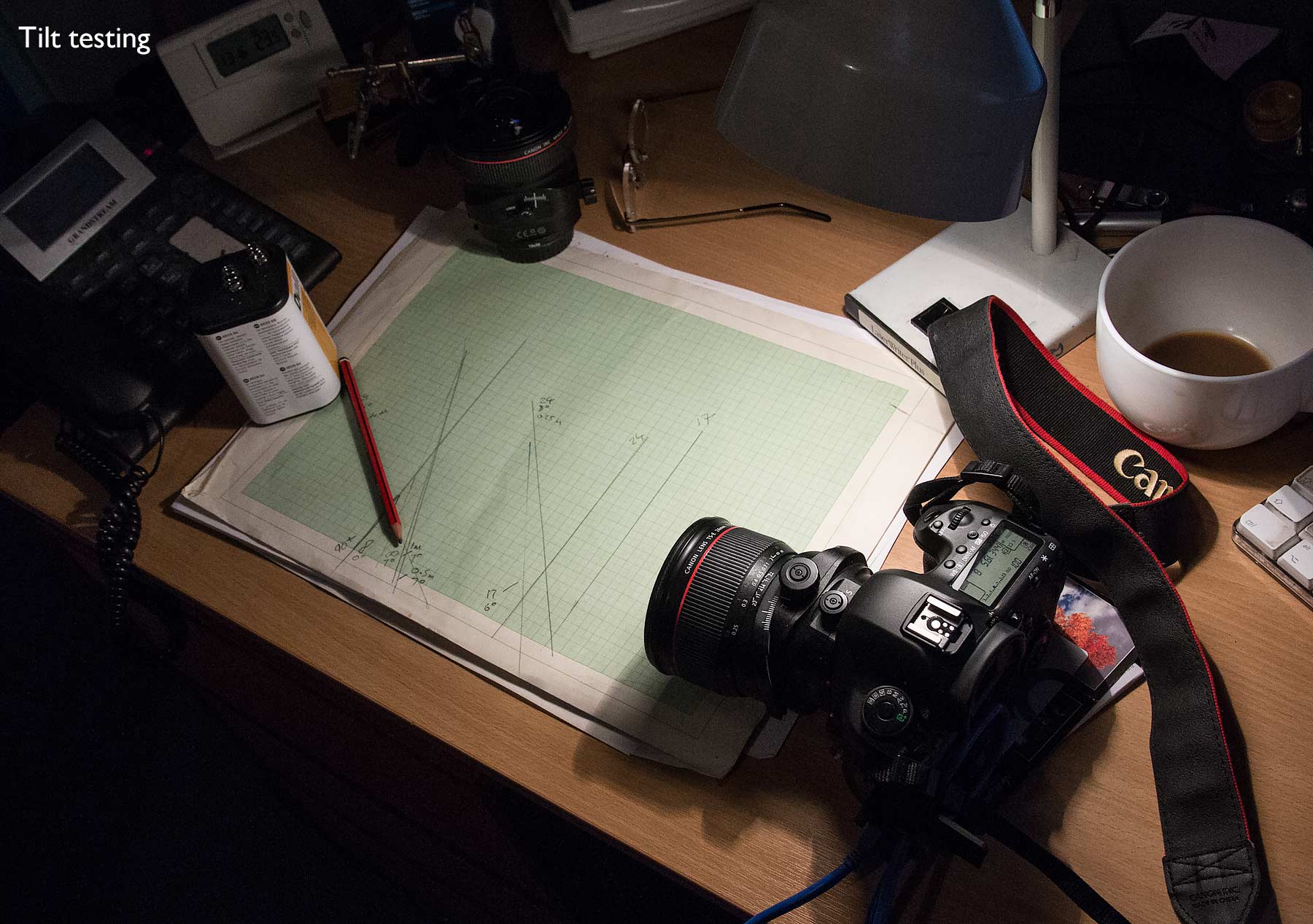
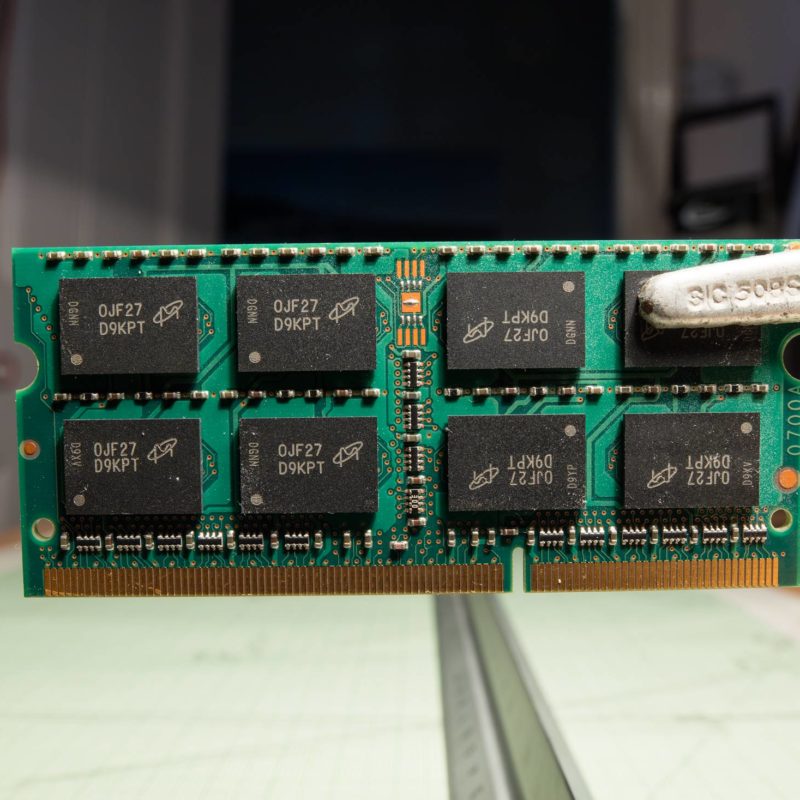
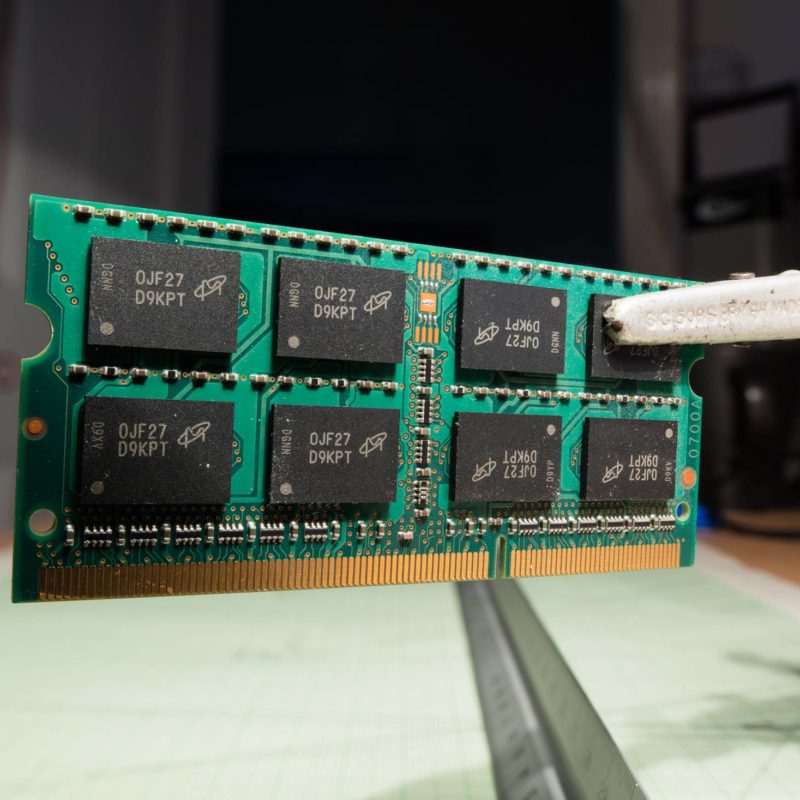
The closest focus distance (21cm) is just in front of the lens – interesting, but it makes lighting tricky.
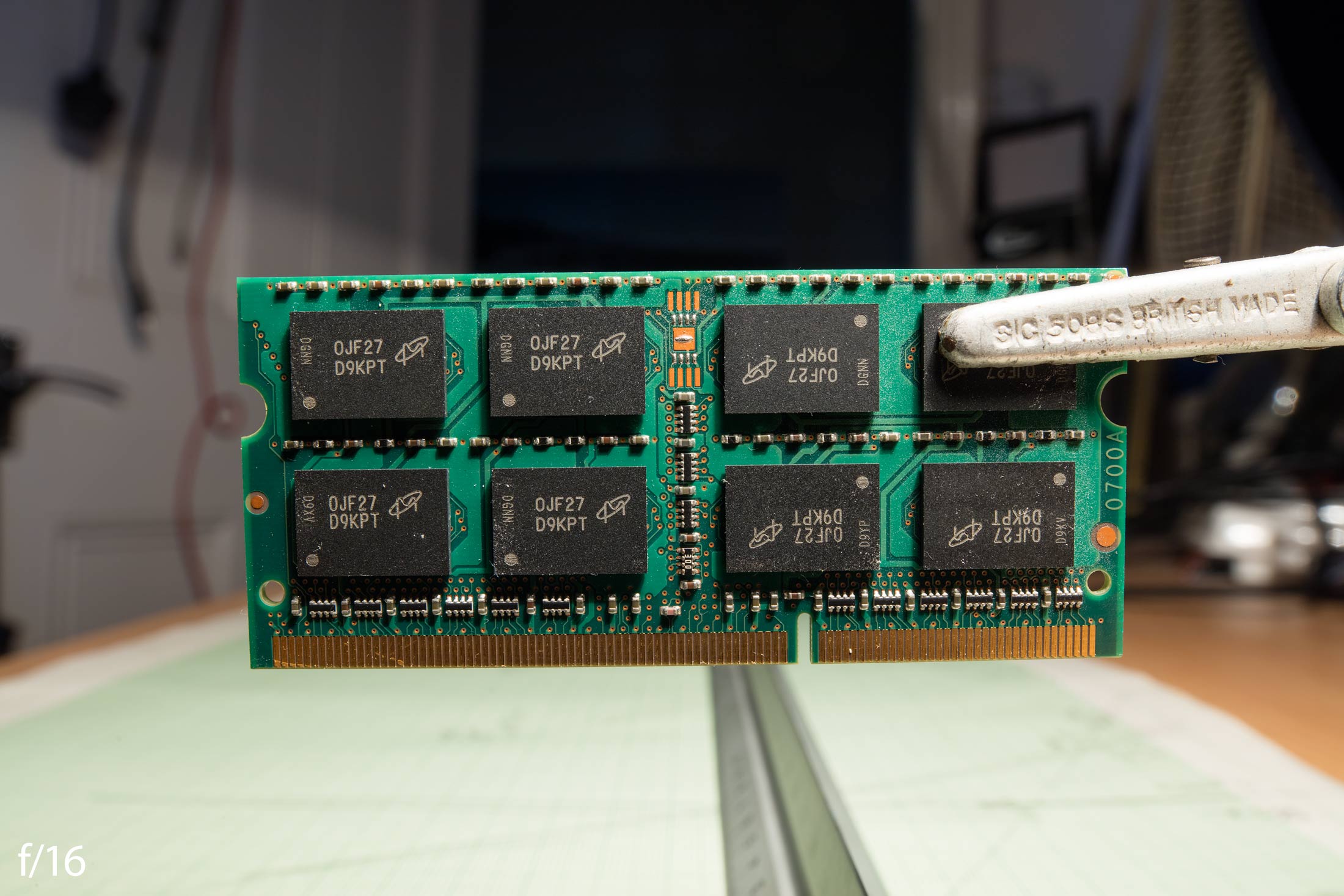
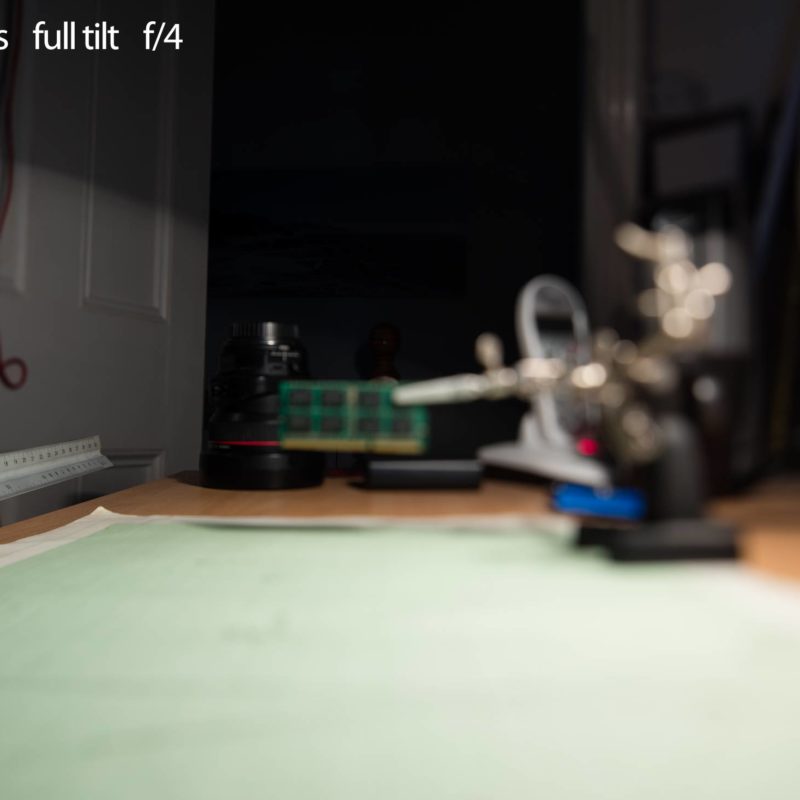
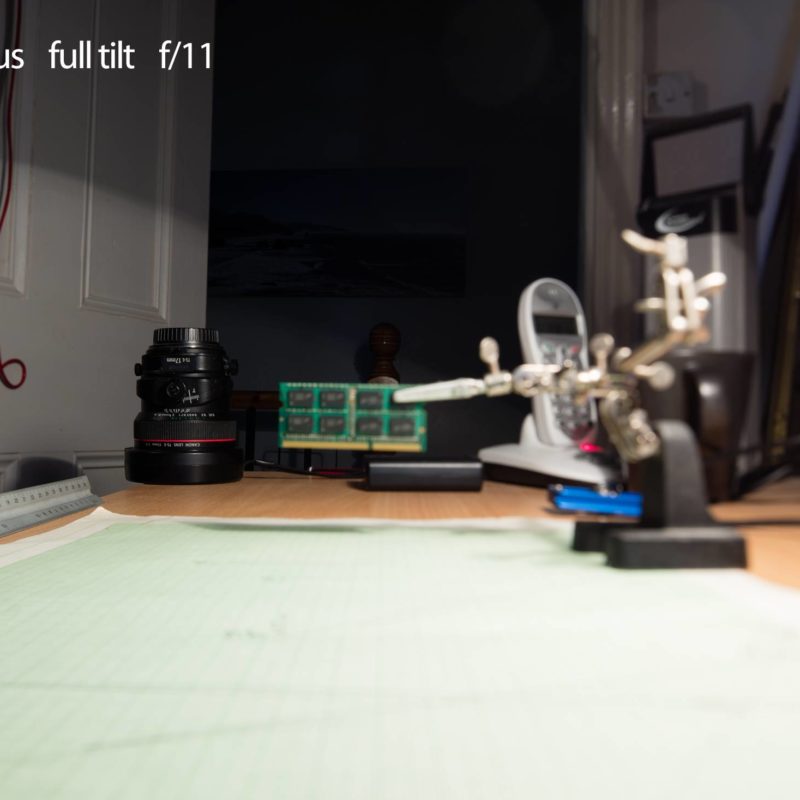
The three samples here [click to expand] have the vignetting I noted earlier, but give a good feel for how the lens handles out of focus areas, when close.
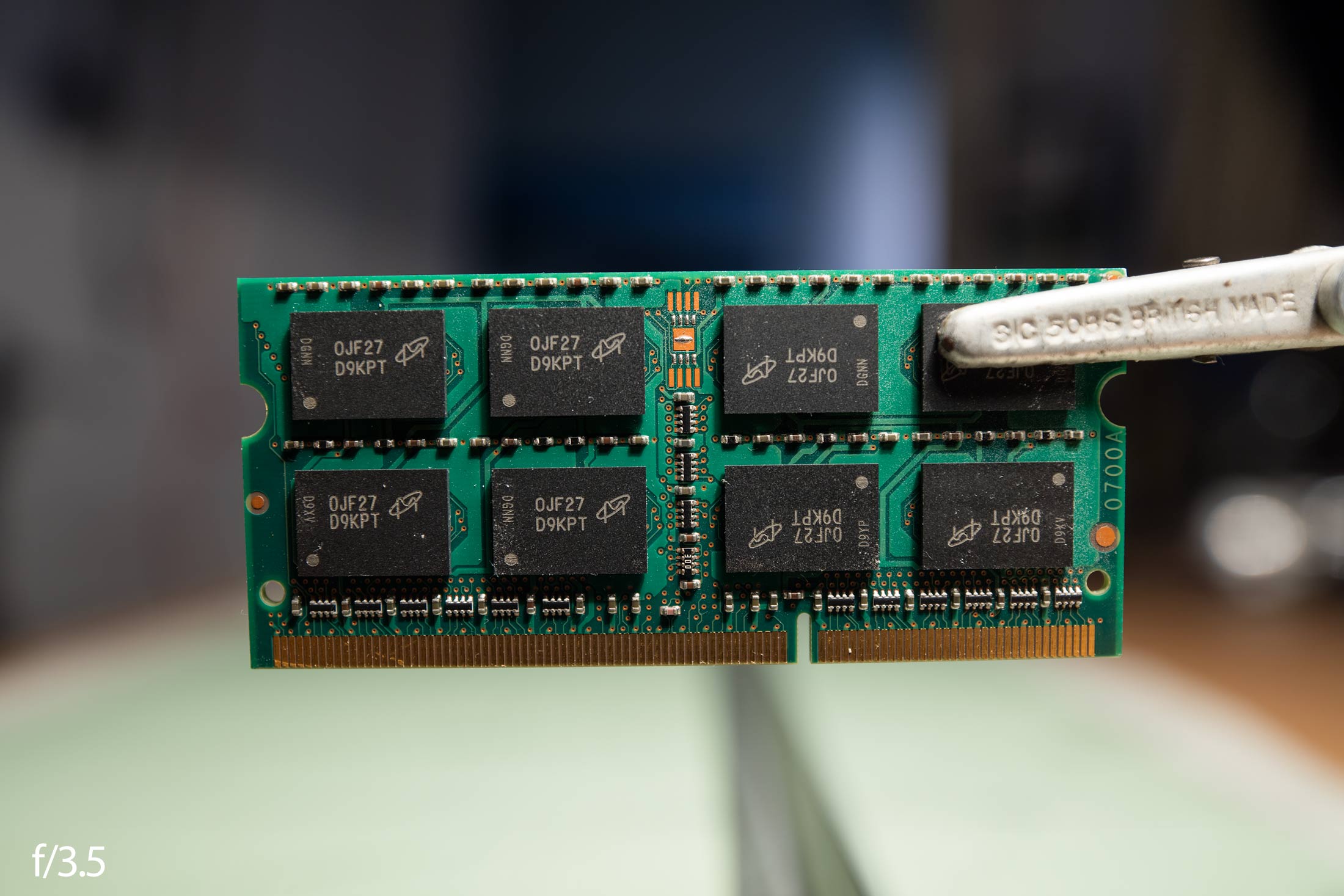
I’m minded to wonder if f/3.5 is really only there to make f/4 look a bit better and improve lens performance with tilt and shift at smaller apertures.

Unless you need the aperture for shorter exposure (or OOF softness) the increase in image quality at f/5.6 and above is welcome.
The lens is still very good at wider apertures, and a distinct step up from the TS-E 24mm Mk1, but not in the same league of wide open sharpness you find in the new 50mm/90mm/135mm TS-E lenses (which are exceptional).
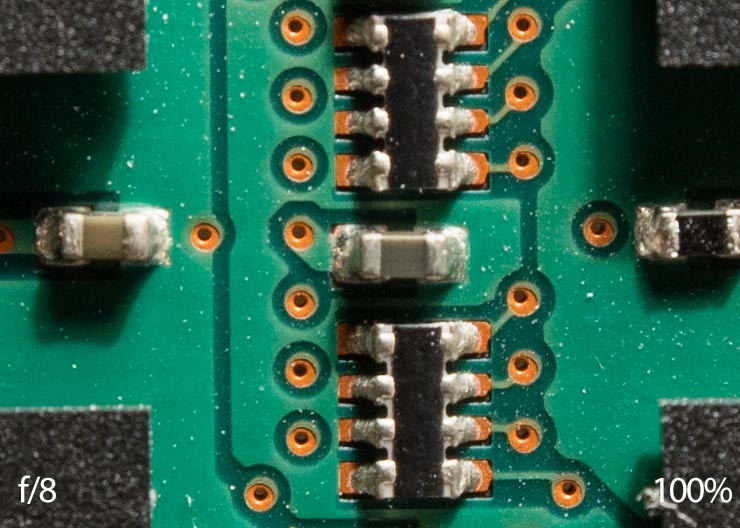
A 100% crop at f/8.
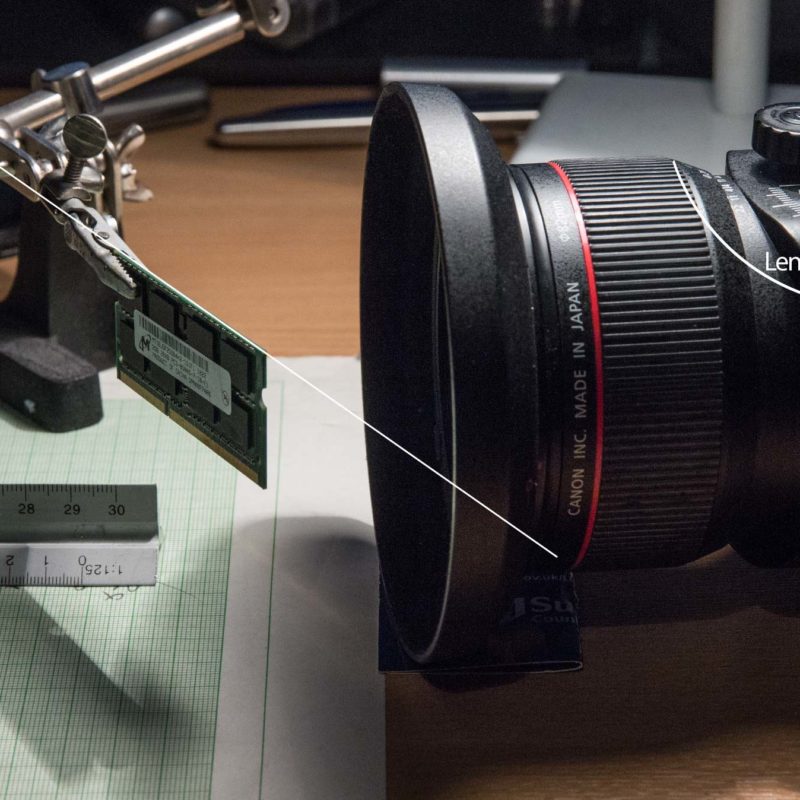
Slanting the module across the close point of focus gives a feel for the lens out of focus areas.




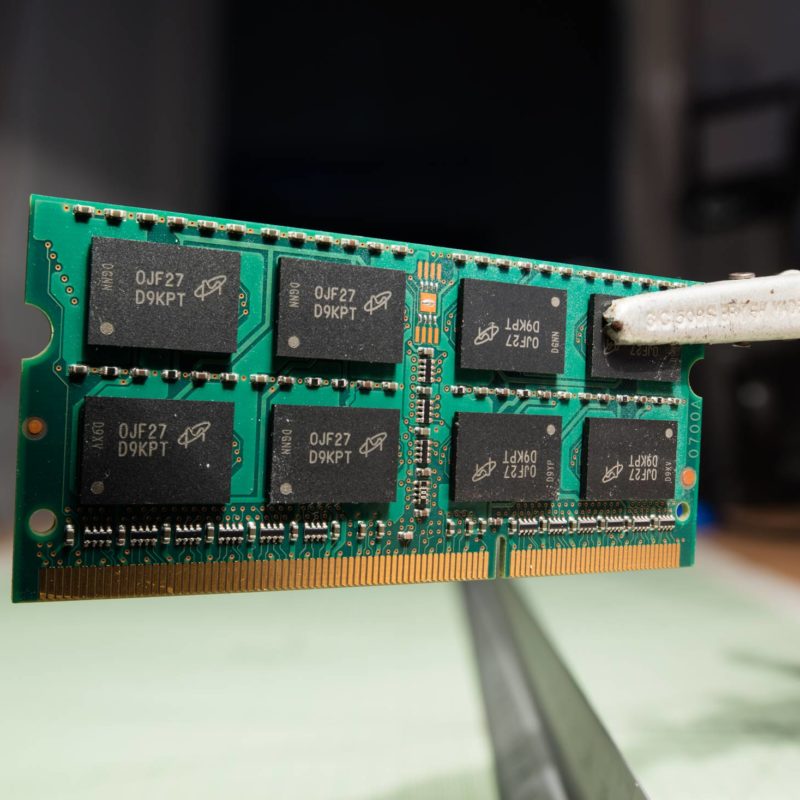
Adding tilt to the close focus, and the focal plane shifts.
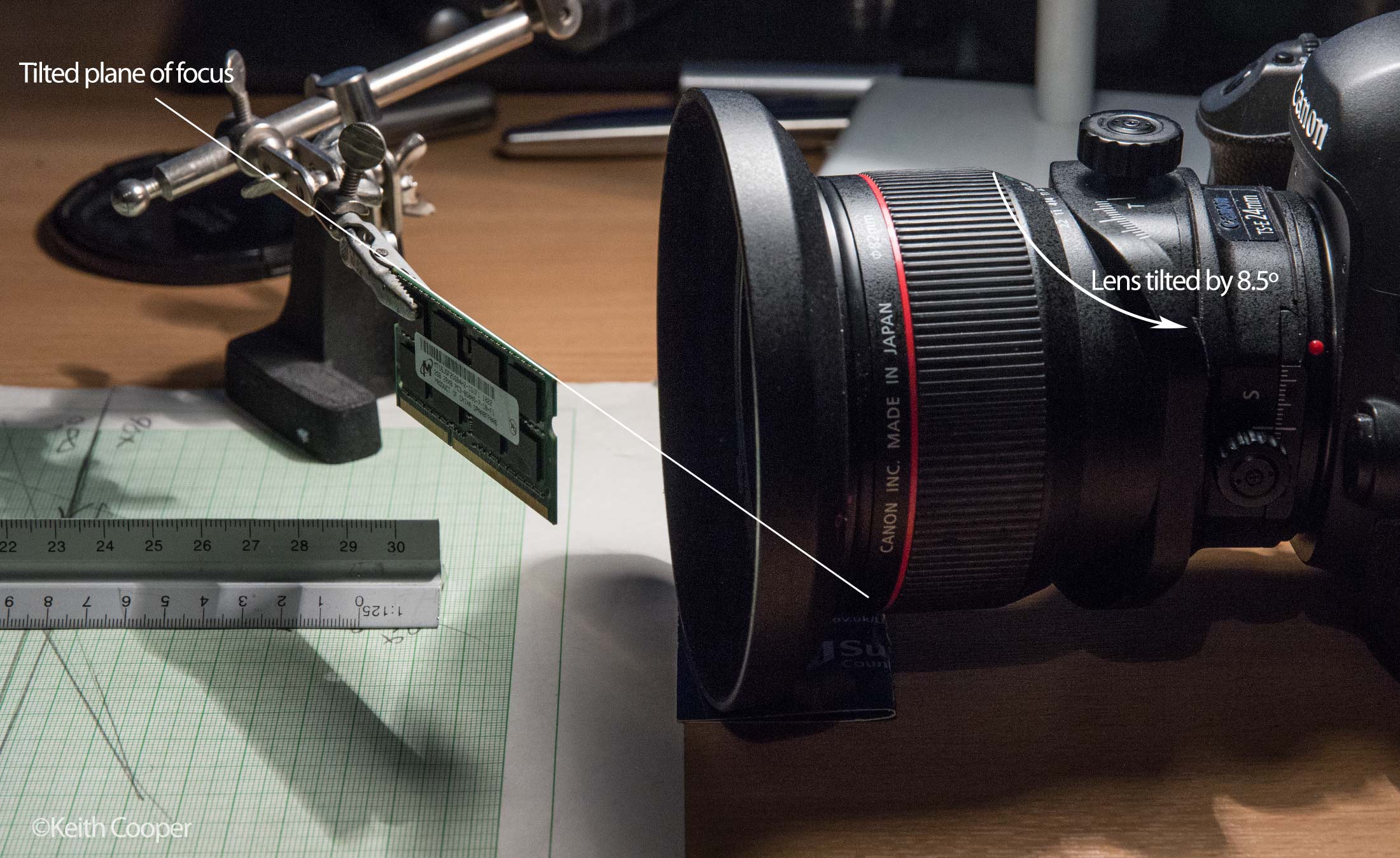
Once again three views at f/3.5, f/8 and f/16.

The depth of field is very thin and quality falls off towards the edges.

At f/8 the image quality has improved, but I’d still prefer f/11 or f/16 for such close tilt.

Medium distance
I’ve now put the memory module about 50cm from the camera.
As you can see, this isn’t a macro lens. I do sometimes use it for close up product work where I want a strong perspective, but you have to be careful that the wide angle doesn’t overpower the view of the object.
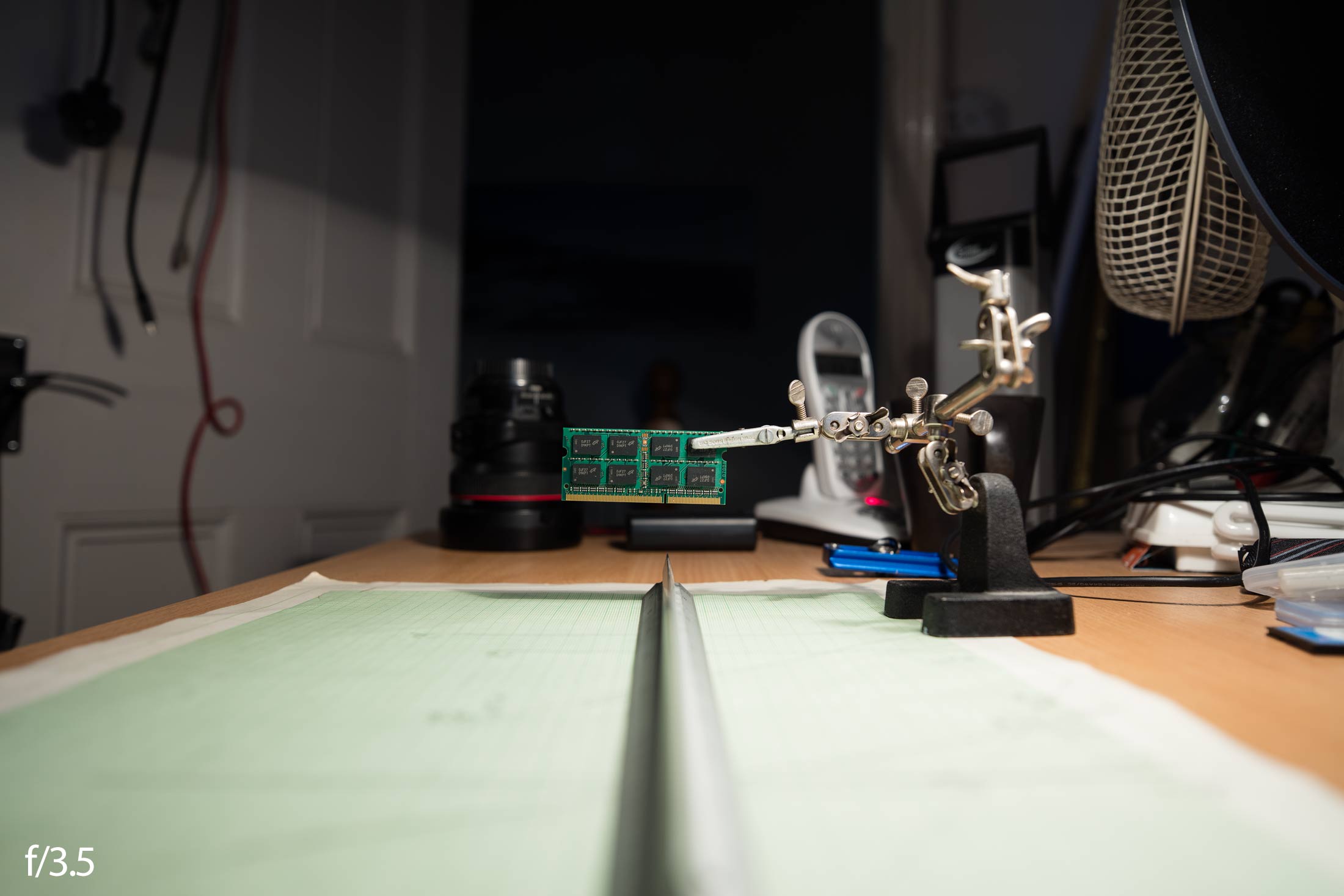
Where the shorter focal length does make for interesting effects is adding tilt.
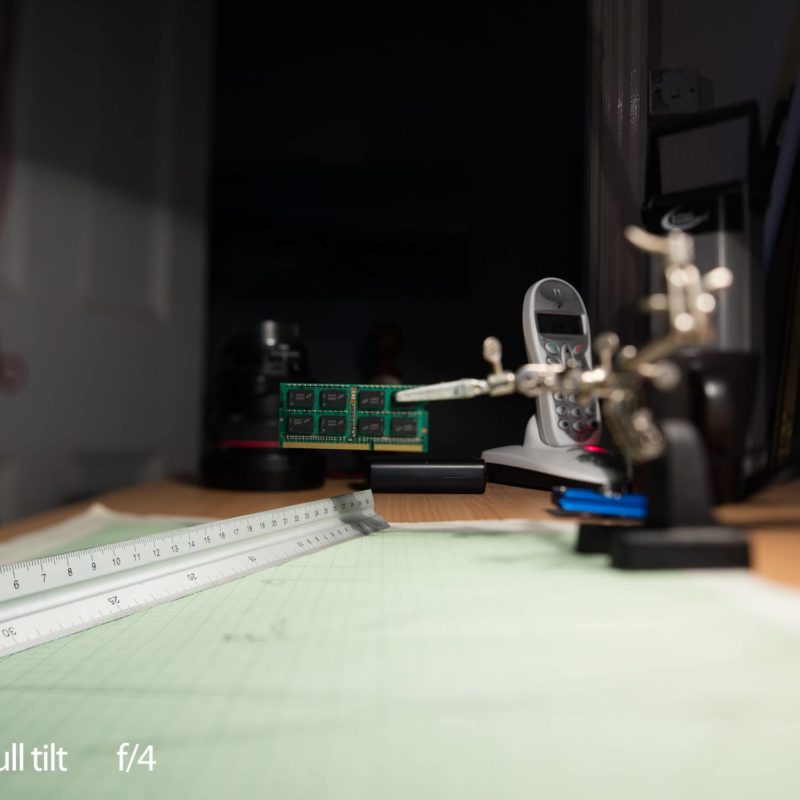
At full 8.5º of tilt, the plane of focus is strongly tilted at 50cm. The ruler is running along the plane of focus here.

As I noted with the example in the coffee shop, you need a fairly small aperture to get good image quality along the plane.

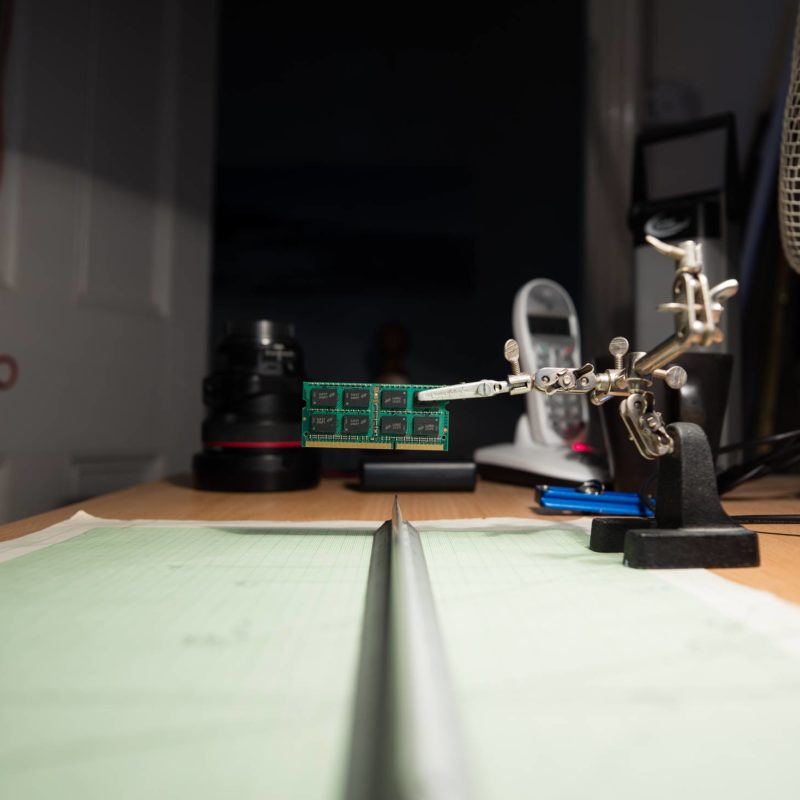
Moving the focus to infinity (no change of tilt) runs the plane of focus straight out ahead of the camera.
The distance to the left of the camera is the ‘J’ distance in the tilt tables at the end of the article.
All this stuff is explained in much more detail in my article about focusing with tilt. There is also another article about an alternative iterative focus technique for tilted lenses when used close up which features examples using the TS-E 24mm.
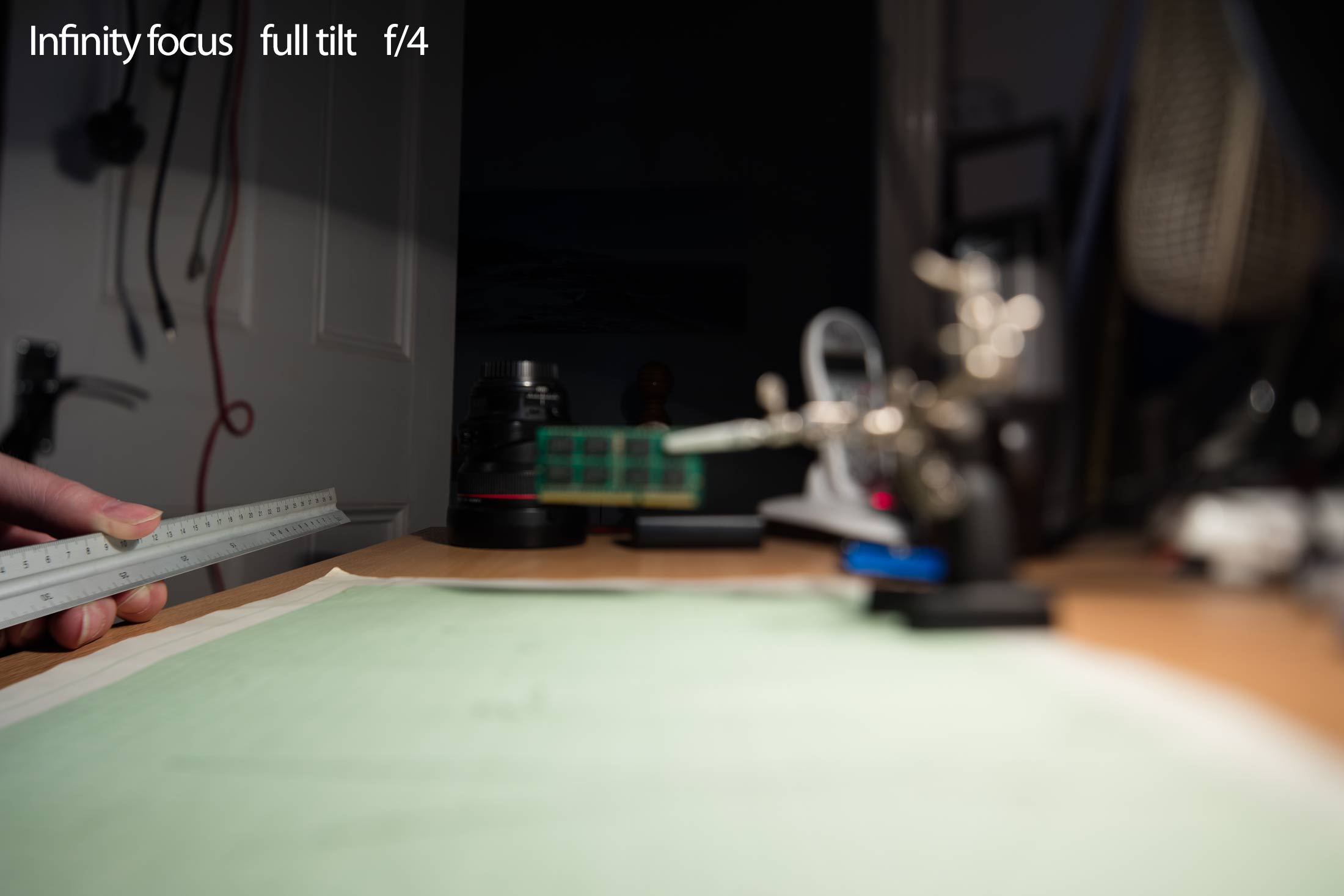
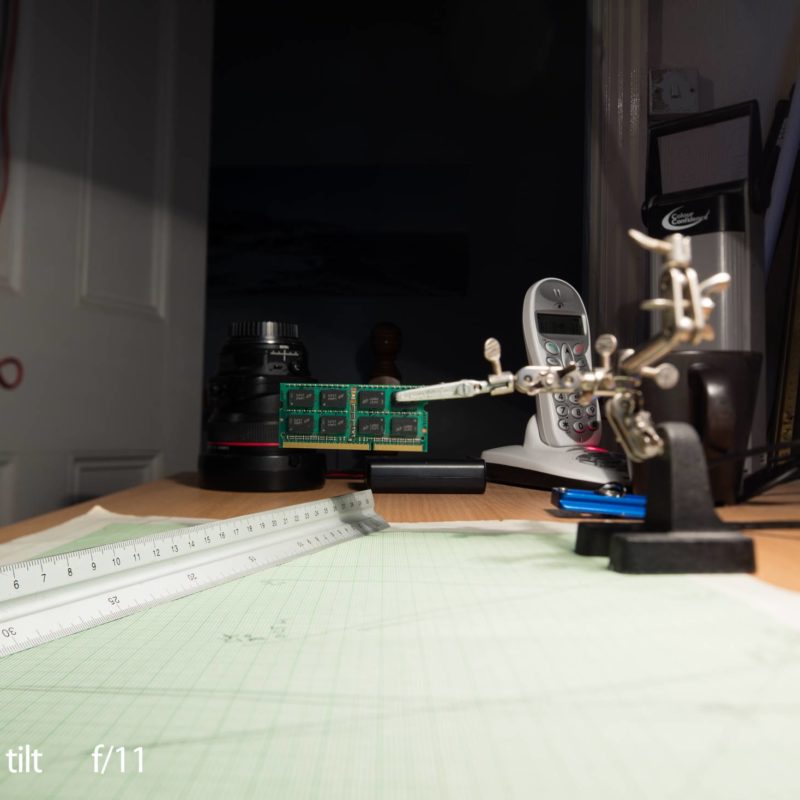
Moving to f/11 distinctly improves the image quality in the plane of focus nearer the edge of the field.

Note that I’ve only tilted the lens to one side here (leftwards swing). With the the lens mechanisms, you can place the tilt axis any way you like.
Setting the tilt axis, tilt and focus to get the plane of focus exactly where you want it can be a hit tricky. I’ll come back to this in a future article, but my own preferred technique is outlined in the TS-E 135mm F4L Macro review.
Conclusions
The lens gives a significant improvement over the quality of the original TS-E 24 mm if you want to use any significant amount of shift or tilt.
Whilst I found the 1991 TS-E 45mm and TS-E 90mm still useful lenses and could happily use them for some work, I’d find the limitations of the original TS-E 24mm a step too far. That said, it still makes a good introduction to TS-E lenses if you find a good used one.
The TS-E 24 mk2 is capable of producing distinctive images used wide open, although you’ll want to be very careful with focus and tilt setting, since the plane of focus can be very thin. Moving to f/4 or f/5.6 will improve image quality significantly and probably still give the thin DOF you were looking for.
If I’m stitching images, I tend to use a minimum aperture of f/7.1 to avoid the slight lens mount vignetting. With a lot of shift and detail in the shifted areas (i.e. a building, not sky) I prefer f/9-11.
The one failing of the new version for myself, is the reduced lens focus throw. This makes critical focus at say 5 metres, rather more fiddly to achieve than it really should be.
It’s almost as if at some point in the TS-E 24mm ii/ TS-E 17mm design process, someone who was used to designing AF lenses forgot that the TS-E lenses were manual focus, and that some people focused them through modern less than perfect (for focusing) viewfinders. That, or forgot that they were tilt/shift lenses which mess with DSLR focus systems. Unfortunately, when designing the new TS-E 50/90/135 the same thought processes seem to have occurred…
I’d note that that’s my only real complaint about the 2009/2017 TS-E lenses, so not too bad…
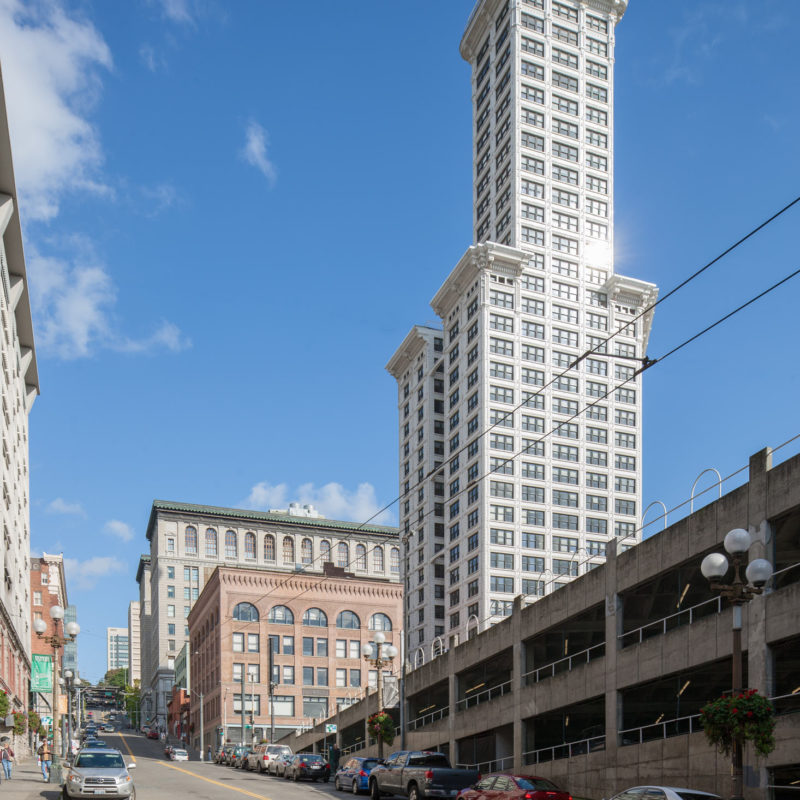
I’m often asked whether I’d pick the TS-E17mm or TS-E 24mm, and why I have both? Well I do use the 17mm more often, but the difference is perhaps summed up best with these two shots of the Smith Tower in Seattle.
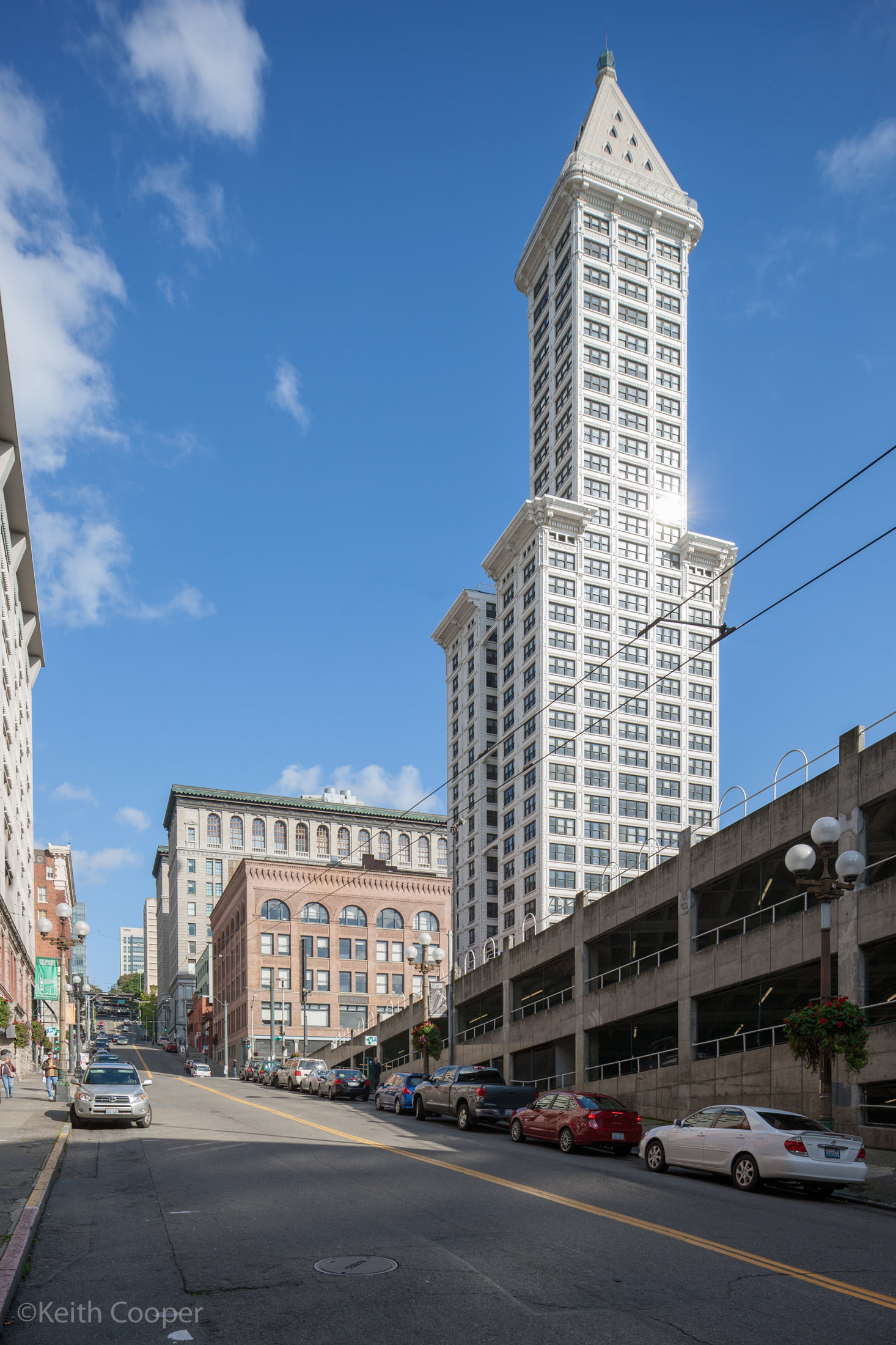

The choice just depends…
Both lenses are fixtures in my architectural/interiors lens bag – the 17mm gets used more, but that partly reflects the more restricted spaces I’m in. Where I need the finest of shifted image quality, the 24mm gets the nod, especially stitched.
Hopefully this somewhat belated full review has been of interest – I’ve now covered all of Canon’s TS-E lenses. If you’re curious there are many articles here about using such lenses, and in all the other TS-E reviews I’ve tried to cover aspects of how and why you’d use such lenses, not just dry performance data.
Please do feel free to contact me if you’ve any suggestions or questions – we do now have an email newsletter that goes out a few times a month with info about the latest articles/reviews on the site. – Keith
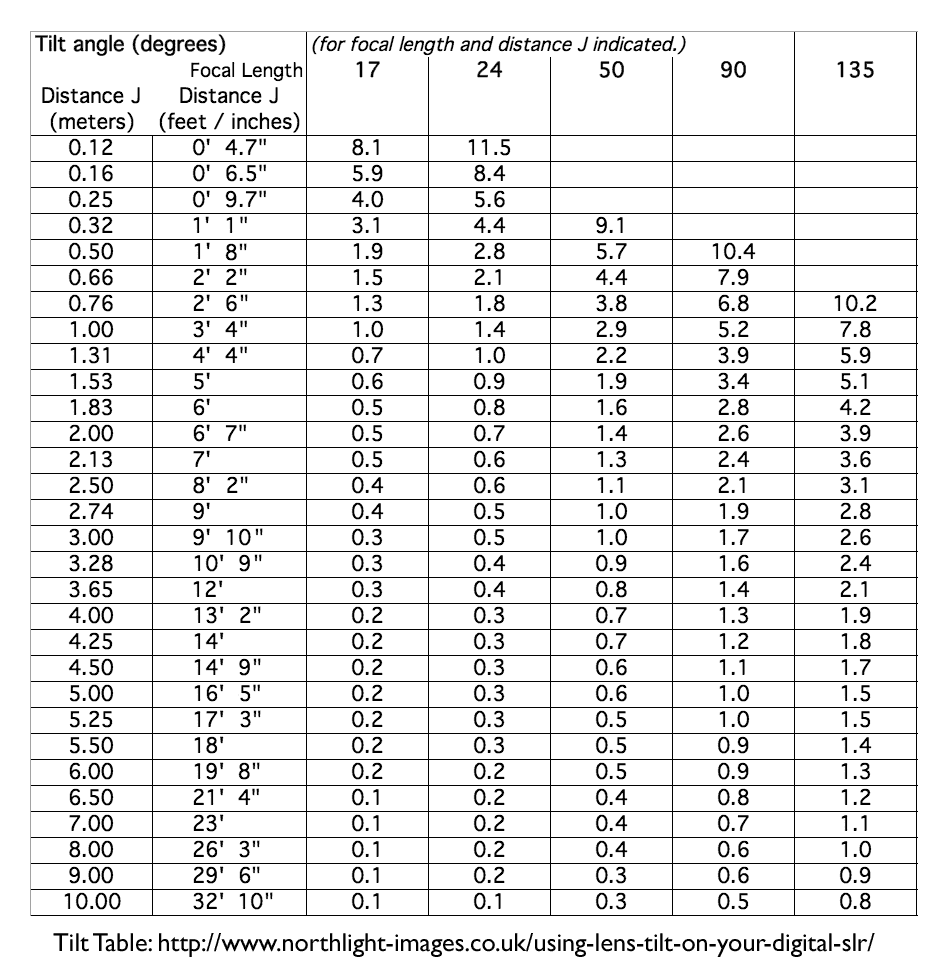
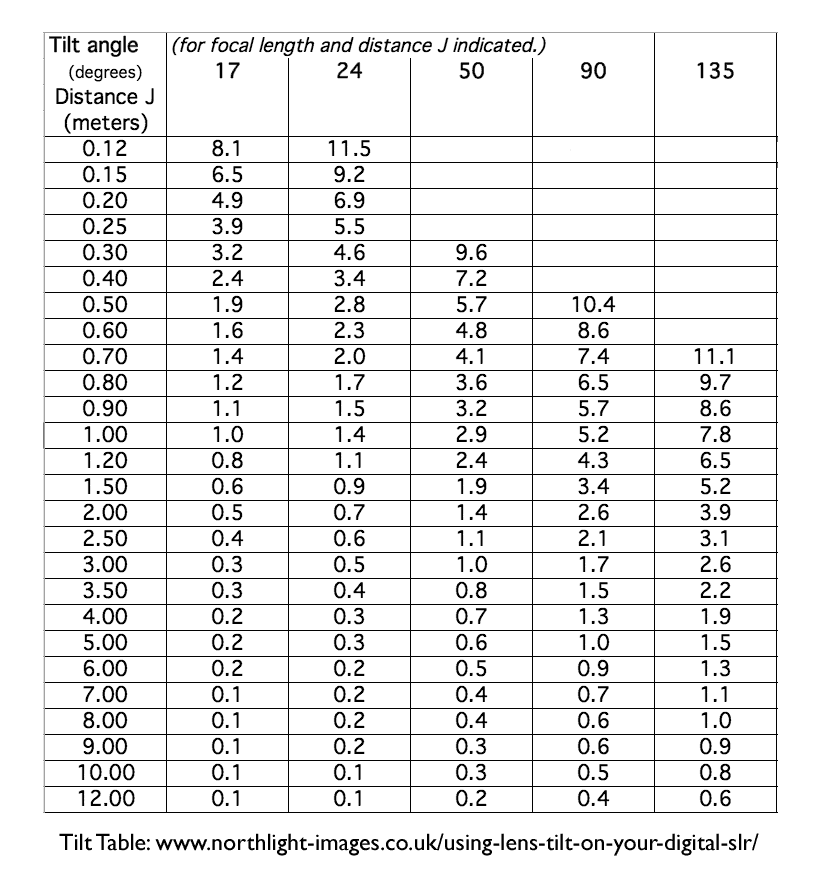
Tilt tables
How to use these tables and why they work is covered in my article about focusing the tilted lens.
I keep laminated copies in my camera bag – much easier to use than a phone app ;-)
Gallery
Images from the article.

















Never miss a new article or review - Sign up for our occasional (ad-free) Newsletter
and please do subscribe to Keith's YouTube Channel

Other areas of our site that may be of interest...
All the latest articles/reviews and photo news items appear on Keith's Photo blog

Keith explains tilt and shift lenses
Keith has written a book that looks at the many ways that tilt/shift lenses can benefit your photography from a technical and creative point of view. If not in the UK check for import issues and maybe try an on-line bookshop. Keith has no connection with sales of the book.
ISBN 9781785007712
There is also a specific index page on the site with links to all Keith's articles, reviews and videos about using tilt and shift.
We've a whole section of the site devoted to Digital Black and White photography and printing. It covers all of Keith's specialist articles and reviews. Other sections include Colour management and Keith's camera hacks - there are over 1200 articles/reviews here...
Adverts removed
Keith | Oct 24, 2023 at 8:44 am
That IS a limitation in many uses I have, but good point
Gyuri | Oct 23, 2023 at 6:43 am
Guys, please – there is no limitation to usage of rotation! It is just you need to flip 180 degrees your camera – you can shift and tilt pragmatically in ALL directions!
Paolo Damiani | Jan 30, 2023 at 12:51 pm
Thanks for that speedy verification. I had forgotten to consider the ribbon cable’s constraint while wondering why Canon had disallowed this particular geometry. I suppose that a manual focus stack and shifting might be a solution if this situation presents itself in a real world scenario.
Keith | Jan 30, 2023 at 9:36 am
Sorry, but it’s true – due to the internal lens cabling.
The lens rotates ±90º on the mount and 0-90º for the tilt axis
This means there are limitations on combinations of tilt and shift axes
The key improvement over the old lens was the introduction of the 0-90º adjustment.
Thanks for asking this, I’d been meaning to add this note to the review for a while
It is something only people with lots of technical camera experience ever come across ;-)
Paolo Damiani | Jan 30, 2023 at 1:14 am
I know this review is old, but I have a question about this lens. I’ve recently picked one up and use it with my Lumix S1R through a Sigma adapter.
Coming from a previous career in technical and scientific photography, I used view cameras on a daily basis.
Tinkering with the new set up described above I have found that I cannot, with the camera in the portrait orientation using an L bracket, tilt down and to the left and still be able to shift left and right (relative to the portrait orientation).
Is this true or have I missed an essential permutation of orientation and rotation of the tilt and shift modules?
Any input appreciated.